
A quarterly security audit finds that several database logins still belong to employees who left the company months ago. Some might be used by scheduled jobs. What should the DBA do?
Select an answer to reveal the explanation.
Short Explanation
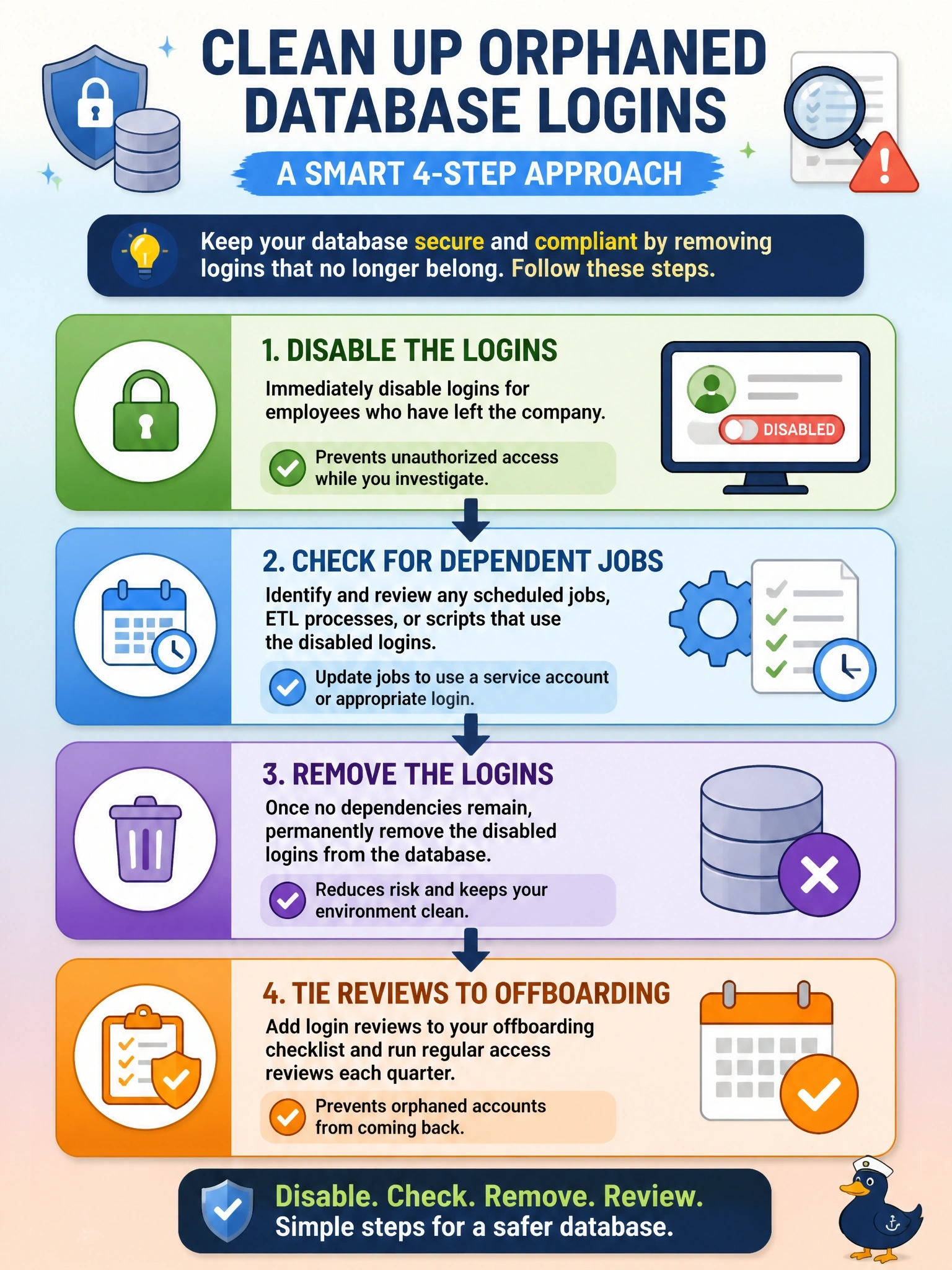
Every old login you leave behind is a spare key still hanging on a former employee's keyring. Disable it right away, check whether any job quietly depended on it, then delete it and make offboarding catch the next one. Resetting the password is the trap: the account's still live and still nobody's responsibility.
Full Explanation
Accounts belonging to departed users are a common audit finding because they provide valid credentials that nobody monitors. The safe remediation is to disable the logins immediately, which blocks use while keeping the account definition available, then identify any scheduled jobs, linked services or applications that run under those identities and move them to properly owned service accounts. Once dependencies are resolved, the logins are removed, and the access review is connected to the HR offboarding process so future departures trigger revocation automatically. Resetting passwords and leaving the accounts active retains orphaned identities with database rights, and someone still holds or can obtain the new password. Leaving logins enabled with auditing records misuse after it has already happened rather than preventing it. Renaming the accounts hides the problem from the audit report while the same privileges remain usable. Exam caveat: if a job does depend on a departed user's account, the correct fix is a dedicated service account with least privilege, not keeping the personal login alive. Operational check: produce a report reconciling every enabled database login with an active employee or documented service owner, and confirm disabled accounts show no successful logins afterward.