
During a review, a DBA discovers that the master encryption key protecting a database's encrypted columns is stored in a file on the same server as the database. What is the best remediation?
Select an answer to reveal the explanation.
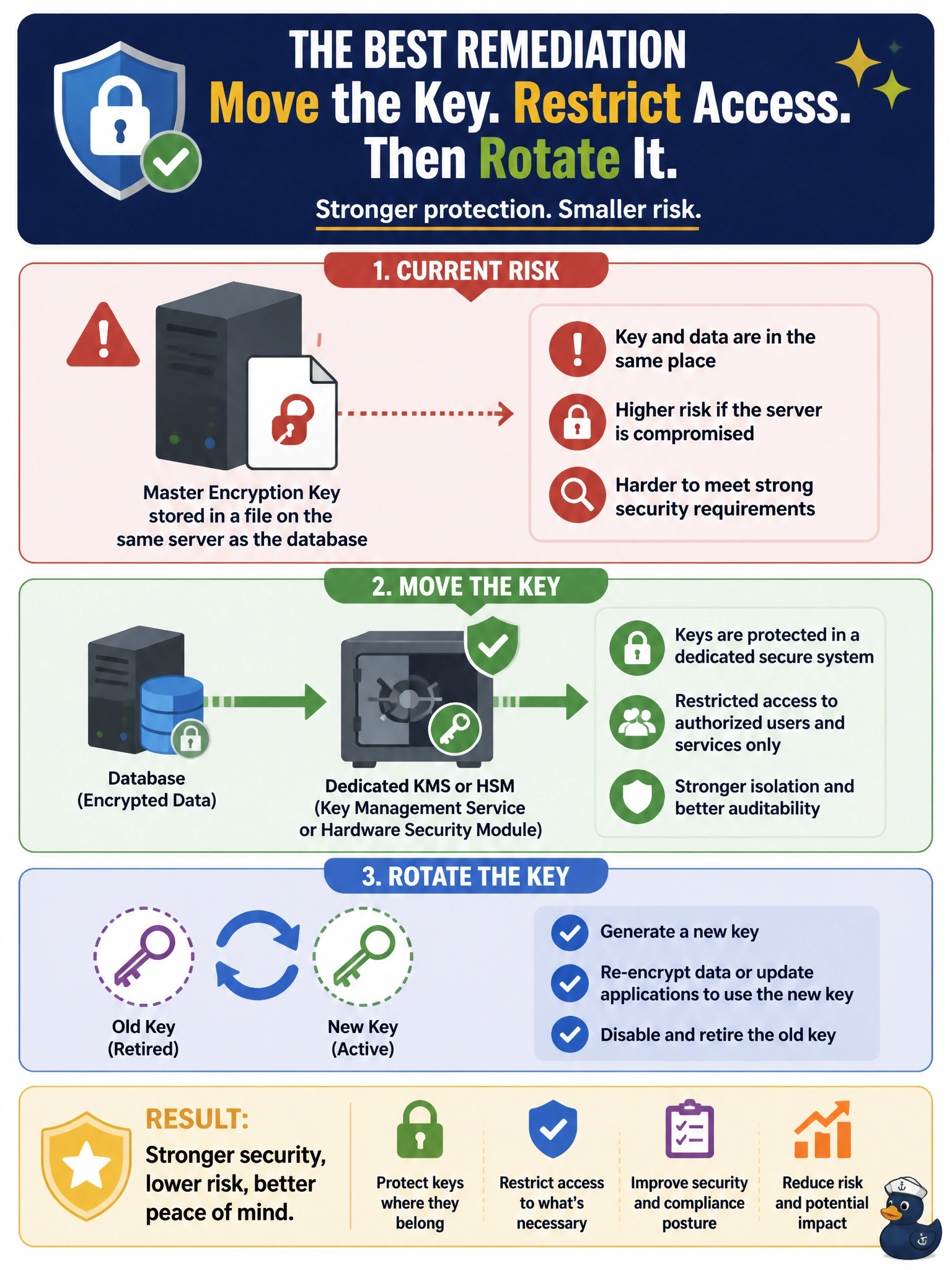
Short Explanation
Leaving your key on the same server is like taping the house key to the front door: anyone who gets the box gets the key too. Separate them, put the key in a KMS or HSM, and rotate it since it's been exposed. Hiding it in another folder is the trap; it's still in the same house.
Full Explanation
Encryption is only as strong as the protection of its keys. When the key that protects encrypted data sits on the same server, anyone who compromises that server or copies its disks obtains both the ciphertext and the means to decrypt it. Key management best practice separates keys from the data they protect by storing them in a dedicated key management service or hardware security module, restricting who and what can use them, logging every key operation, and rotating keys on a schedule and after any suspected exposure. Because this key has been sitting beside the data, rotation is prudent once it is moved. Encrypting the key file with a password kept in a configuration file on the same server simply relocates the problem: the attacker reads the password and decrypts the key. Moving the file to a hidden folder with tighter permissions still leaves the key on the server, where an administrator-level compromise or a disk copy exposes it. A longer key increases resistance to brute force, but the weakness here is key storage, not key strength. Exam caveat: key separation also means backing up keys separately from data backups and testing key recovery. Operational check: confirm no key material remains on the database host, review KMS access logs, and verify decryption still works after rotation.