
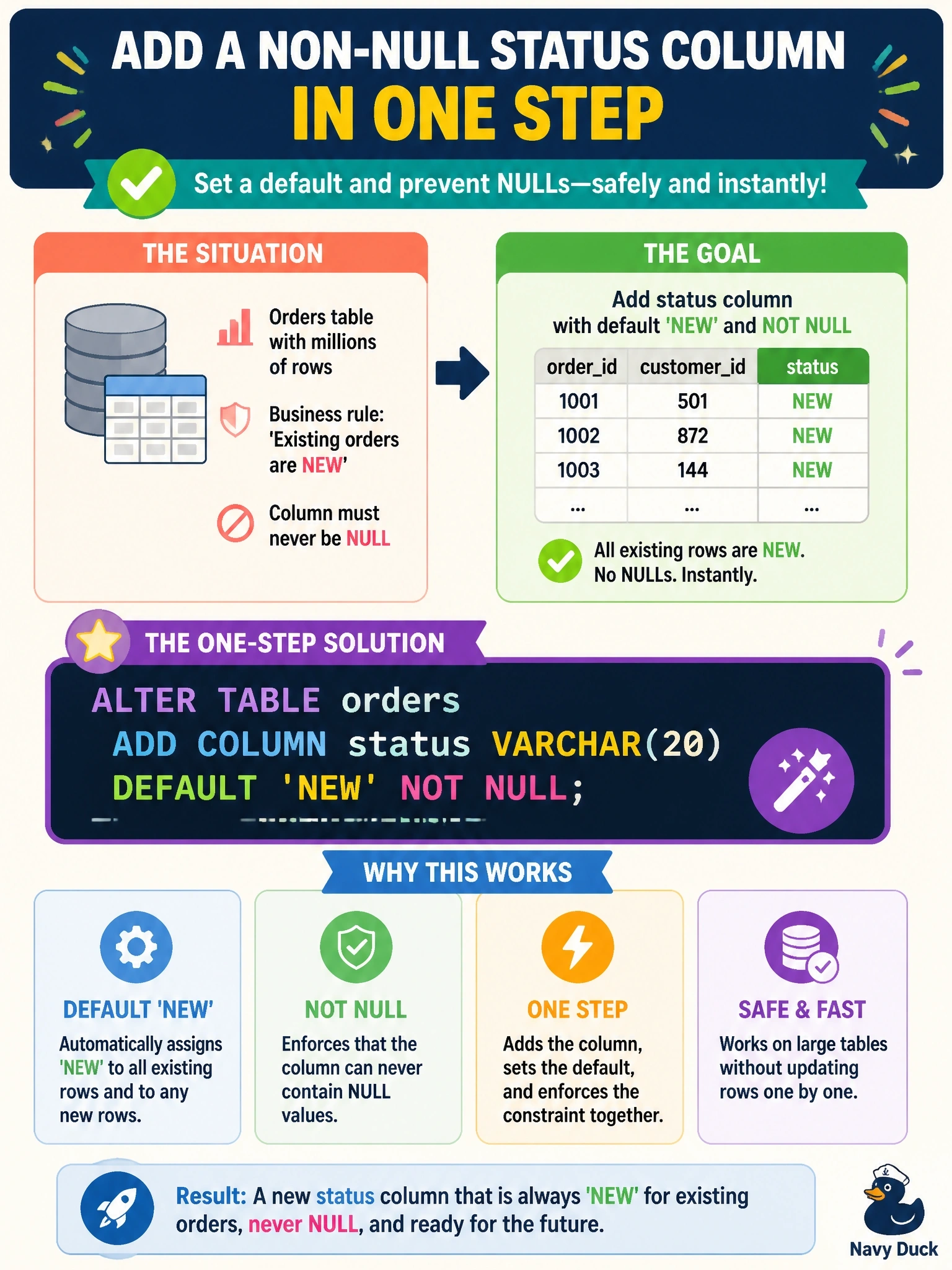
A populated orders table with millions of rows needs a new status column. Business rules say that existing orders should be treated as 'NEW' and that the column must never contain NULL. Which statement adds the column correctly in one step?
Select an answer to reveal the explanation.
Short Explanation
Adding a mandatory column to a full table is like adding a required field to a form people already submitted: you've got to fill it in for them. A DEFAULT gives every existing row its value, and NOT NULL keeps it that way from then on. Drop either half and you either fail outright or leave the door open for NULLs.
Full Explanation
When a column is added to a table that already contains rows, each existing row needs a value for the new column. Declaring a DEFAULT supplies that value for the existing rows and for future inserts that omit the column, and declaring NOT NULL enforces that the column can never be null. Combining both in a single ALTER TABLE statement satisfies the business rule that existing orders are 'NEW' and that the column never contains NULL. Adding the column as NOT NULL without a default leaves existing rows with no value to use; engines generally reject the statement on a populated table because existing rows would violate the constraint. Running an UPDATE before the column exists fails because the column cannot be referenced until it has been created, and the subsequent ALTER adds a nullable column with no values populated. Adding the column with a default but without NOT NULL populates existing rows with 'NEW' and fills future inserts that omit the column, but an application could still explicitly insert or update the value to NULL, so the never-null rule is not enforced. Exam caveat: on very large tables, adding a column with a default can be a long-running operation in some engines, so the change is scheduled in a maintenance window and tested on production-sized data first. Operational check: run the statement in non-production, confirm existing rows show 'NEW', attempt an insert or update that sets status to NULL and confirm it is rejected, then deploy through change control.