
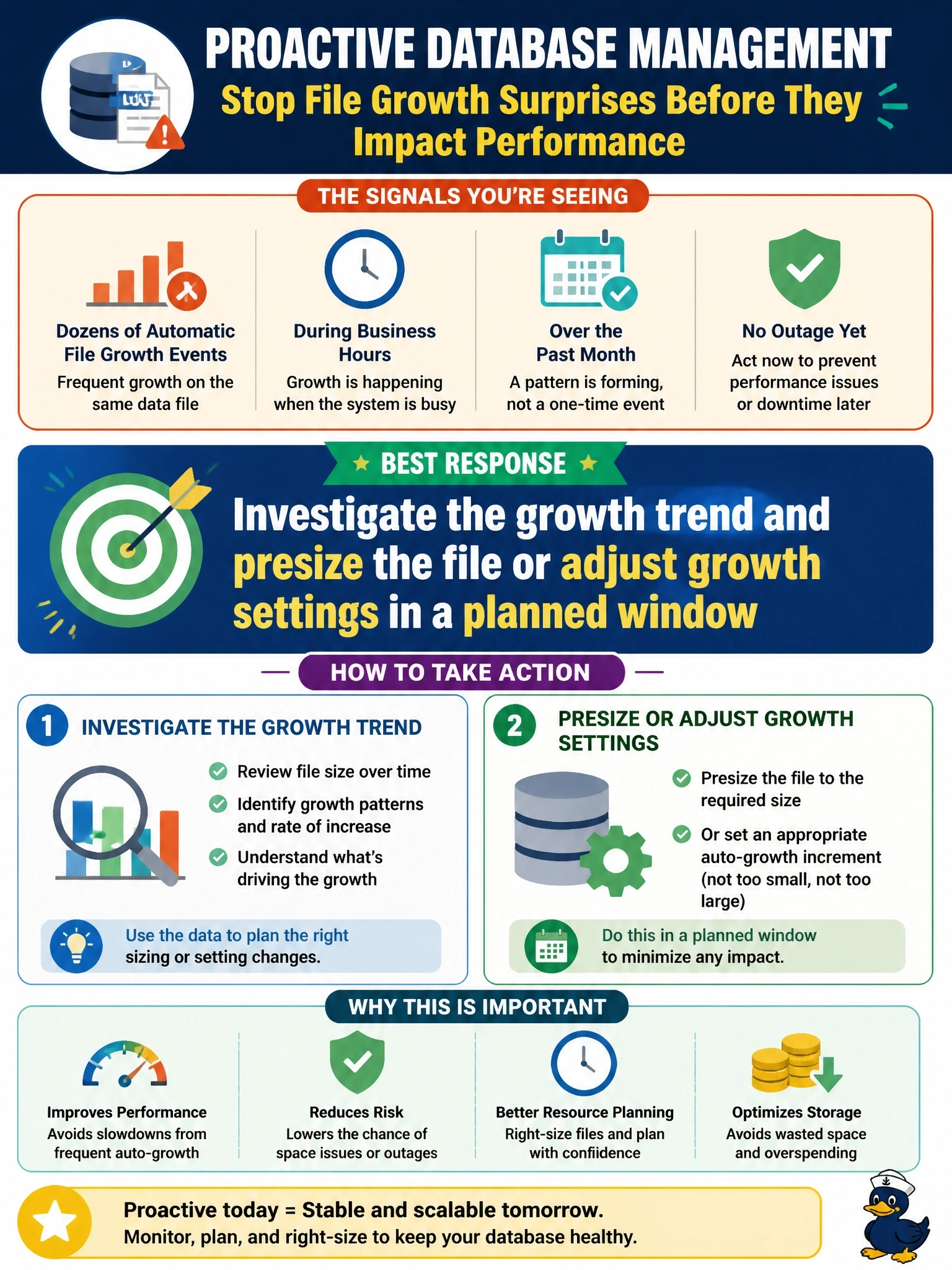
During the weekly review of database logs, a DBA notices dozens of automatic file growth events on the same data file over the past month, each occurring during business hours. No outage has occurred yet. What is the best response?
Select an answer to reveal the explanation.
Short Explanation
Repeated autogrowth events are like your car's low-tire light flickering every few days: nothing's flat yet, but you've been warned. You review logs regularly exactly so you can fix it in the garage, not on the highway. Silencing the light or letting air out of the tire on purpose won't help you.
Full Explanation
Periodic review of database and system logs exists to catch warning signs before they become incidents. Frequent automatic growth events during business hours indicate that the file is undersized for its workload and that growth increments may be too small. Each growth event can pause activity while space is allocated, fragments the file on disk, and signals that free space on the volume is being consumed. The appropriate response is to analyze the growth trend, presize the file to accommodate expected growth, set a sensible growth increment, confirm volume capacity and alerts, and make the change in a planned window. Suppressing the messages hides the evidence without changing the behavior, which defeats the purpose of log review. Taking no action because autogrowth is working treats an emergency safety mechanism as a capacity plan; autogrowth is meant to prevent immediate failure, not to manage routine growth, and frequent events are a sign of poor sizing. Shrinking the file after each growth undoes the growth only for the file to grow again, multiplying growth events, fragmentation and I/O. Exam caveat: periodic log review covers error logs, job history, security events and growth messages, and findings should feed change management. Operational check: chart file size and growth events over recent months, estimate monthly growth, presize with headroom, adjust the increment, and confirm growth events stop appearing during business hours.