
Clients receive a 'host not found' error when connecting to a newly built database server by its name, sdb-orders01. The database service is running and listening, and connections to the server's IP address on the database port succeed. What should the DBA check next?
Select an answer to reveal the explanation.
Short Explanation
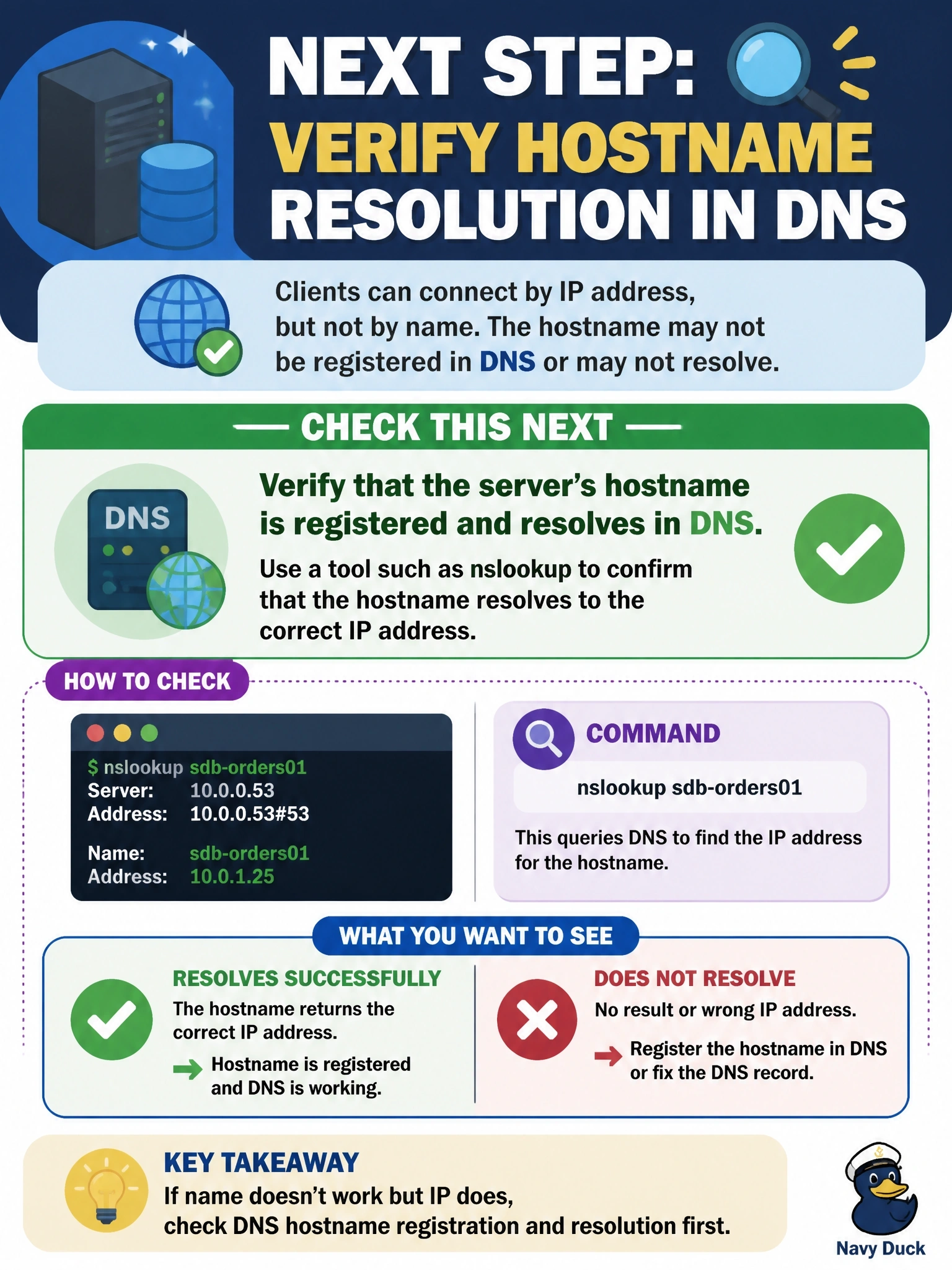
'Host not found' means the client couldn't even look up the address, so it never knocked on the door. Since the IP works, the database is fine; the phone book is the problem. Check DNS before you start poking at the database.
Full Explanation
A host-not-found error is raised by name resolution, before any network connection to the database is attempted. Because connections to the IP address on the database port succeed, the listener, firewall path and database service are all working; the remaining failure point is translating sdb-orders01 into that IP address. The DBA, or the network team, should confirm that a DNS record exists in the correct zone, that clients use the right DNS suffix or fully qualified name and that resolution returns the correct address, using tools such as nslookup, dig or a ping by name. Restarting the listener addresses a service that is demonstrably accepting connections by IP; the listener never sees requests that fail at name resolution. Fragmented indexes affect query performance after a connection exists, which is unrelated to a client that cannot find the host. A command timeout limits how long a statement may run after connecting; a host-not-found error occurs before any command is sent, so timeouts cannot cause it. Exam caveat: entries in a local hosts file can mask or mimic DNS problems, so check it when results differ between clients. Operational check: create or correct the DNS record, flush the client's resolver cache and confirm the name resolves to the expected IP before retesting the connection.