
A developer writing complex SQL wants syntax highlighting, code completion, result grids and a graphical view of execution plans while working interactively. Which environment provides these features together?
Select an answer to reveal the explanation.
Short Explanation
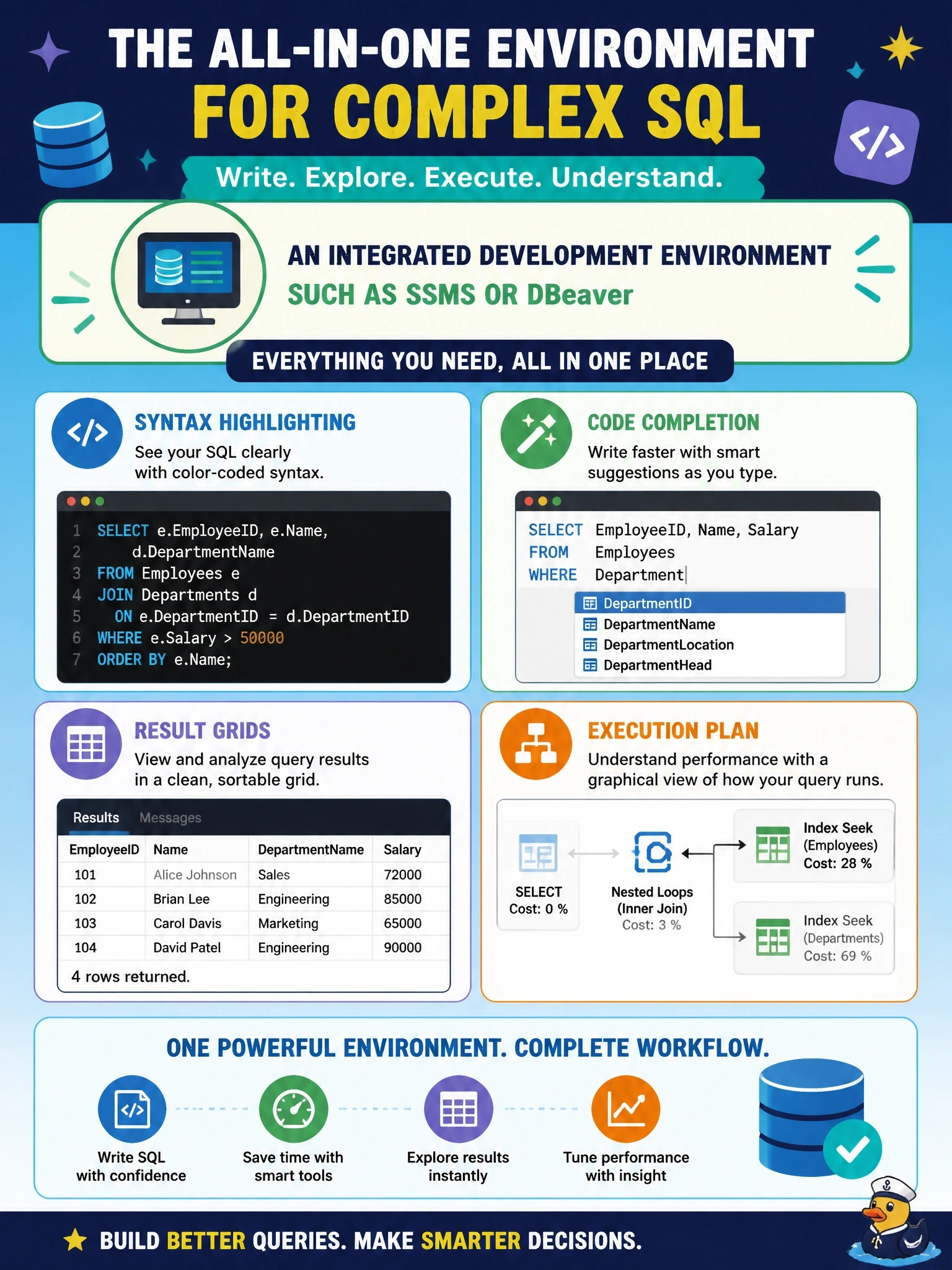
An IDE is your workbench with every tool hung on the wall: highlighting, autocomplete, results and plans in one window. Command-line and scheduled scripts are fantastic for automation, but they're not where you want to craft a tricky query. Match the tool to the job.
Full Explanation
An integrated development environment brings editing, execution and analysis into one interactive application. Database IDEs such as SQL Server Management Studio and DBeaver provide syntax highlighting, code completion based on the schema, grid views of query results and the ability to display execution plans graphically, which helps a developer see how the engine will process a query and where indexes are or are not being used. These features support iterative work: write, run, inspect and refine. A cron job running a SQL file is an automation mechanism; it executes code on a schedule and gives no interactive editing, completion or plan visualization. A command-line client run by hand is scriptable and efficient for repeatable tasks, but its output is text and it does not offer graphical plans or schema-aware completion in the same way. A scheduled PowerShell script is again automation, valuable for unattended operations but not for interactive development. Exam caveat: the objectives contrast IDE scripting with command-line scripting; the IDE suits interactive authoring and analysis, while command-line scripts suit repeatable, scheduled or unattended execution. Operational check: open the query in the IDE, display its estimated execution plan, confirm the expected index is used, and then save the finished script to version control for any later automated runs.