
A SOC analyst sees EDR telemetry showing PowerShell executing encoded commands on a Windows host, with no new file created on disk. To preserve evidence most likely to contain the active malicious code, which artifact should be collected first?
Select an answer to reveal the explanation.
Short Explanation
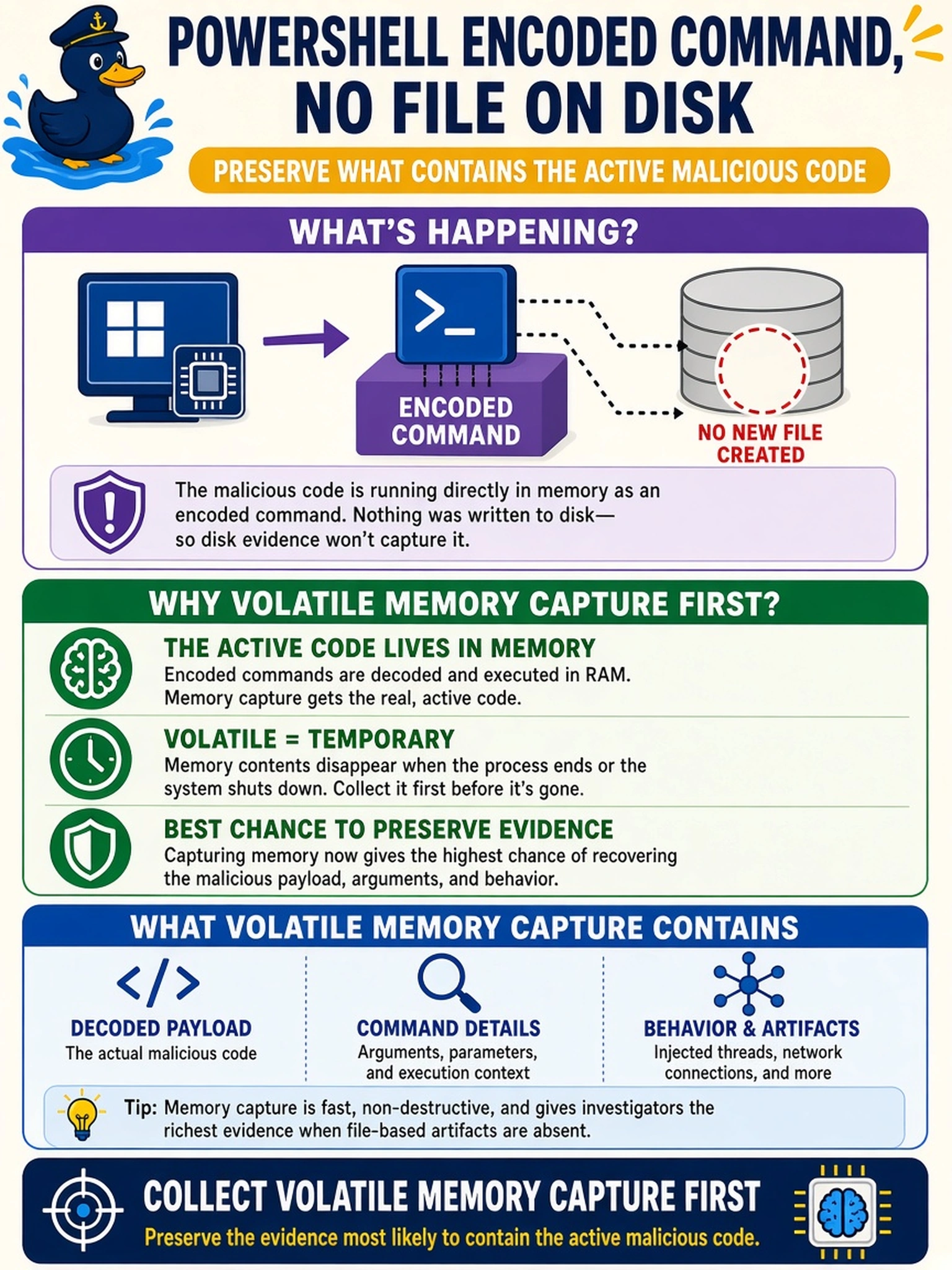
Think of fileless malware as smoke rather than a match: it lives in RAM while running, so if you pull the plug or image the disk, it can vanish. You want a memory capture first because that's where the encoded PowerShell, injected code, and network sockets are still alive. Disk images and logs help later, but they often miss the actual running payload.
Full Explanation
Fileless malware executes in process memory, so a volatile memory capture preserves the running code, command-line arguments, injected shellcode, loaded DLLs, and network connections before they disappear. This is the artifact most likely to contain the active malicious code when no file is written to disk. A full-disk forensic image is valuable for persistence, dropped files, and timeline reconstruction, but it does not reliably preserve the ephemeral code currently executing in RAM. Browser history and cache can reveal delivery URLs or downloaded content, yet they do not capture in-memory execution artifacts unless the browser process itself is the compromised component. Windows registry hives show persistence, configuration changes, and recent activity, but they are static on disk and generally miss injected code and volatile process state. Exam caveat: CompTIA expects you to prioritize volatile evidence when the indicator is active execution without a file on disk. Operational check: Acquire RAM with a trusted, signed memory collection tool, hash the output, record the system time, then proceed to disk and log preservation.