
A suspected compromised workstation contains evidence that may be needed in a legal review. The analyst must acquire the disk while preventing any writes to the original media. Which acquisition technique best protects the original evidence?
Select an answer to reveal the explanation.
Short Explanation
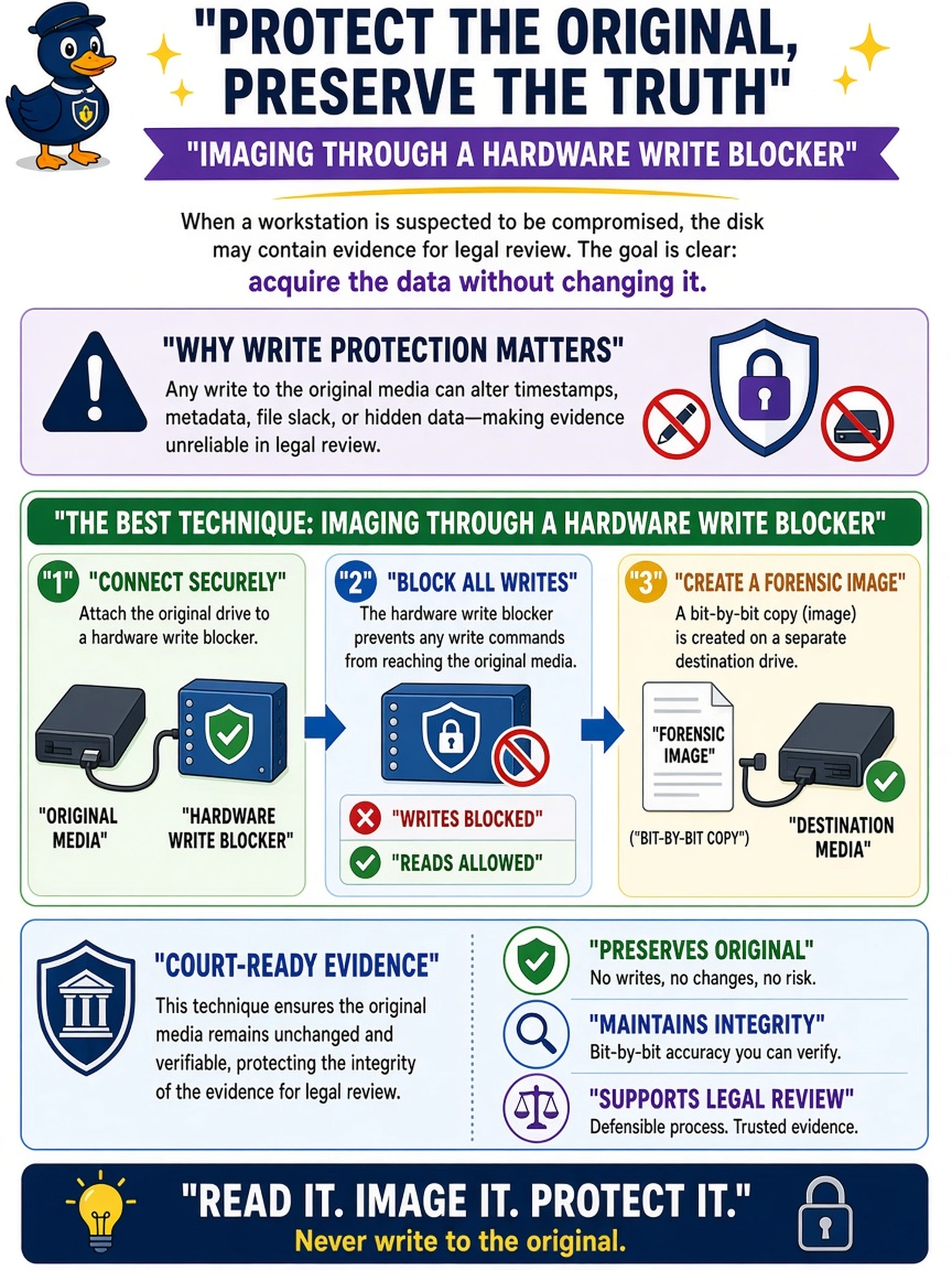
Think of evidence like a crime scene: if you walk in and move stuff, you have contaminated it. A hardware write blocker lets you read the disk while blocking writes, so your image stays trustworthy. The trap is any live or write-enabled method that can change timestamps or metadata before you even start.
Full Explanation
A forensic acquisition must preserve the original media in a read-only state while producing a verifiable working copy. A hardware write blocker sits between the suspect disk and the imaging host, enforcing a physical one-way write path. The analyst creates a bit-level or forensic image, then hashes the original and the copy to demonstrate integrity before analysis. This approach keeps file system metadata, timestamps, and allocated or unallocated areas stable enough for later review. A forensic image created after booting from a write-enabled forensic USB is unsafe because the operating system may mount volumes, update logs, or alter metadata. Running a native backup utility from the live operating system is also flawed because the running OS can touch the disk, change file access times, and produce a logical backup rather than a full forensic image. Taking a cloud snapshot from a hypervisor management console can preserve virtual disk state, but it does not establish the same physical evidence chain for a workstation disk and may omit volatile context or alter hypervisor metadata. Exam caveat: the key is read-only acquisition and integrity, not merely making a copy. Operational check: connect the disk through a validated write blocker, image to separate storage, and record hash values before analysis.