
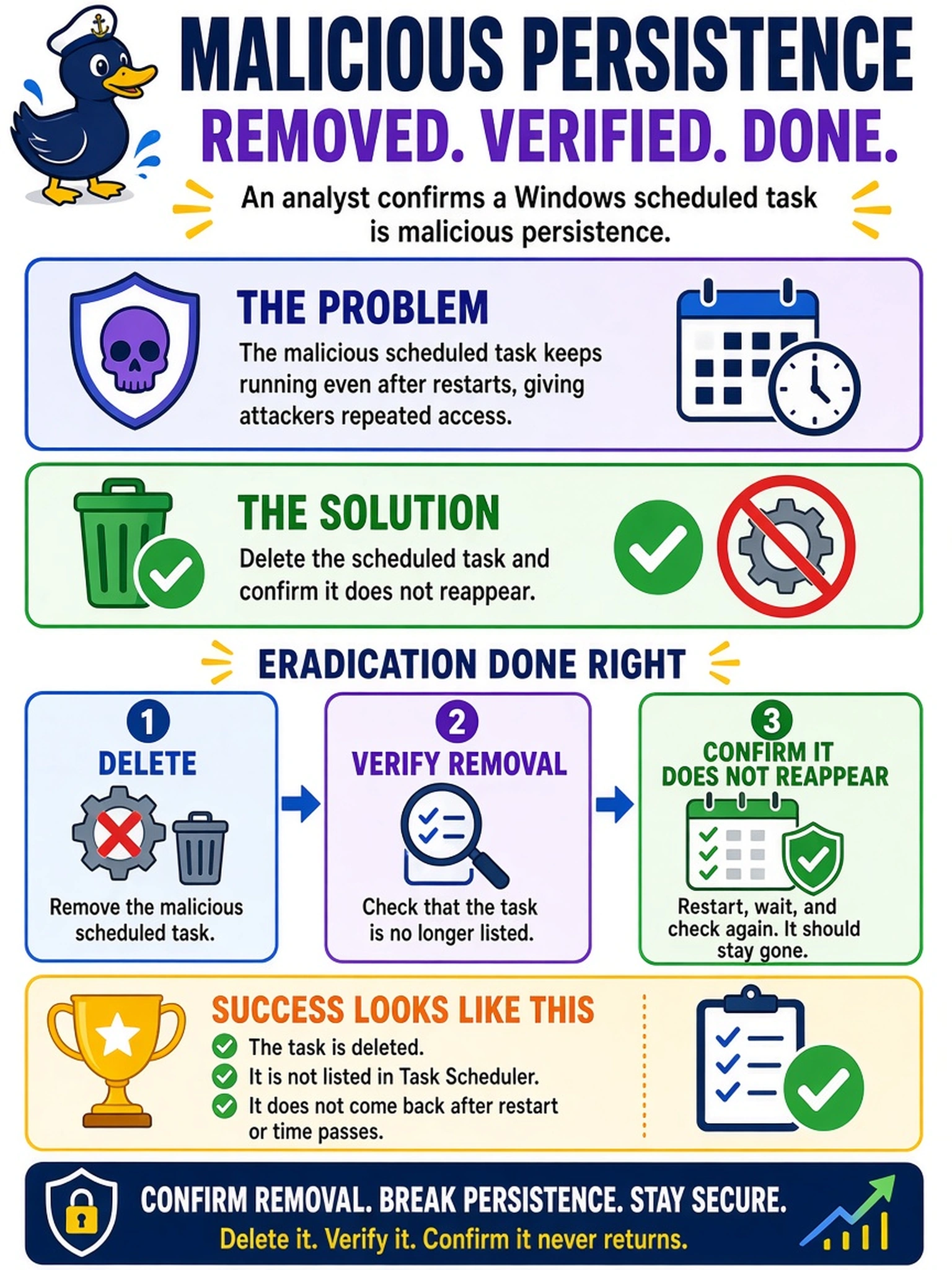
An analyst confirms a Windows scheduled task is malicious persistence. During eradication, what action best confirms the mechanism has been removed?
Select an answer to reveal the explanation.
Short Explanation
Think of persistence like a weed: cutting the leaves is not enough, you have to pull the root. Delete the malicious scheduled task, then watch to make sure it does not sprout back. If it reappears, eradication failed and you still have a foothold.
Full Explanation
Eradication means removing the artifact that gives the attacker persistence, then verifying the system state remains clean. For a Windows scheduled task, the analyst should delete the task object and monitor the host, registry, and scheduled-task history for recreation. This confirms the malicious mechanism is gone rather than merely disabled or hidden. Blocking the task's executable in EDR may reduce execution but leaves the persistence artifact present, so the attacker or a second-stage process could re-enable or replace it. Disabling the task and alerting on recreation is useful containment or detection, but it does not remove the object and can leave a dormant foothold that survives if the alert is missed or the task is modified. Reimaging the host may remove the task, but closing the incident without reviewing task history, logs, and recheck evidence fails to prove eradication and may miss the original compromise path. Exam caveat: eradication is not complete until the specific persistence mechanism is removed and verified not to return. Operational check: delete the scheduled task, then query scheduled tasks and host logs over the monitoring window to confirm the task does not reappear.