
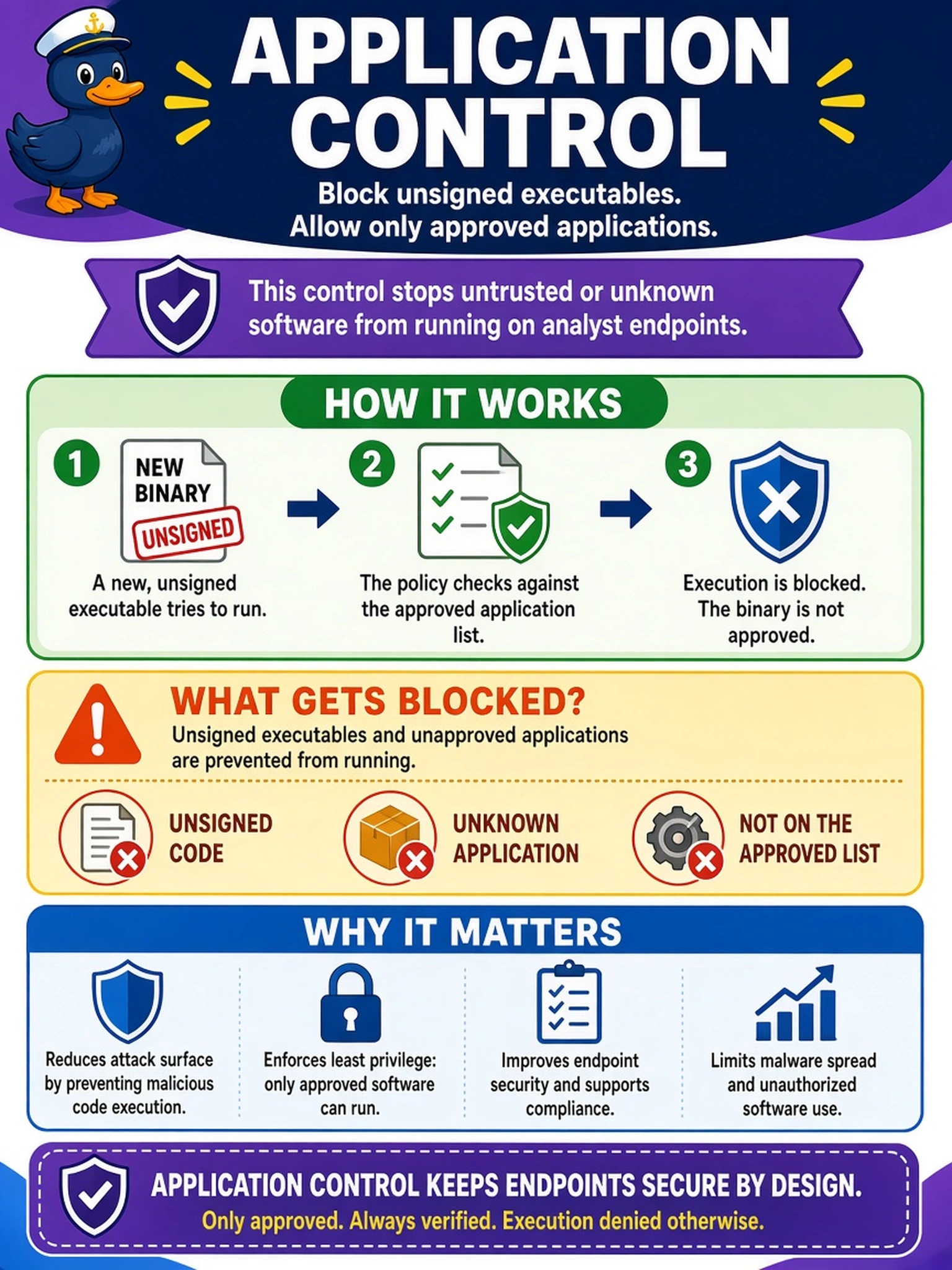
Your SOC enforces a policy that blocks unsigned executables and allows only approved applications on analyst endpoints. An alert shows an attempt to run a new binary is prevented by the policy. Which D3FEND-style defensive technique best describes this control?
Select an answer to reveal the explanation.
Short Explanation
Think of application control like a bouncer at a club: only names on the list get in. You're not mapping how the attacker tries to execute code; you're blocking the executable before it runs. The trap is picking ATT&CK techniques, which describe attacker moves, not your defensive control.
Full Explanation
Application control is a defensive technique because it enforces an execution policy: only approved, signed, or allow-listed binaries may run, while everything else is prevented and logged. In a SOC, this maps to a D3FEND-style mitigation because the control exists to block adversary execution paths before code executes. It is commonly implemented through endpoint application control, OS policy, or EDR enforcement, giving deterministic prevention rather than reactive detection. The other named techniques are adversary concepts, not defensive controls. Process injection describes an attacker placing malicious code into another process to hide execution or gain context; it is something application control may prevent, not the prevention itself. Command and scripting interpreter refers to abuse of cmd, PowerShell, Bash, or similar interpreters to run commands, again an execution method rather than a defensive technique. Exploitation for client execution involves using a client software vulnerability to run code, typically after delivery, so it remains an offensive technique. Exam caveat: distinguish D3FEND defensive techniques, which describe protections, from ATT&CK techniques, which describe attacker behaviors. Operational check: confirm the endpoint policy denies an unsigned test binary, records the blocked hash or parent process, and alerts the SOC.