
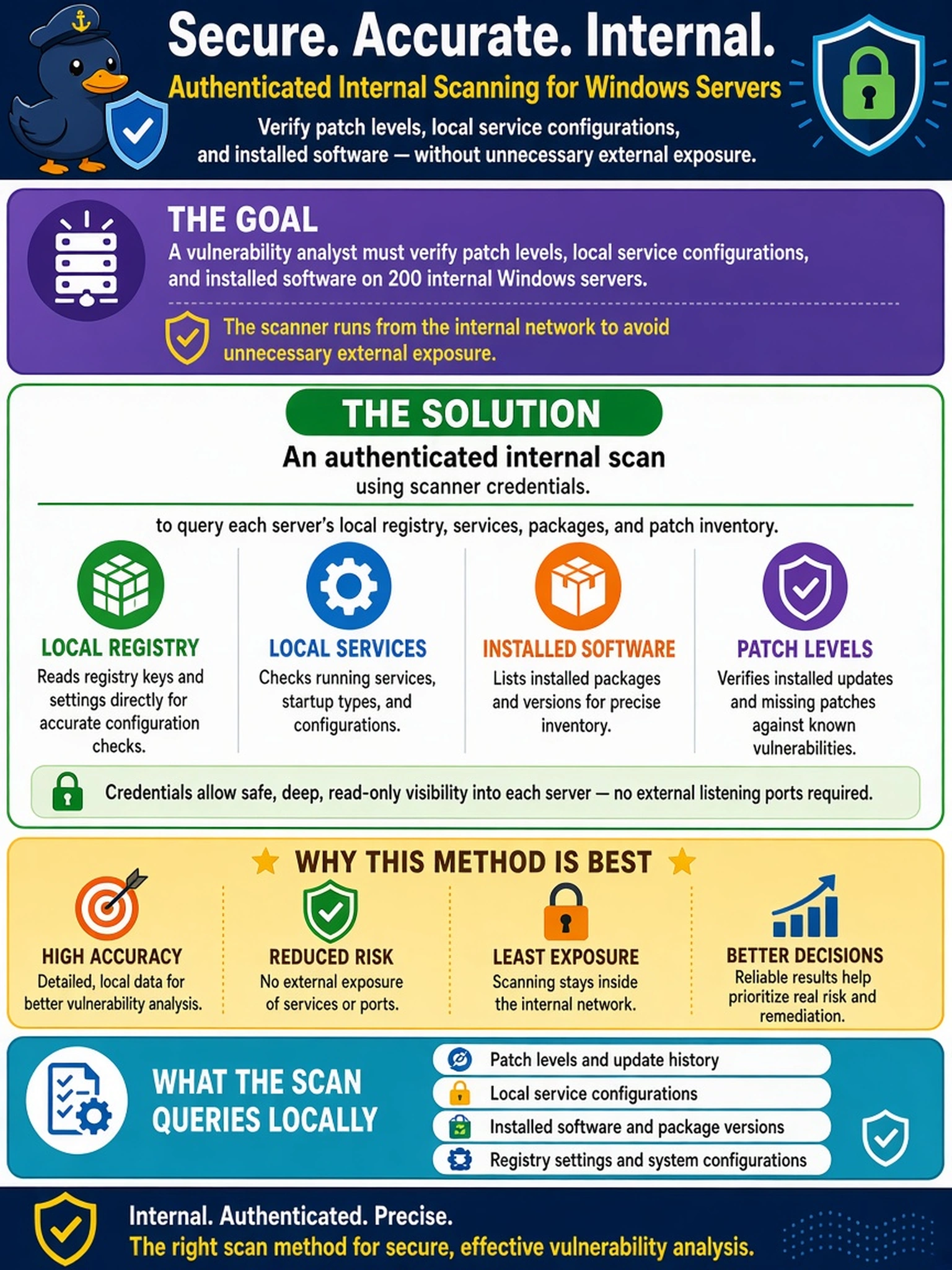
A vulnerability analyst must verify patch levels, local service configurations, and installed software on 200 internal Windows servers. The scanner can run from the internal network, but the team also wants to avoid unnecessary external exposure. Which scanning method should the analyst implement?
Select an answer to reveal the explanation.
Short Explanation
Think of an authenticated internal scan like logging in to check the pantry: you can see what is actually installed, patched, and configured. A blind scan only guesses from the doorway, and external scanning can miss or misread what is behind the firewall. If your goal is local validation, you use credentials and scan from inside.
Full Explanation
Authenticated internal scanning provides the scanner with operating-system-level access, allowing it to inspect local registries, installed packages, running services, patch metadata, and configuration baselines. This method is appropriate when the objective is accurate validation of remediation on known enterprise servers, because many vulnerabilities are only discoverable through local inventory and patch-state checks. A non-credentialed internal scan can identify reachable services, open ports, and some banner-level weaknesses, but it cannot reliably confirm whether a patch is installed or whether a local configuration has been hardened. An external unauthenticated scan is suited to discovering exposed attack surface and internet-facing misconfigurations, yet it cannot see internal hosts behind firewalls, NAT, or private addressing. A passive network-based scan observes traffic and may detect anomalous behavior or signatures, but it does not query endpoint state and therefore cannot validate installed software or patch levels. Exam caveat: choose the method based on visibility required, not simply network location. Operational check: verify scanner accounts are read-only, least-privilege, and scoped to the target server group before scheduling the credentialed scan.