
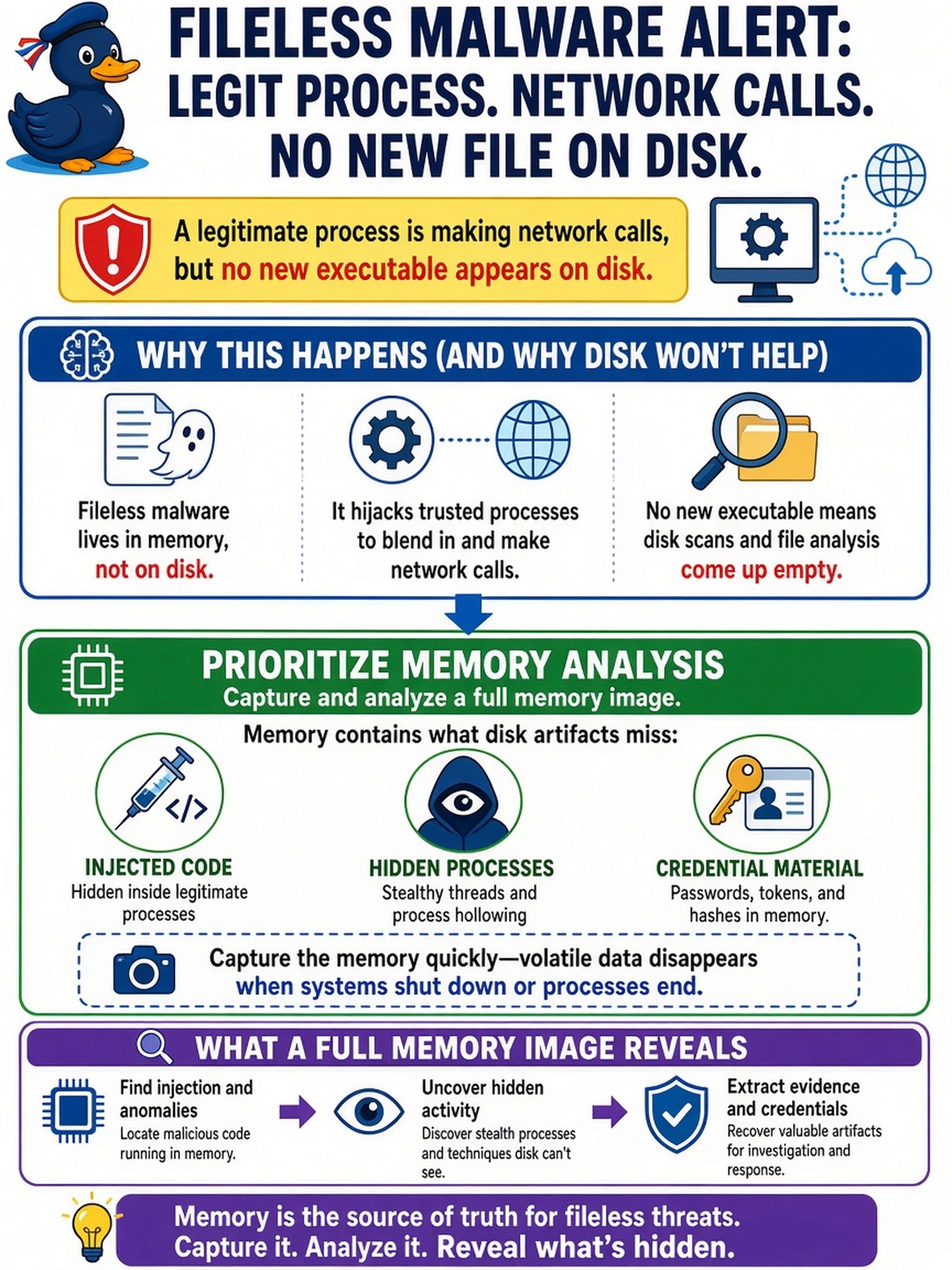
A fileless malware alert indicates a legitimate process is making network calls, but no new executable appears on disk. Which artifact should the analyst prioritize to determine malicious activity?
Select an answer to reveal the explanation.
Short Explanation
Think of disk files like a clean desk, but a fileless attack is hiding in your RAM, not in the drawer. You need a memory image to see injected code, hidden processes, or credentials that never touch disk. The trap is chasing logs or file scans when the evidence is resident only in memory.
Full Explanation
Memory-resident attacks evade disk-based detection because the malicious payload is written into the address space of a legitimate process, executed from volatile memory, and often never creates a persisted file. Capturing a full memory image preserves running processes, loaded modules, hooks, injected code regions, open handles, and cached credentials, allowing the analyst to correlate suspicious behavior with in-memory artifacts that are absent from forensic disk images. Reviewing EDR process creation logs can identify suspicious parent-child relationships, but it does not expose code injected into an already running process or reveal memory-only payloads. File-integrity scanning compares known executable files and DLLs against a baseline, so it misses code that exists only in RAM or is injected into signed binaries. NetFlow analysis can show beaconing or command-and-control traffic, but it cannot prove how the malicious code resides or where credential material is staged in memory. Exam caveat: when the scenario emphasizes fileless, memory-resident, injected, or no file on disk, choose memory artifacts rather than disk or network-only sources. Operational check: before powering off the affected host, acquire a full physical memory image using a trusted live-response tool and record hashes, timestamps, and acquisition method.