
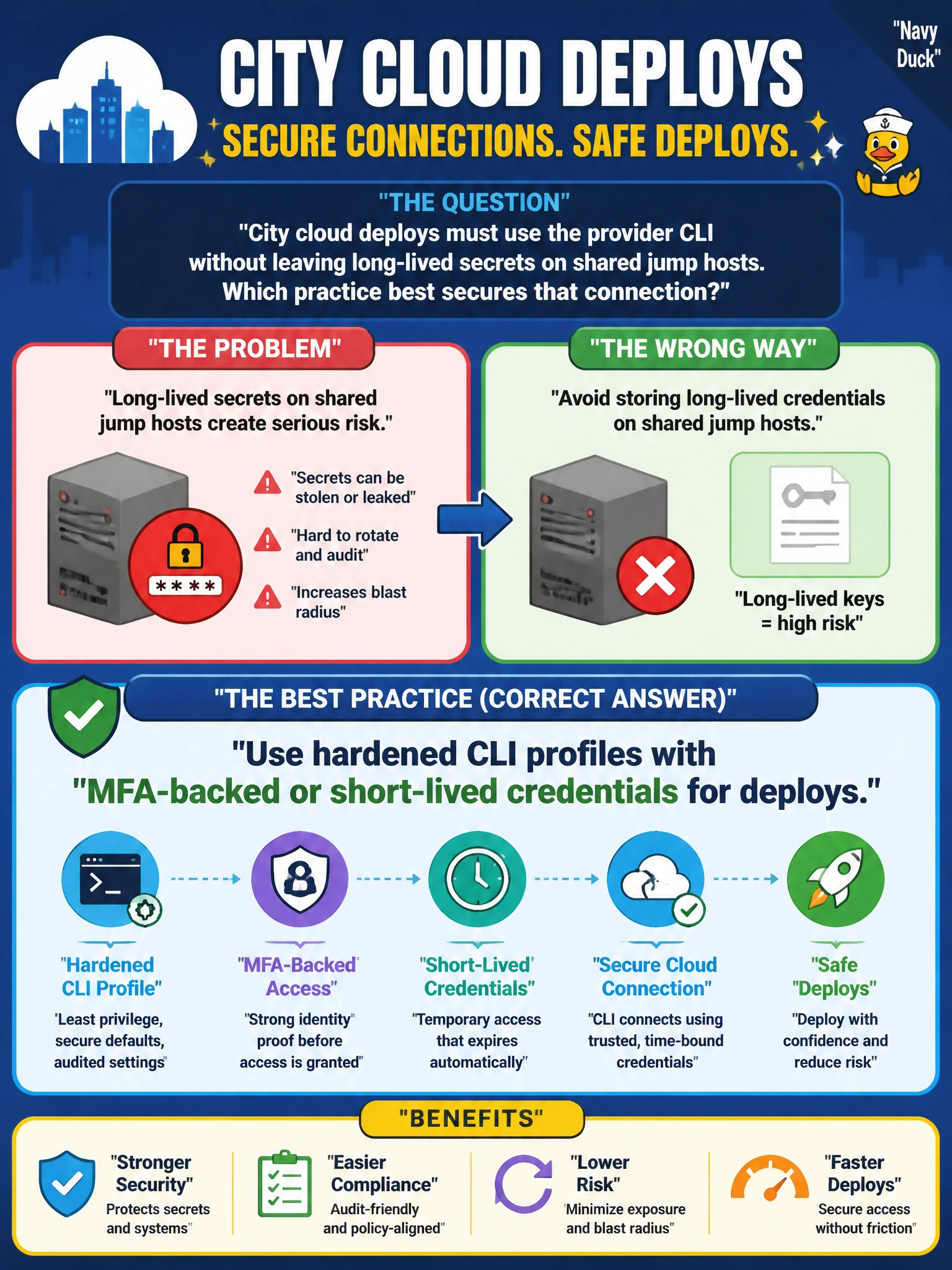
City cloud deploys must use the provider CLI without leaving long-lived secrets on shared jump hosts. Which practice best secures that connection?
Select an answer to reveal the explanation.
Short Explanation
You can protect city cloud deploys by using hardened CLI profiles with MFA-backed or short-lived credentials, so lasting secrets do not remain on shared jump hosts. Short-lived credentials keep access safer than permanent administrator keys in command logs, shared passwords in a team wiki, or disabling MFA.
Full Explanation
For city cloud deploys that must use the provider CLI without leaving long-lived secrets on shared jump hosts, use hardened CLI profiles with MFA-backed or short-lived credentials. This approach limits how long a credential can be used and avoids embedding durable secrets in files or logs on a shared host. Storing permanent administrator keys in a broadly readable bastion command log exposes powerful, reusable credentials to other host users and anyone who later reads the log. Sharing one password in a team wiki makes access difficult to attribute to an individual and allows the same secret to be copied or reused. Disabling MFA to prevent CLI prompts removes an important authentication safeguard; convenience does not make that tradeoff secure. Exam caveat: MFA-backed credentials and short-lived credentials are related controls, but a profile is not safe merely because it is called hardened—its configuration must not preserve long-lived secrets. Practical check: inspect the deployment profiles and bastion history or configuration files to confirm that deploys use MFA-backed or short-lived credentials and that permanent administrator keys are not left behind.