
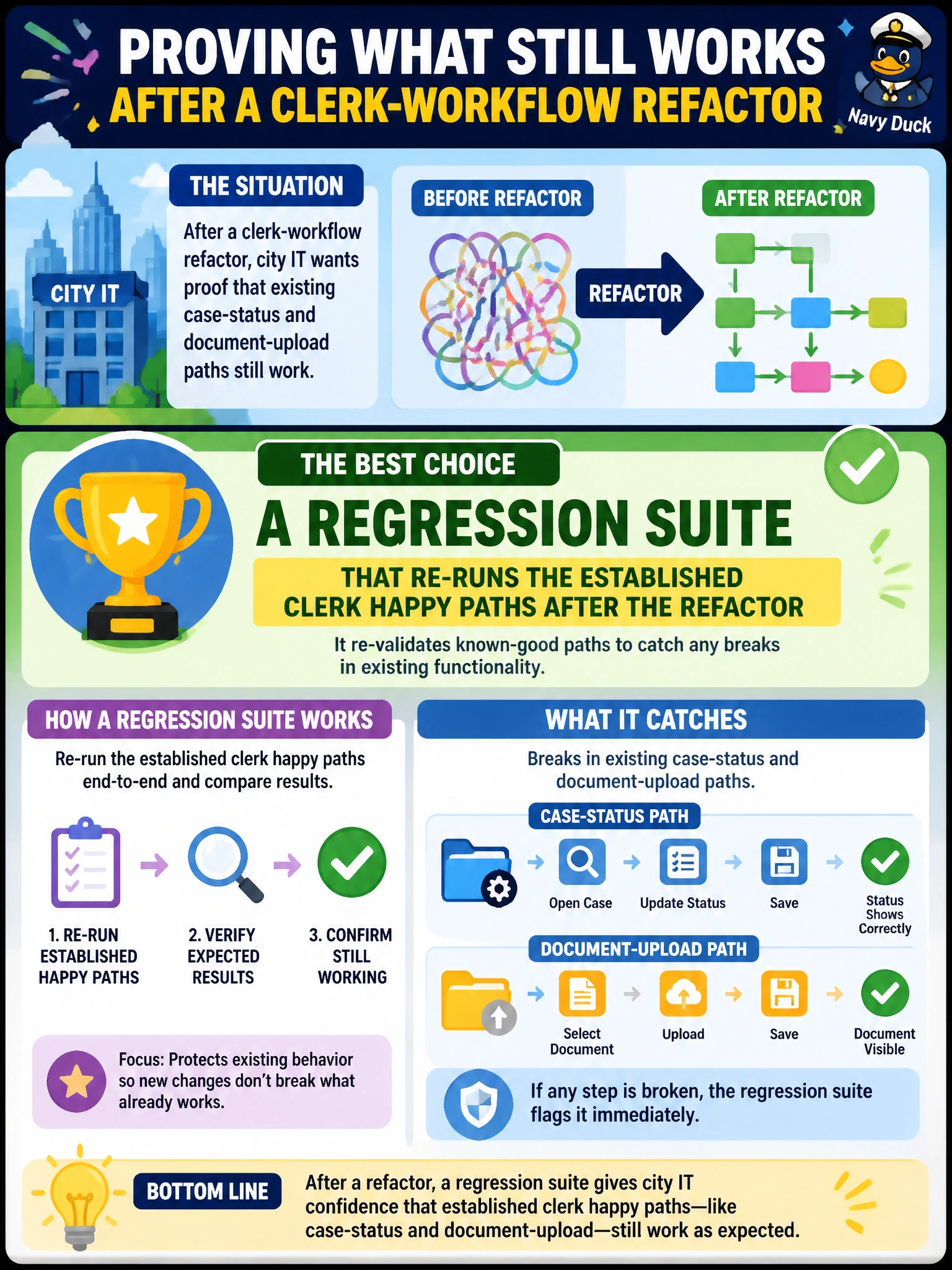
After a clerk-workflow refactor, city IT wants proof that existing case-status and document-upload paths still work. Which test suite best catches those broken existing paths?
Select an answer to reveal the explanation.
Short Explanation
Think of regression like a clerk walking the same permit desk routes after remodel day—if an old door sticks, you catch it before citizens do. Re-running established clerk paths after a refactor is that walk-through with assertions.
Full Explanation
Regression testing re-runs established, previously working paths after a change to catch unintended breakage. After a clerk-workflow refactor, city IT needs proof that case-status lookups and document-upload flows citizens and clerks still depend on continue to pass with recorded assertions—not that a brand-new screen demos well. A regression suite that re-runs those established clerk happy paths after the refactor is the right instrument because it compares post-change behavior against known-good expectations for legacy critical paths.
A one-time manual click-through with no recorded assertions may catch an obvious broken button once, but it is not repeatable, not automated in the pipeline, and leaves no durable pass/fail signal for the next refactor. A brand-new feature demo that never touches legacy clerk screens proves the remodel looks polished while leaving the old doors untested—exactly the paths most likely to break when shared workflow code moves. A production database wipe followed by a cold boot only validates restart survival, not that case-status and upload semantics still work for clerks.
Exam caveat: regression suites should prioritize high-value happy paths and known risk areas; they are not a substitute for new-feature tests, and flaky or unmaintained cases erode trust. Operational check: after the refactor merges, run the clerk regression suite in CI (and post-deploy smoke if available), confirm case-status and document-upload cases are green with assertions, and fail the release if those established paths regress.