
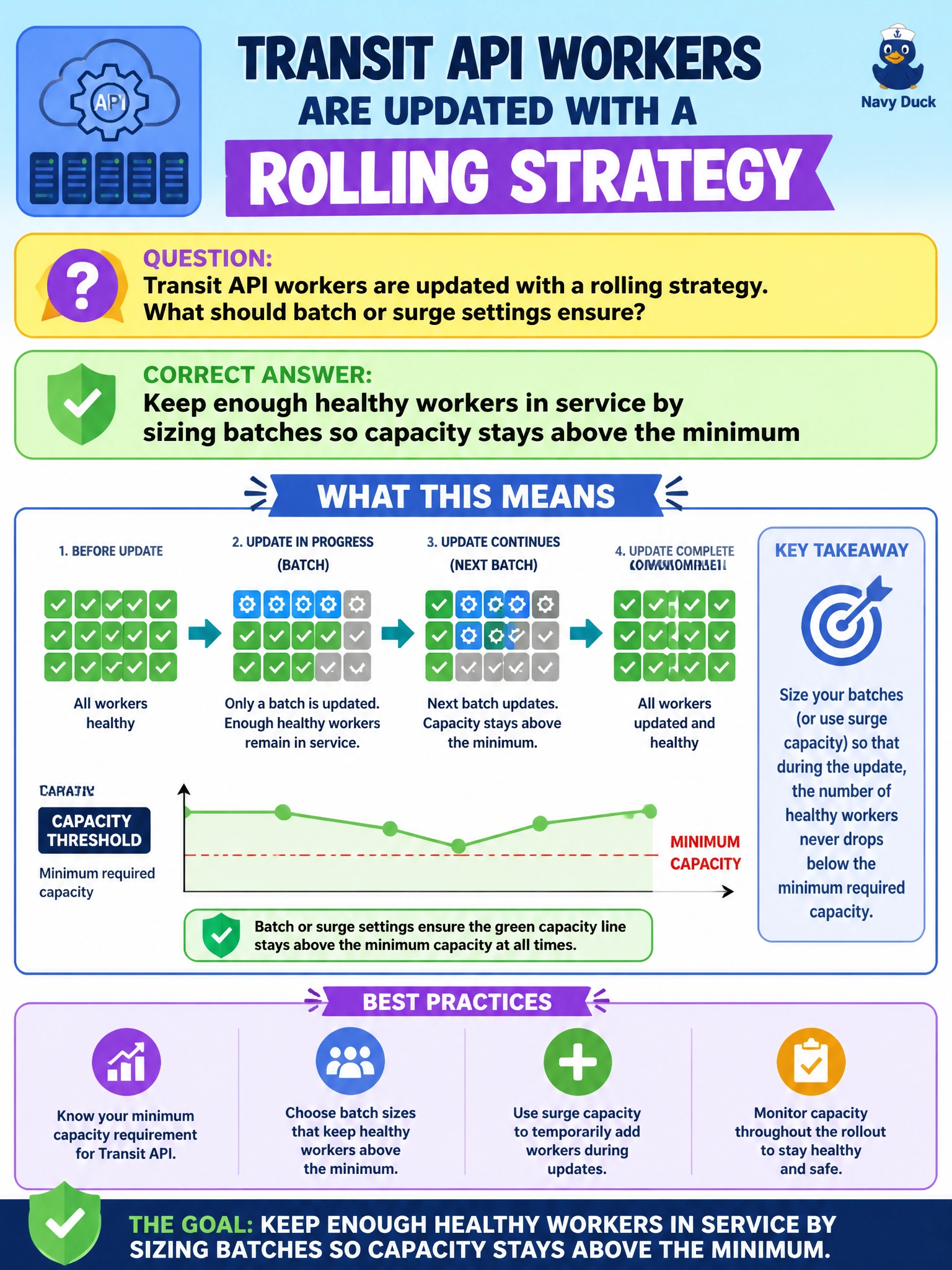
Transit API workers are updated with a rolling strategy. What should batch or surge settings ensure?
Select an answer to reveal the explanation.
Short Explanation
Batch size is how many transit desks you close at once—leave enough open so riders still get API answers. One giant batch that empties the floor breaks the ride.
Full Explanation
Rolling deployments use batch or surge settings to ensure enough healthy instances remain in service throughout the update. Transit API workers updated with a rolling strategy must size batches so capacity stays above the minimum required to answer rider-facing API calls. The batch knob is how many workers you take down or replace at once; surge is how many extras you may add—together they protect service capacity.
Taking every transit worker offline in a single batch before any replacement starts fails by concept because it drains all capacity and outages the API. Setting batch size larger than the entire fleet so one wave removes all capacity fails for the same reason: the batch control is mis-sized into a full outage. Disabling health checks so failed batches still count as successful capacity fails because unhealthy workers are not real capacity; the roll would report success while riders see errors.
Exam caveat: minimum available capacity must account for real ready instances, not merely scheduled pods. Surge settings can temporarily raise counts to ease rolls, but they do not excuse batches that simultaneously eliminate the serving set. Know that rolling success criteria include health, not just "process started."
Operational check: set maxUnavailable so at least the minimum transit API replicas stay Ready, run the roll, and confirm request success rates hold. Try a dry-run config with batch size equal to the fleet and verify policy rejects or would cause an outage—then correct it before production.