
Library staff need a quick way to re-run a failed CI pipeline from chat without opening the CI console. What trigger helps?
Select an answer to reveal the explanation.
Short Explanation
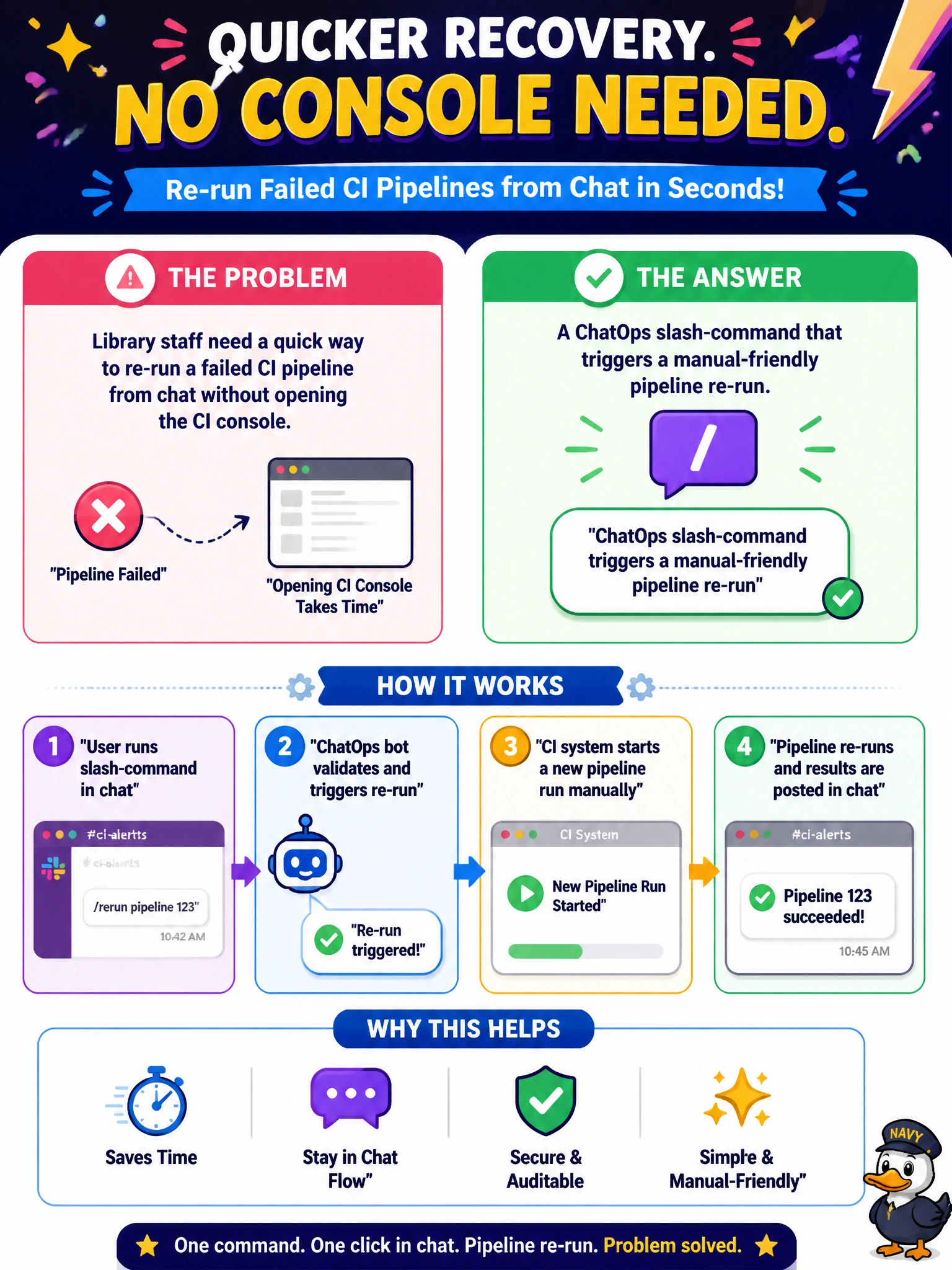
ChatOps slash-commands are the "replay" button in the library team channel—re-run the failed pipeline without spelunking the CI UI. Dumping admin passwords in chat is not a trigger; it's an incident.
Full Explanation
ChatOps triggers let operators start or re-run pipelines from chat with a slash-command, shortening recovery time when a job fails. Library staff who need a quick re-run of a failed CI pipeline without opening the full CI console benefit from a controlled ChatOps command that triggers that manual-friendly re-run. The correct trigger helps because library teams often triage from a collaboration channel; a slash-command re-run keeps response inside the conversation while still authenticating against CI permissions.
Requiring VPN console access and a 12-step UI click path for every retry fails because high friction delays recovery and discourages legitimate re-runs after transient library catalog or digital-services CI failures. Posting the full CI admin password in the public chat channel fails conceptually: that is credential exposure, not a trigger design—ChatOps must use delegated, least-privilege identities. Waiting until the next calendar quarter's change window to retry fails because quarterly batching is unrelated to re-running a failed pipeline and leaves broken automation idle for months.
Exam caveat: ChatOps re-run commands must enforce authorization (who can trigger which library pipelines) and audit logging; an open channel command without auth becomes an unauthenticated deploy/rebuild button. Operational check: from the library team chat, invoke the slash-command as an authorized user and confirm the failed pipeline re-runs; attempt as an unauthorized user and confirm denial; ensure no long-lived admin passwords are stored or posted in chat.