
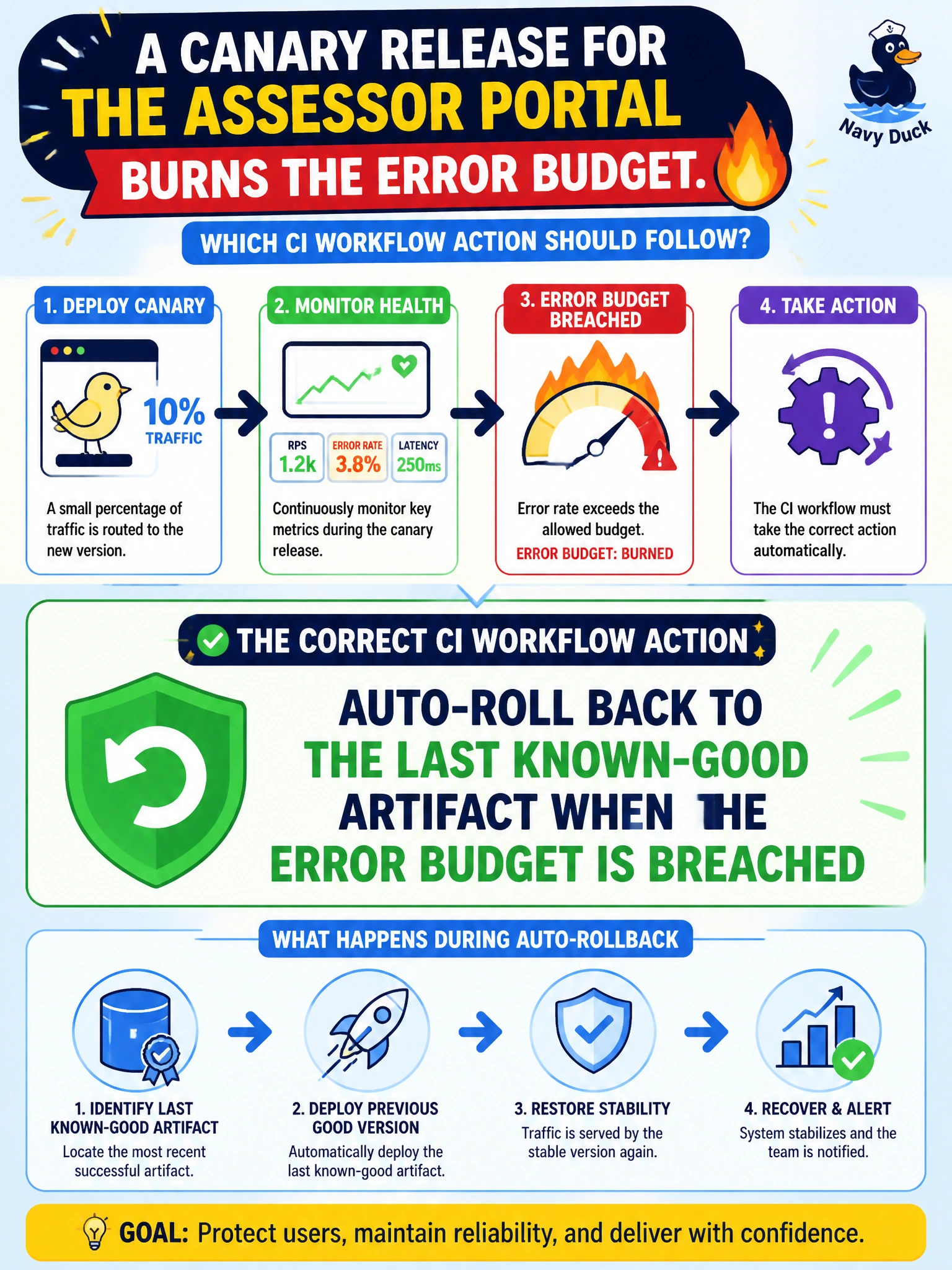
A canary release for the assessor portal burns the error budget. Which CI workflow action should follow?
Select an answer to reveal the explanation.
Short Explanation
Error-budget breach on the assessor canary means the new lane is leaking—auto-rollback puts traffic back on the last good road. Cranking the canary to 100% or muting alerts doubles down on the leak.
Full Explanation
Auto-rollback returns traffic to the last known-good artifact when canary metrics breach the error budget, protecting citizens from a failing progressive release. For an assessor portal canary that burns the error budget, CI/CD workflow action should roll back automatically rather than expanding blast radius. The correct action works because error budgets quantify acceptable unreliability; once burned, continuing the canary converts an early-warning experiment into a prolonged degraded experience for property-tax and assessment users.
Widening the canary to 100% of users immediately to finish faster fails because finishing faster is the opposite of containment—you amplify a release already known to be unhealthy. Disabling error-budget alerts and leaving the canary serving traffic fails conceptually: muting the budget removes the control loop that justified canarying in the first place. Keeping both canary and prior versions forever without choosing a rollback fails because indefinite split traffic without a decision leaves operators without a clear restored baseline and complicates debugging.
Exam caveat: auto-rollback requires instant access to the previous artifact and compatible session/data assumptions; coordinate with feature flags so assessor-portal rollbacks do not depend on slow manual rebuilds. Operational check: in a staging canary, breach a synthetic error-budget threshold, confirm automatic rollback to the last known-good artifact, verify error rate recovers, and ensure alerts remain enabled throughout the exercise.