
County PowerShell automation must be verified on multiple supported OS images. Which orchestration approach fits?
Select an answer to reveal the explanation.
Short Explanation
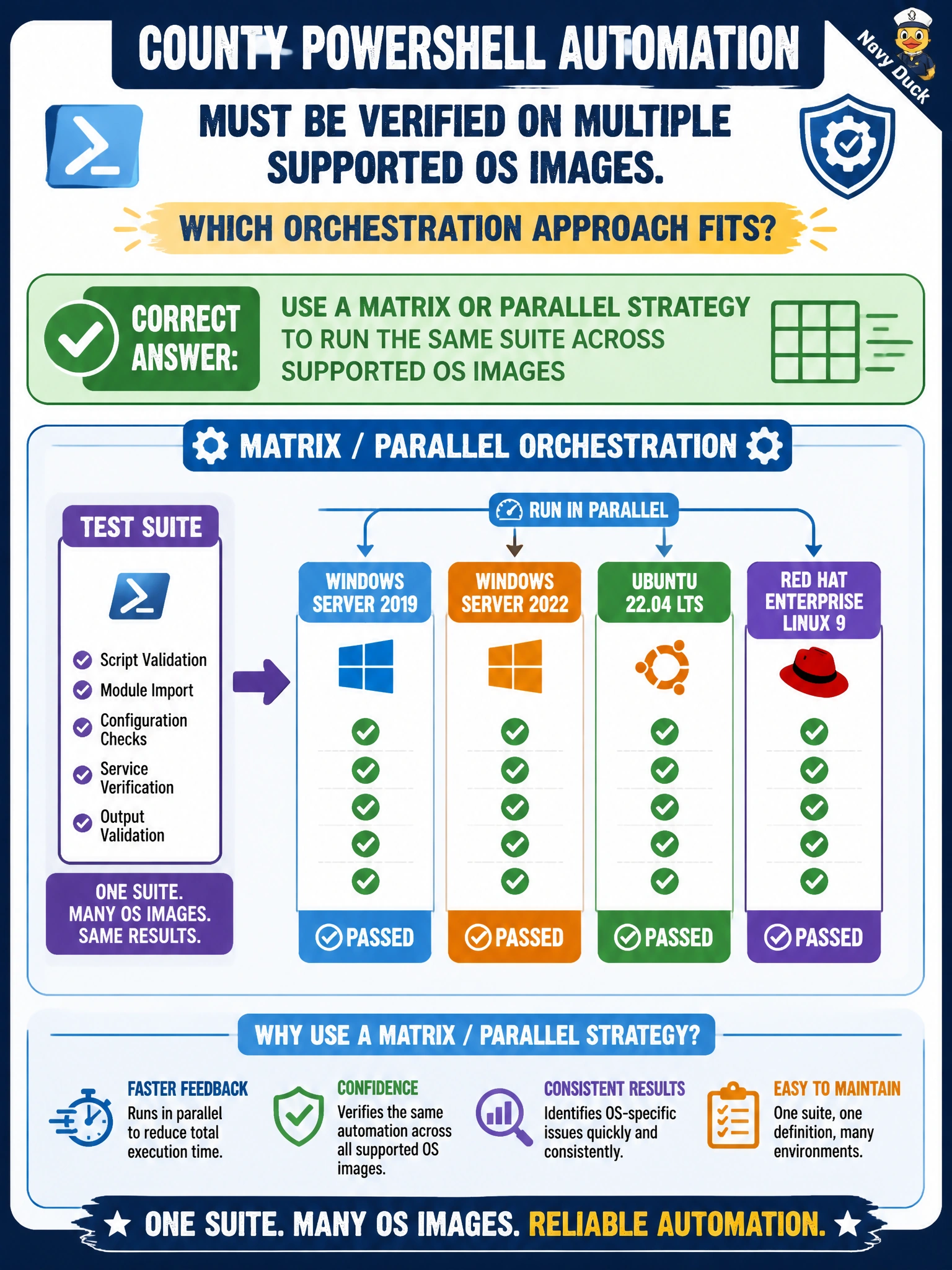
A matrix is the multi-lane inspection station—same PowerShell checklist, several OS windows at once. Testing only the laptop someone brought today is not county-wide coverage.
Full Explanation
Parallel matrix orchestration runs the same suite across supported OS images so multi-platform automation is actually verified, not merely claimed. County PowerShell automation that must work on multiple supported OS images should fan out with a matrix or parallel strategy covering those images. The correct approach works because PowerShell behavior, modules, and pathing differ across platforms; a single-OS green result does not prove county-wide support for the scripts used in administration and automation.
Testing only on whichever OS the developer happens to use that day fails because developer laptops are not the full support matrix and silently drop coverage for other county-supported images. Claiming multi-OS support without ever executing jobs on those images fails conceptually: marketing or README claims are not test evidence. Serializing a single OS test and marking all other platforms as automatically passing fails because fake auto-passes falsify the CI record and hide platform-specific breakage until production.
Exam caveat: matrix dimensions multiply cost and time—cover supported images that policy promises, and use exclude/include rules so deprecated images do not inflate the grid forever. Operational check: define a matrix of county-supported OS images for the PowerShell suite, break a path deliberately on one image, confirm only that matrix leg fails, and require all required legs green before merge.