
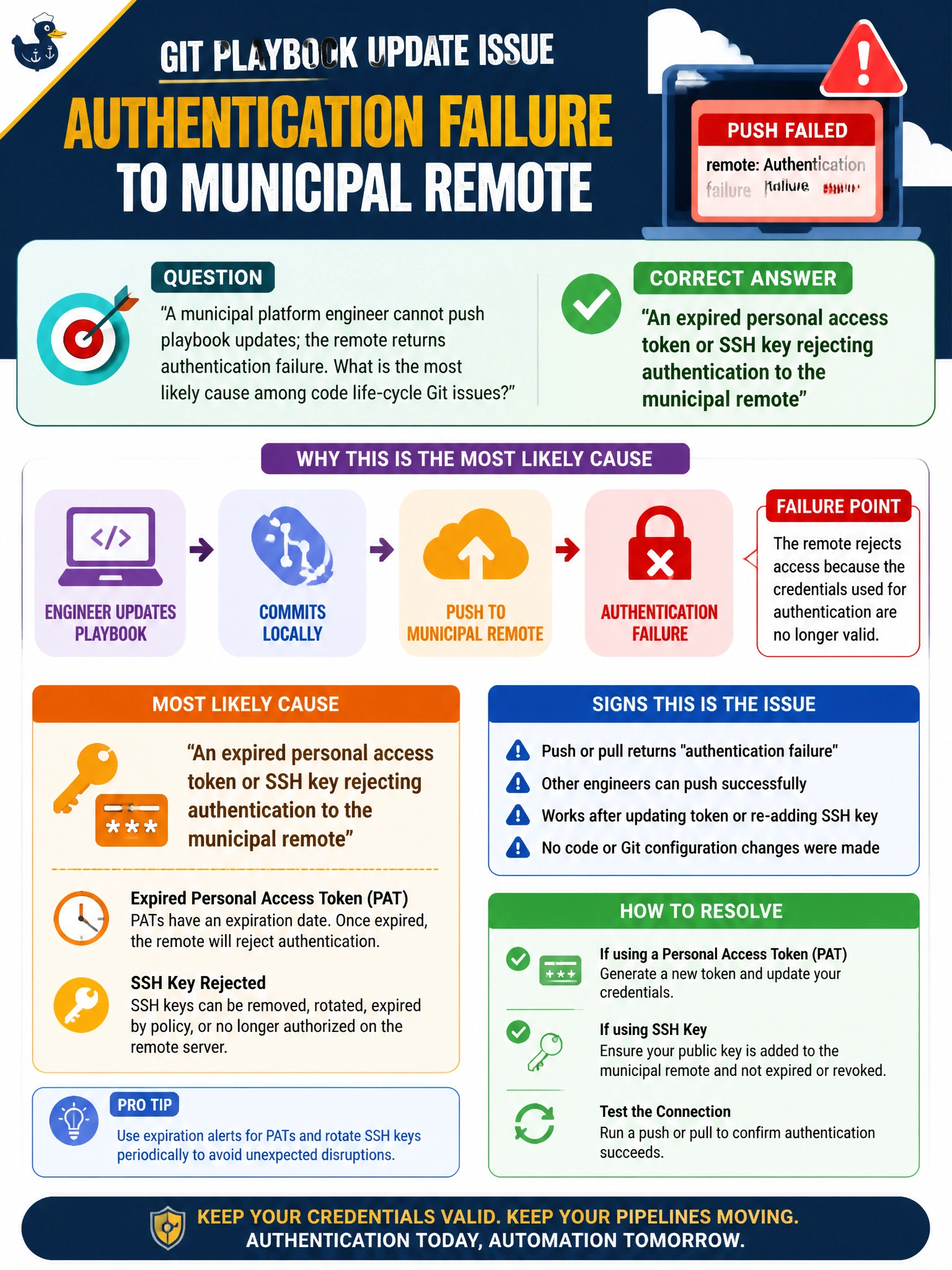
A municipal platform engineer cannot push playbook updates; the remote returns authentication failure. What is the most likely cause among code life-cycle Git issues?
Select an answer to reveal the explanation.
Short Explanation
If the municipal remote says “who are you?”, your token or SSH key may have expired. That is a Git authentication failure, not a YAML typo in an unrelated script. Renew the credential, then push your playbooks.
Full Explanation
When you cannot push playbook updates and the municipal remote returns an authentication failure, the most likely Git life-cycle cause is an expired personal access token or SSH key rejected by the remote. The push cannot reach later merge or CI content validation if the remote cannot authenticate you. A YAML list syntax typo inside an unrelated parks reservation script would cause a linting or parsing problem when that script is checked; it would not make Git reject your authentication. An idempotent apply can ensure packages are present, but that configuration-management result does not cause a Git remote authentication failure. A canary delivery percentage set too low on an unrelated web tier affects traffic shifting, not your ability to authenticate for git push. Exam caveat: authentication failure differs from authorization or permission denial after successful authentication, such as lacking repository write access, and from network or DNS failures. Also distinguish an expired SSO session wrapper from an expired SSH key; rotating a credential without updating the engineer’s agent or CI credential store can reproduce the outage. Practical check: run git ls-remote or a verbose SSH or GIT_CURL_VERBOSE push, verify which identity is presented, renew the token or SSH key in the approved secrets vault, update the local agent, and confirm the playbook push succeeds before investigating YAML content.