
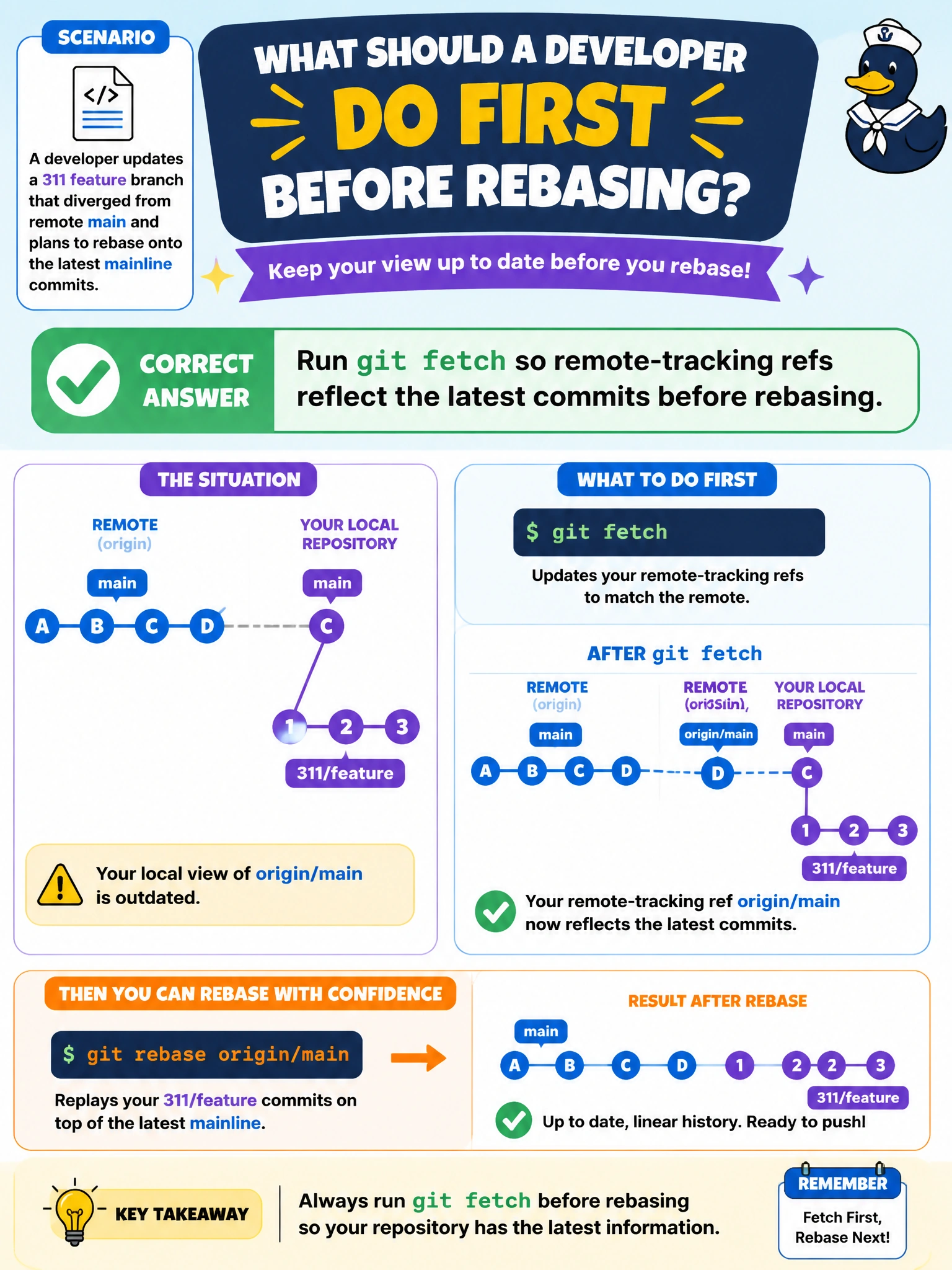
A developer updates a 311 feature branch that diverged from remote main and plans to rebase onto the latest mainline commits. What should they do first?
Select an answer to reveal the explanation.
Short Explanation
Fetch first is like checking the city’s latest street map before you redraw your detour. If you rebase your 311 branch without fresh remote-tracking refs, you might replay it onto yesterday’s main. Fetch gives you the current map.
Full Explanation
A 311 feature branch that diverged from remote main must rebase onto current mainline commits, not stale remote-tracking refs. Running git fetch first refreshes origin/main and related refs so the rebase can replay the feature commits onto the latest municipal history. Without that refresh, you may rebase onto yesterday’s tip, reintroduce already-fixed conflicts, or end up with a branch that still diverges from true main. Deleting the remote-tracking branch does not make rebase recreate it from the latest remote commits; it removes the reference needed to identify the base and does not establish a correct one. Force-pushing the feature branch to main before fetching bypasses review and can destroy protected history. Resetting hard to an unrelated tag abandons the feature work and still leaves remote-tracking refs stale. Exam caveat: fetch updates refs, while rebase rewrites local feature history; a force-push to the feature branch may follow, but never push to protected main without following the team’s process. Practical check: run git fetch origin, rebase onto origin/main or the team’s mainline, resolve conflicts, run tests, and then push the updated feature branch with --force-with-lease if rewriting. Run the 311 test suite locally before pushing so you do not overwrite a colleague’s newer commits on the same branch.