
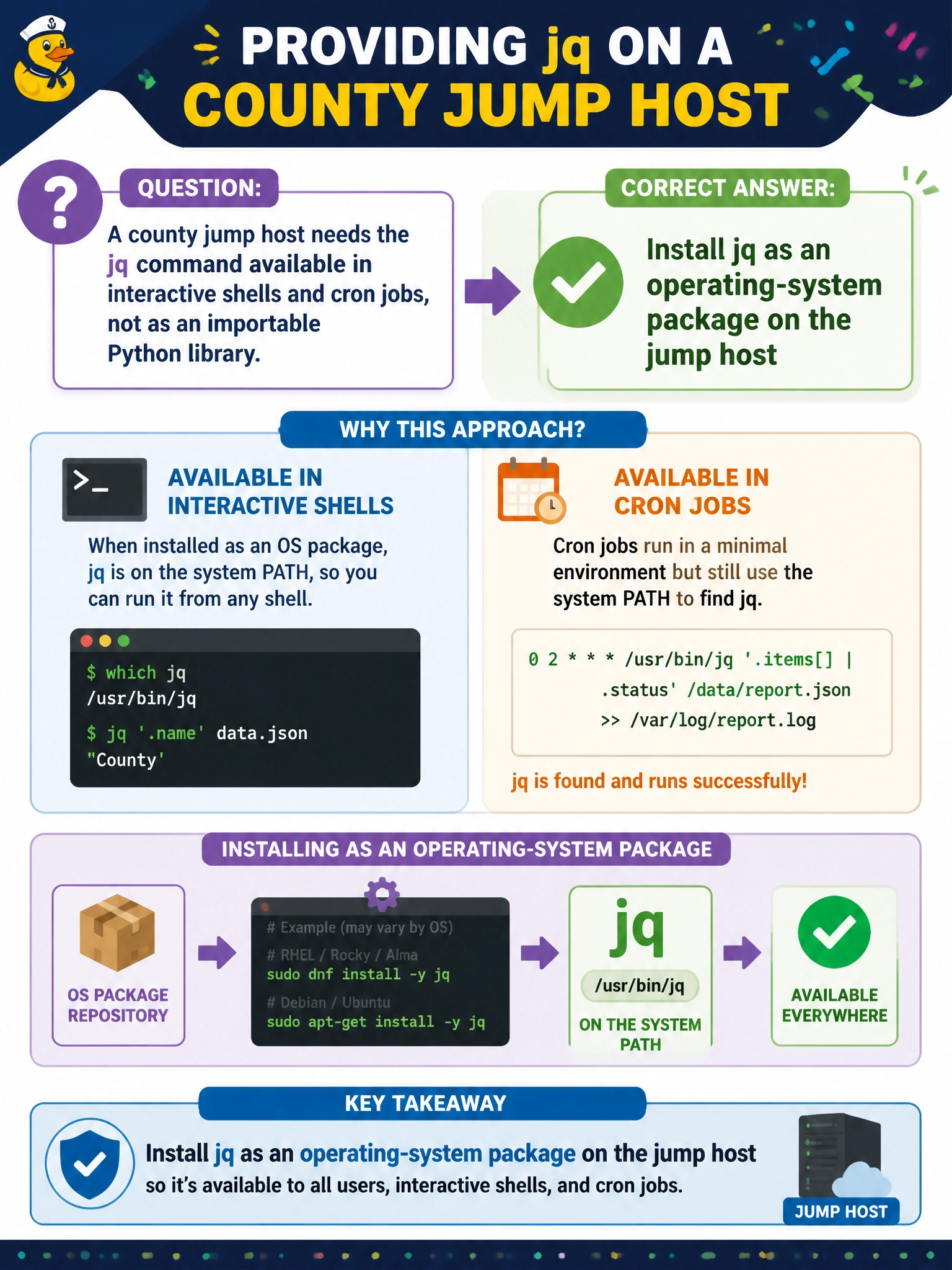
A county jump host needs the jq command available in interactive shells and cron jobs, not as an importable Python library. How should jq be provided?
Select an answer to reveal the explanation.
Short Explanation
jq on a jump host is like putting a city-issued hole punch in the shared office supply closet — every clerk can grab it from the OS, not from a language-specific backpack. Install the OS package when you need a CLI tool for shells and cron.
Full Explanation
A county jump host that needs jq for interactive shells and cron jobs is asking for a system CLI on PATH, not a language library import. Installing jq as an operating-system package (yum, apt, pkg, or equivalent) places the binary where bash, sh, and scheduled tasks can invoke it consistently under service accounts. That delivery model matches how municipal operators expect shared CLI utilities to behave across scripts written in different languages.
Pinning jq inside a Python requirements.txt does not provide a shell-visible jq command; Python packaging installs importable modules into virtualenvs, not OS CLIs for cron. Vendoring a Node.js npm package named jq into node_modules similarly scopes the tool to Node projects and does not guarantee a system-wide binary for interactive SSH sessions. Embedding a jq binary URL inside application YAML without installing a package leaves operators downloading ad hoc binaries, skips patch management, and fails the “available in shells and cron” requirement for a shared jump host.
Exam caveat: language package managers remain correct for libraries consumed via import/require; the stem’s emphasis on shells and cron is the discriminator. Operational check: after OS install, run which jq and jq --version as the cron user in a non-login shell and confirm PATH resolution without activating a virtualenv.