
Courts IT considers bumping a major version of a library used by the e-filing notifier before the next production cut. Why does that change need careful review?
Select an answer to reveal the explanation.
Short Explanation
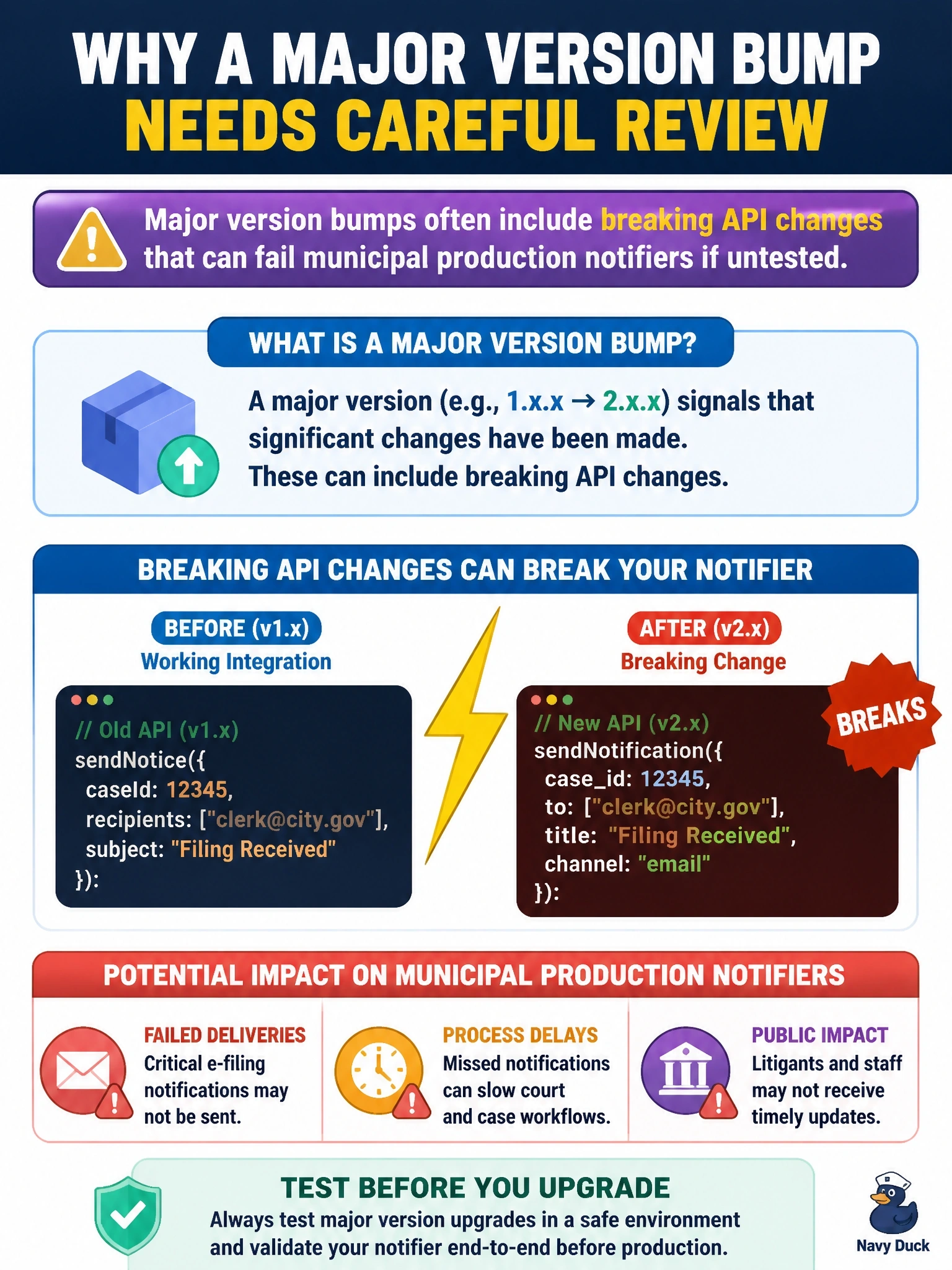
A major library bump is a new rulebook—function names and behaviors may move. Review and test it before the e-filing notifier hits production, or you'll let filings go quiet for the wrong reason.
Full Explanation
When Courts IT considers a major version bump of a library used by the e-filing notifier, the change must be treated as potentially breaking. Under semantic versioning conventions, major bumps often include breaking API or behavior changes that can fail municipal production notifiers if untested—renamed functions, changed defaults, removed endpoints, or altered error handling. Careful review and regression testing against the notifier's call sites are required before the next production cut. The claim that major bumps never change behavior and can always be applied silently is false; that description better fits many patch-level updates, not majors. The claim that library majors only affect desktop wallpaper themes trivializes runtime dependencies of server-side notifiers and is incorrect. The claim that review is unnecessary because courts systems ignore runtime exceptions is dangerously wrong: unhandled exceptions can stop e-filing notifications entirely. Exam caveat: read the upstream changelog and migration guide, pin the new major only after tests pass, and prefer staged rollout with rapid rollback to the previous pin if filing notifications drop. Operational check: install the candidate major in a lower environment, run e-filing notifier integration tests, compare outbound notifications to a baseline, and only then schedule the production cut with monitoring on failure rates and queue depth.