
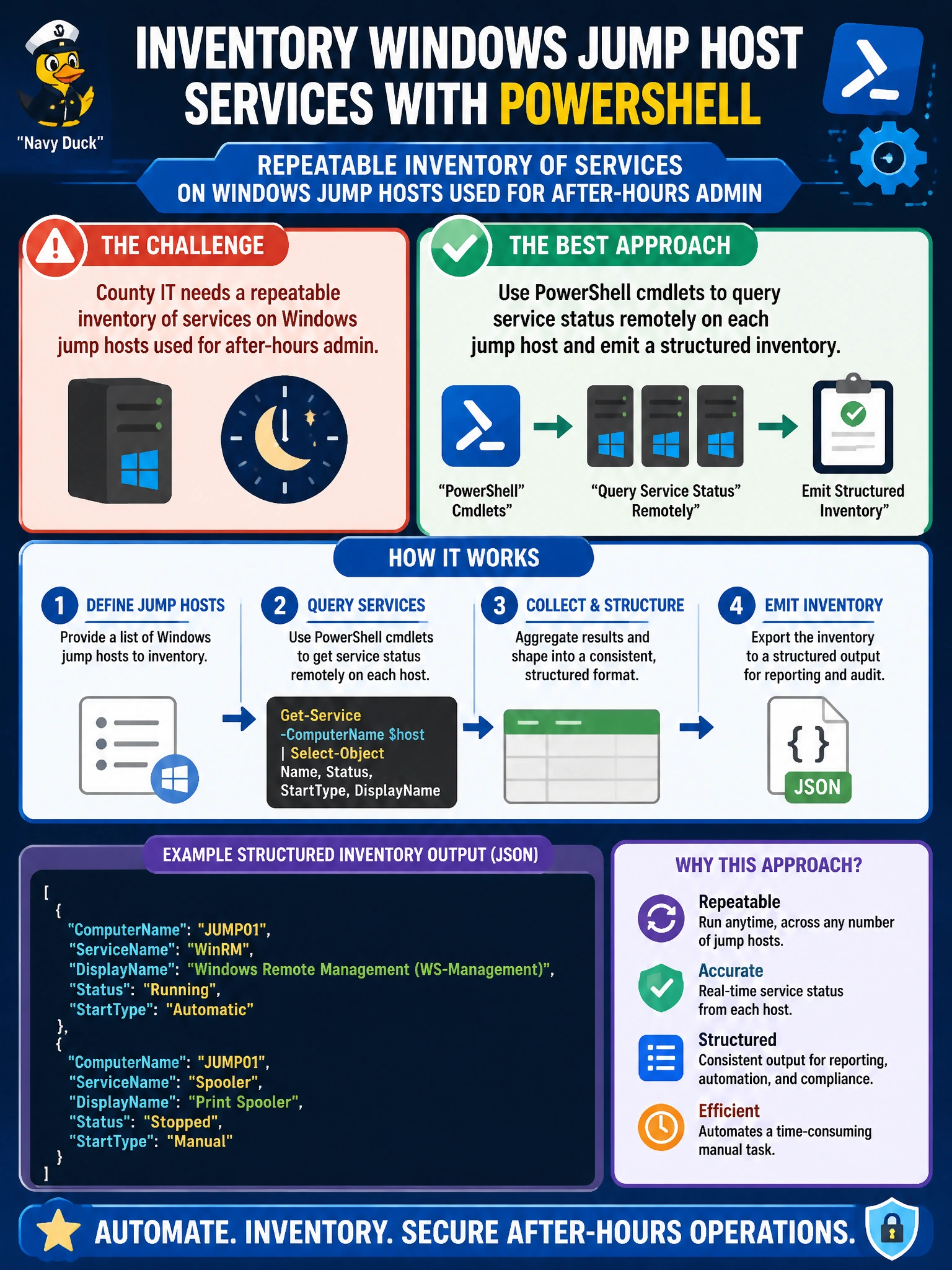
County IT needs a repeatable inventory of services on Windows jump hosts used for after-hours admin. Which approach best fits PowerShell automation?
Select an answer to reveal the explanation.
Short Explanation
PowerShell cmdlets are built to ask Windows 'what's running?' and write it down. Remotely query each jump host's services and you get a real inventory—not screenshots in email.
Full Explanation
County IT needs a repeatable inventory of services on Windows jump hosts used for after-hours admin. PowerShell is the native automation surface for Windows management: cmdlets can query service status locally or remotely (typically via WinRM) and emit structured objects that serialize to CSV, JSON, or reports. Using PowerShell cmdlets to query service status on each jump host and emit a structured inventory is repeatable, auditable, and scriptable—unlike manual screenshot workflows. Hand-copying service names from Task Manager screenshots into email is slow, non-repeatable, and loses structure needed for drift detection across hosts. Disabling WinRM everywhere so no remote queries are possible blocks the remote inventory capability the requirement depends on; hardening WinRM is different from disabling the management channel outright. Replacing all Windows jump hosts with consumer tablets before inventory abandons the platform under management and does not produce a service inventory. Exam caveat: authenticate with least privilege, prefer constrained remoting endpoints, and schedule inventory so after-hours admin hosts are checked consistently; output should include host identity, service name, and status for comparison over time. Operational check: run the PowerShell inventory against a lab jump host, verify running/stopped states match services.msc, export structured results, execute across the jump-host list, and alert on unexpected stopped services that after-hours admin automation requires.