
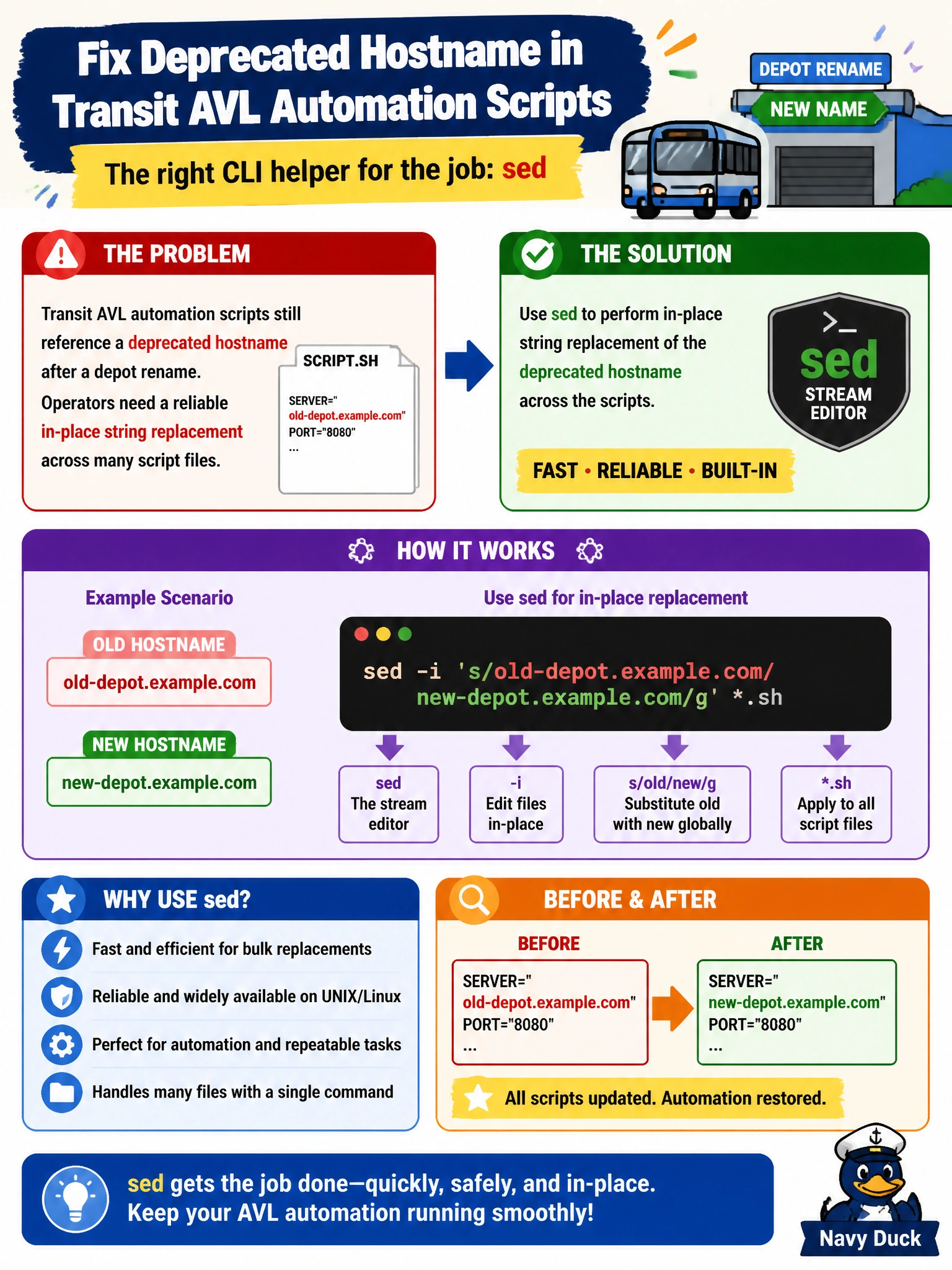
Transit AVL automation scripts still reference a deprecated hostname after a depot rename. Operators need a reliable in-place string replacement across many script files. Which CLI helper is the appropriate choice?
Select an answer to reveal the explanation.
Short Explanation
sed is find-and-replace for files on the command line—swap the old depot hostname for the new one in place. Network diggers like traceroute won't edit your scripts.
Full Explanation
After a depot rename, transit AVL automation scripts that still reference a deprecated hostname need reliable in-place string replacement across many files. sed is the standard CLI helper for stream editing: it applies substitutions to file contents and can write changes in place across a script tree. Using sed to replace the deprecated hostname with the new name updates automation sources directly, which network diagnostic tools cannot do. Traceroute discovers packet paths through the WAN; it does not rewrite hostname strings inside scripts on disk. Nslookup (or similar DNS queries) resolves names to addresses for troubleshooting; alone it does not perform bulk file content replacement. Tcpdump captures packets that may contain the old hostname on the wire; packet capture is forensic visibility, not a file-editing workflow for depot rename cleanup. Exam caveat: dry-run substitutions first (print-only), constrain patterns to avoid partial matches inside unrelated strings, and commit changes through source control so AVL script edits are reviewable and reversible. Operational check: search the repo for the old hostname before and after sed, run a representative AVL job in a non-production environment against the new depot name, confirm no residual deprecated host references remain in active scripts, and monitor first production pulls for DNS or connection errors tied to missed files.