
A class needs an identical virtual machine for each student. A template guest already exists. Which action provides the copies?
Select an answer to reveal the explanation.
Short Explanation
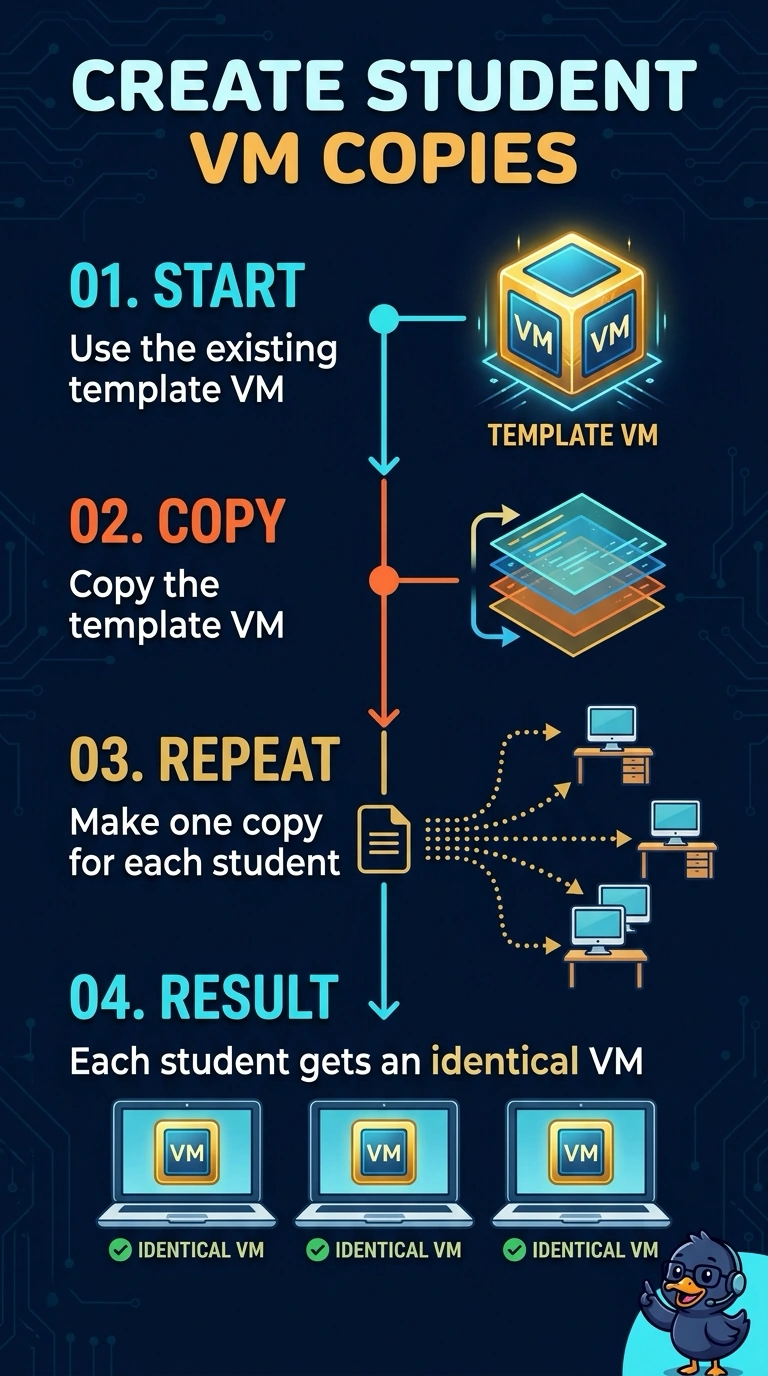
You can give every student an identical guest by copying the template virtual machine once for each student. Copying creates separate virtual machines; mirroring host disks, subscribing to a community cloud, or inserting a loopback plug does not create those copies.
Full Explanation
Copying the template virtual machine once for each student gives each student an identical guest without requiring them to share one running machine. Each copy is a separate virtual machine based on the existing template. Mirroring two host disks does not create a guest per student: disk mirroring, such as RAID 1, keeps copies of data across disks on a host. Subscribing the class to a community cloud is not required to copy an existing guest; a community cloud is a cloud shared by organizations, not a cloning action. Inserting a loopback plug tests a network port and does not duplicate a virtual machine. Exam caveat: every copy consumes storage, and each guest may require an operating-system license, so cloning does not make storage or licensing costs disappear. Practical check: start two copies, change a file in one, and confirm that the other student's copy remains unchanged. Also count the storage and guest licenses that all the copies will consume.