
A designer on a Mac must run an application that only installs on Windows. The Mac itself must stay the daily system. Which approach fits?
Select an answer to reveal the explanation.
Short Explanation
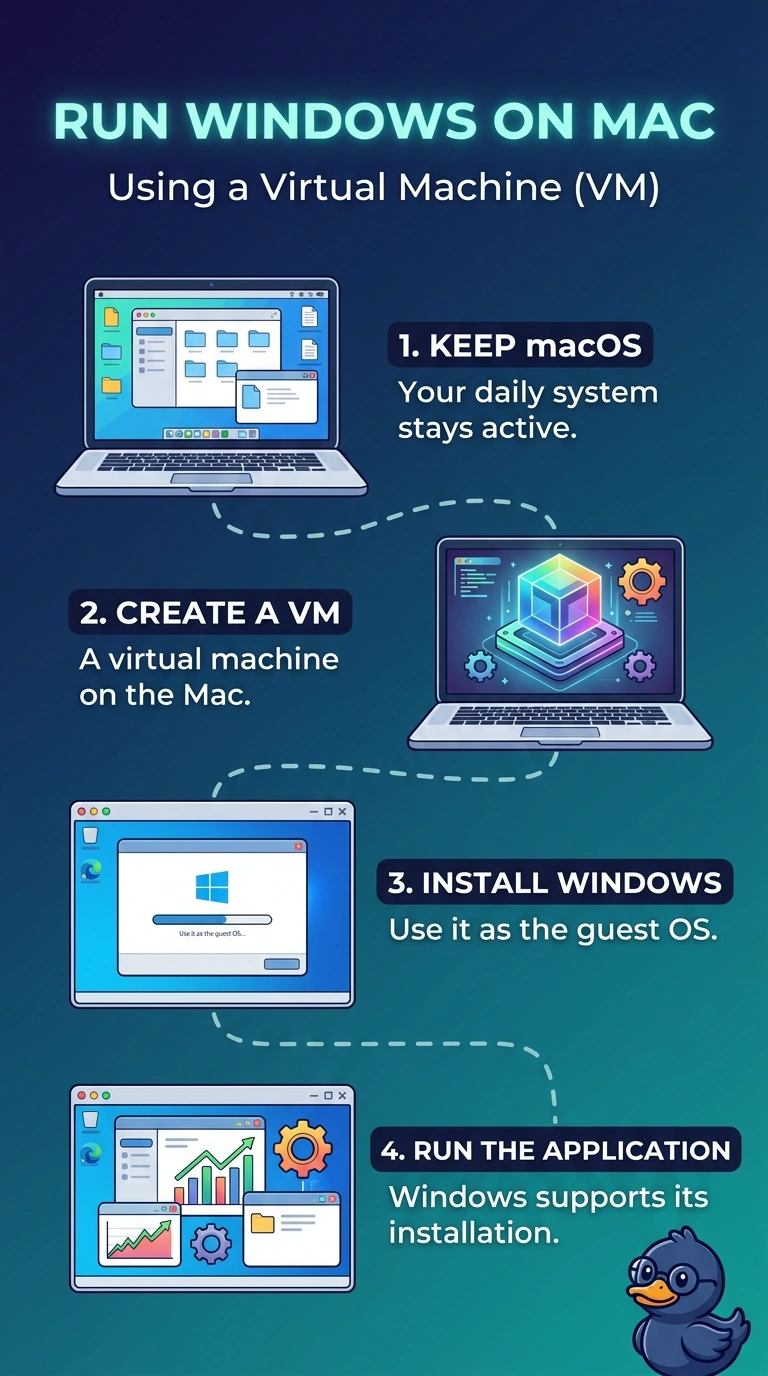
The Mac stays the house you live in, and Windows gets a guest room inside it. You run a virtual machine with a Windows guest. A container that shares the Mac's kernel, a new name for a program that is not on the web, or an extra screen does not give the installer a Windows system.
Full Explanation
A virtual machine can run a Windows guest on a Mac host, so the Windows-only application installs in the guest while the designer keeps using the Mac. That is the fit. A container shares the host kernel. It does not hand the application a Windows kernel, so a Windows installer will not find the system it requires. Software as a service would mean the vendor already offers the application in the browser. This stem is a desktop application that only installs on Windows, not a web app. A second monitor adds display space. It does not change the operating system an installer will accept. Exam caveat: the guest needs a real Windows license and enough memory of its own. The hypervisor does not include that license. Operational check: install Windows in the guest, install the application there, and confirm the Mac desktop is still the host when the guest is running. Launch the Windows-only app inside the guest and confirm the Mac menu bar is still the host. Give the guest enough memory that the Windows installer does not fail for lack of RAM.