
An administrator needs an encrypted command-line session to a server. Which port should the firewall permit for that session?
Select an answer to reveal the explanation.
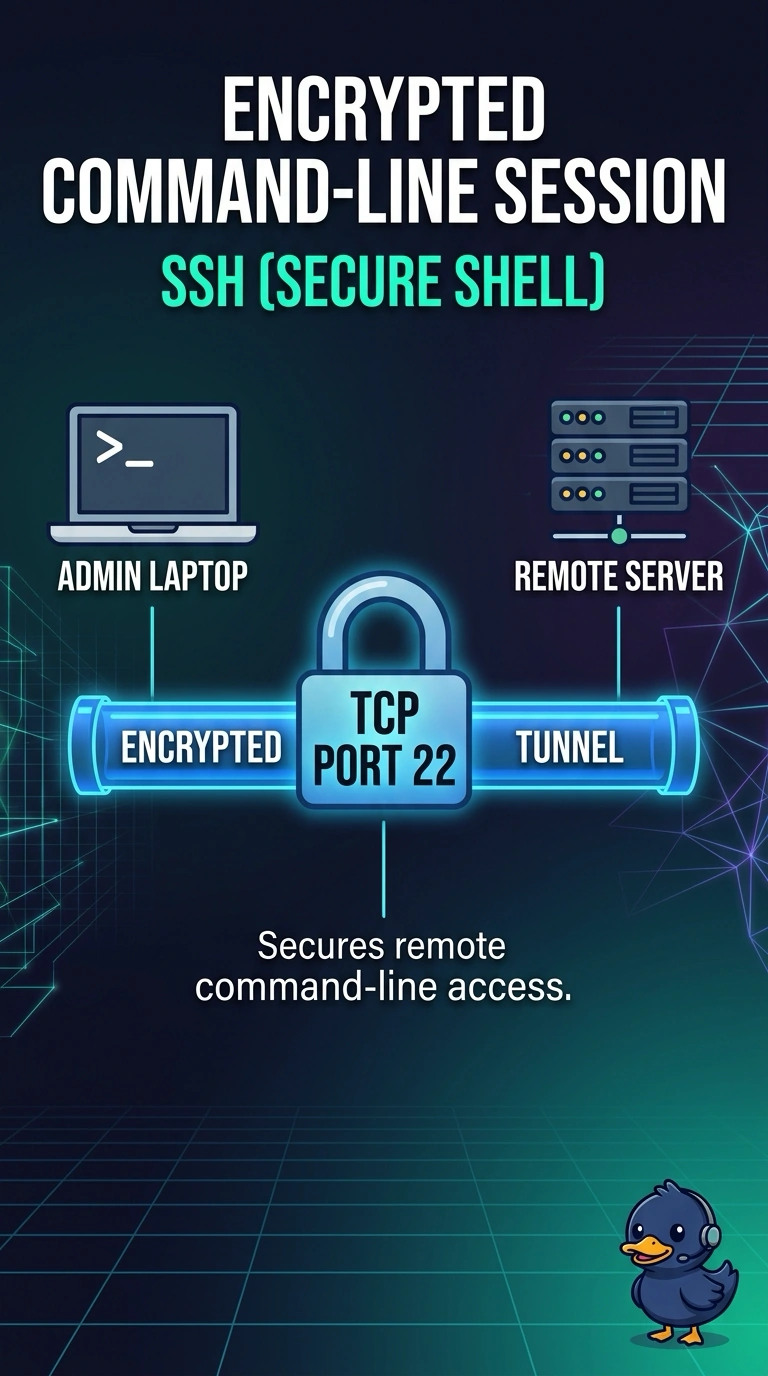
Short Explanation
The session is a locked command line, not an open terminal and not a full desktop. You permit TCP 22, the SSH port. Clear-text terminal access, a graphical desktop, and a file transfer use the other ports.
Full Explanation
SSH provides an encrypted command-line session, and it uses TCP port 22. That is the port the firewall should permit for this administrator. TCP port 23 is Telnet, a command-line session that is not encrypted. Opening it would give the opposite of the request. TCP port 3389 is Remote Desktop Protocol, a graphical desktop rather than a command line. TCP port 21 is FTP, used to move files, and the control channel is not an encrypted shell. Exam caveat: the server still has to be running the SSH service. An open port with nothing listening does not create the session. Operational check: permit TCP 22, connect with an SSH client, and confirm a Telnet attempt to port 23 is refused. From a test workstation, open the encrypted shell and run a simple command so the session is proven, not only the open port. Confirm the clear-text terminal port stays closed after the shell works. Record the permitted port on the change ticket so the next review does not reopen Telnet. Note that port on the firewall change.