
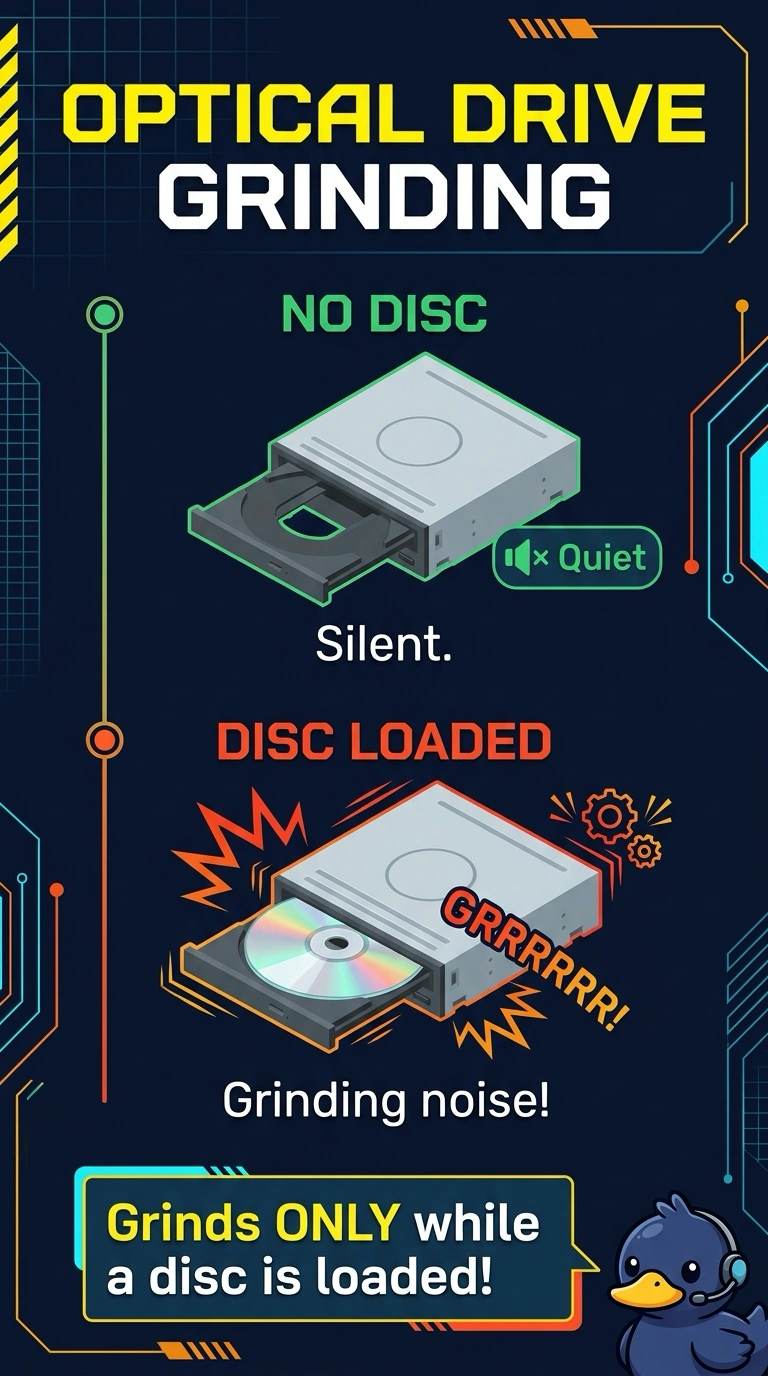
A desktop makes a grinding noise only while a disc is in the optical drive. Files on the hard disk open normally, and the noise stops when the tray is empty. Which part is making the noise?
Select an answer to reveal the explanation.
Short Explanation
The noise shows up with a disc and leaves when the tray is empty, and the hard disk is doing its job quietly. You are hearing the optical drive. The hard disk, printer powder, and the coin cell do not spin that disc.
Full Explanation
A grind that happens only while a disc is loaded, and stops when the tray is empty, comes from the optical drive. The hard disk is quiet and its files still open, so it is not the noisy part. Toner sits in a printer. It does not spin when a disc is inserted. The CMOS battery keeps the clock and the firmware settings. It has no moving parts and does not grind during a read. Exam caveat: a disc that is badly unbalanced can make a healthy drive noisy. Try a second disc before you replace the drive. The part under test is still the optical path, not the hard disk. Operational check: eject the disc, confirm the grind stops, then try a known-good disc and listen again. If a second disc is quiet, keep the drive and discard the noisy disc.