
Laser pages are pale. The printer is set to draft quality, the toner level is fine, and switching to normal quality darkens the pages. Which change should stay in place?
Select an answer to reveal the explanation.
Short Explanation
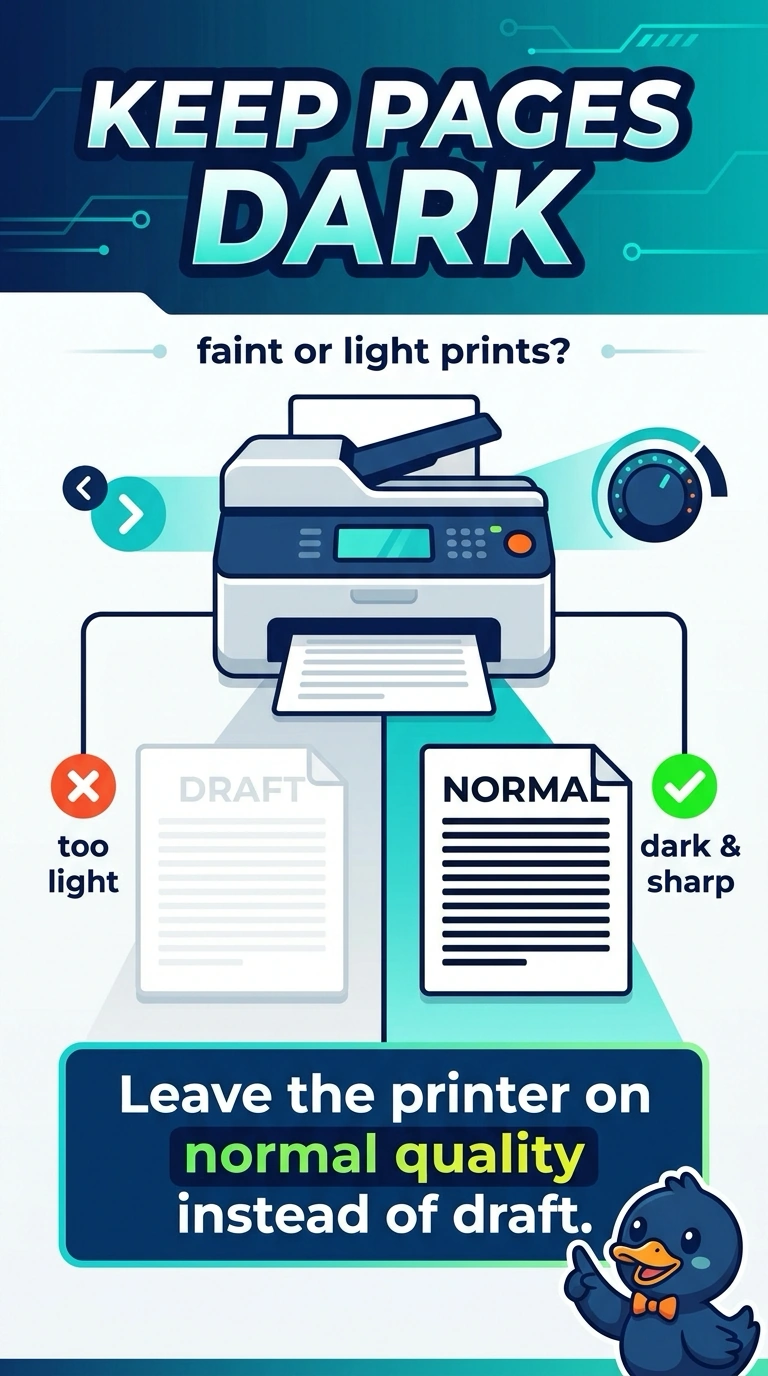
Draft quality uses less toner, so pale pages that darken in normal quality point to the setting. Leave the printer on normal quality; replacing the drum, changing the network adapter, or changing the firmware boot order would not address this cause.
Full Explanation
Draft or economy quality uses less toner, so pages can look pale. The toner level is fine, and switching to normal quality darkens the pages; that change shows the quality setting is the cause, so leave the printer on normal rather than draft. Replacing the imaging drum would not fit the evidence: draft mode does not affect the drum, and a failed drum would not explain why changing the quality setting immediately darkens the page. Replacing the network adapter would not help because it does not choose draft or normal print quality. Changing the firmware boot order would not help either; boot order chooses a disk and does not darken toner. Exam caveat: if pages remain pale at normal quality, then look at the cartridge and transfer path; here, the pages darken when you change the setting. Practical check: print one page at normal quality and confirm it is dark, then set normal quality as the default if users should not be left on draft. Record the result on the ticket.