
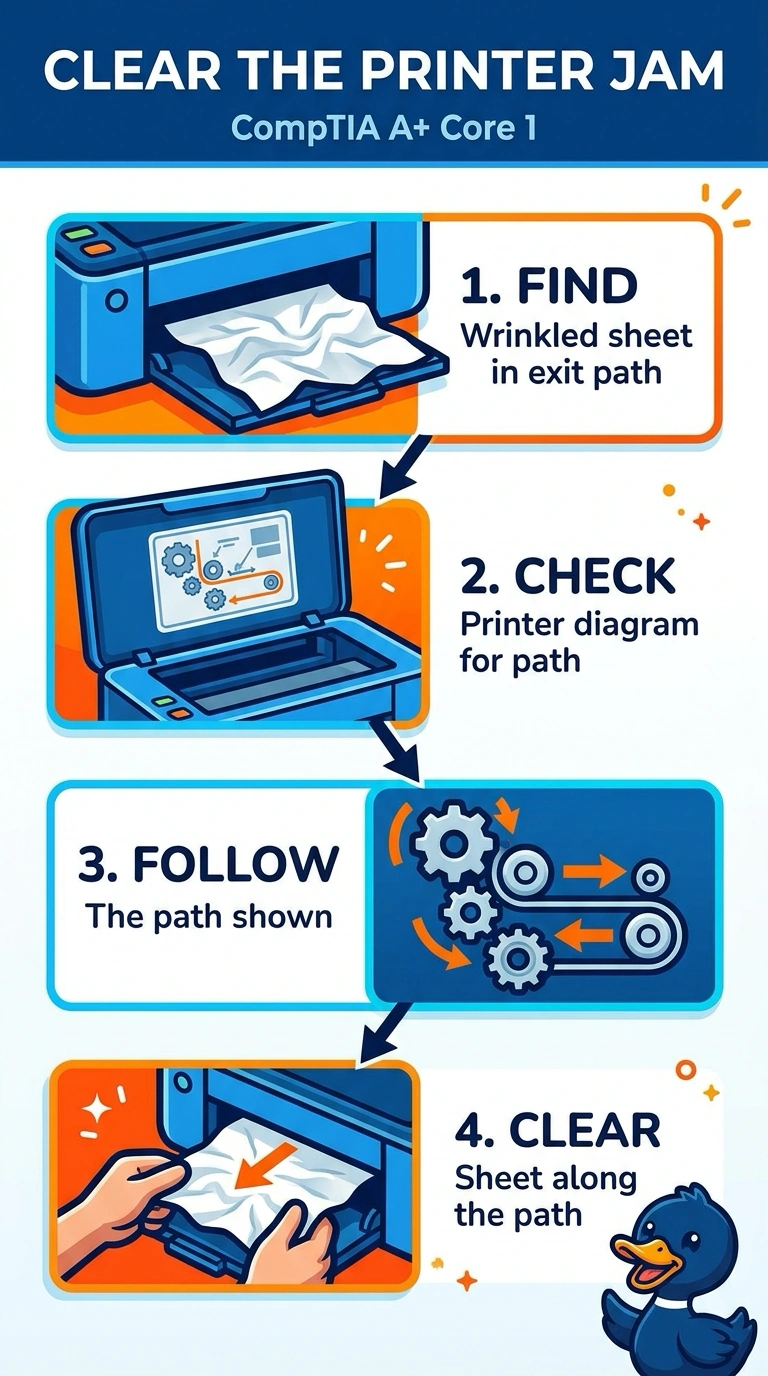
A laser printer stops with a jam, and a wrinkled sheet is visible in the exit path. It printed a clean test page before the jam. What should be done first?
Select an answer to reveal the explanation.
Short Explanation
The printer is choking on a sheet you can see. You clear that sheet the way the diagram says to pull it. A network card, a name server, and more memory in the PC do not unstick paper that is already in the exit path.
Full Explanation
A visible wrinkled sheet in the exit path is a paper jam, and the first action is to clear it along the path the printer's diagram shows so you do not tear it across a hot roller. The test page before the jam shows the engine was working, so the sheet is the problem in front of you. The network adapter would matter if jobs never arrived. This printer already printed, then jammed. DNS resolves names. It does not pull paper out of a printer. Memory in the PC helps the PC build a large job. It does not remove a sheet sitting in the exit. Exam caveat: let the fuser cool before you reach in, and remove all the pieces if the sheet tore. A scrap left behind becomes the next jam. Operational check: close the printer, print a two-page test, and confirm both pages exit without a wrinkle. Close the printer and print two pages to confirm the wrinkle is gone. Look for torn scraps before you close the door. Count the pieces so a torn corner is not left on the roller.