
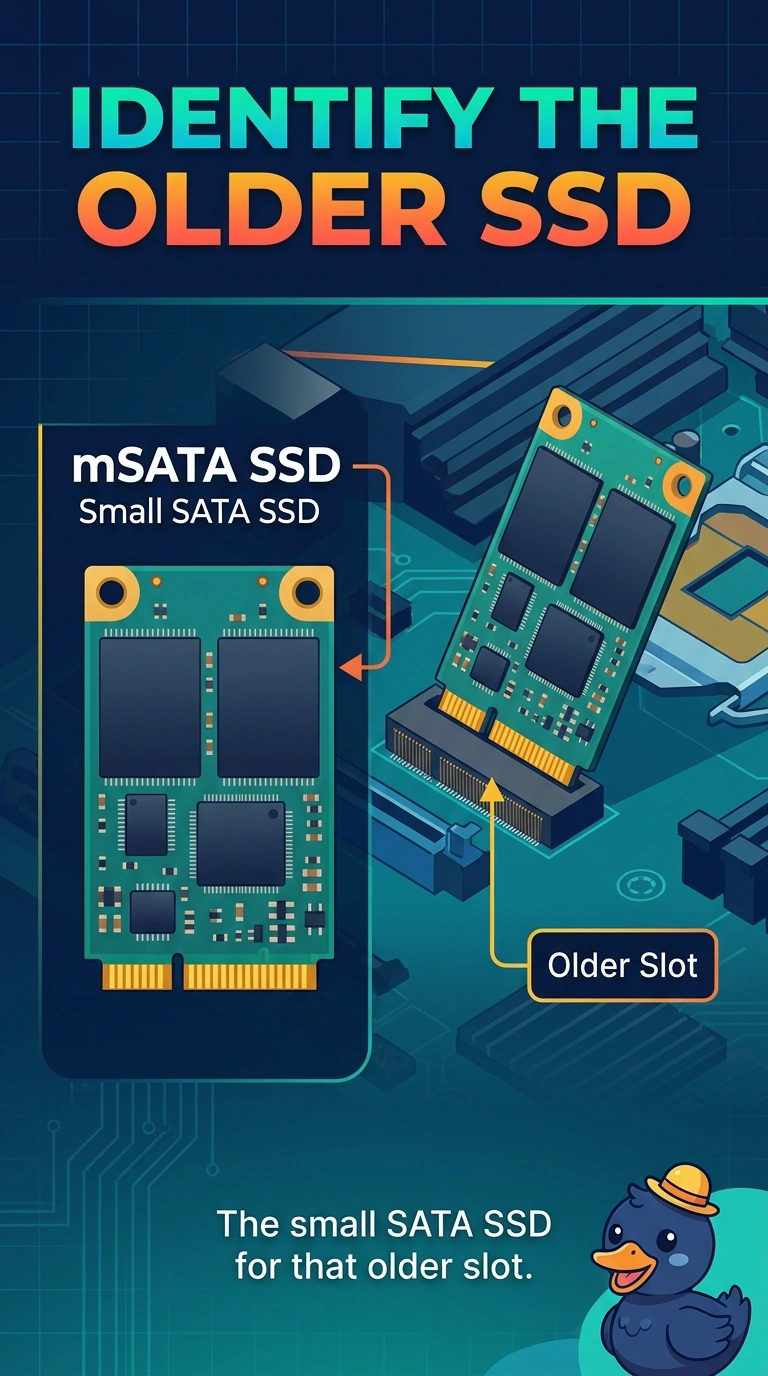
An older laptop has a small SATA SSD slot that is not an M.2 slot. Which drive matches that slot?
Select an answer to reveal the explanation.
Short Explanation
The slot is the older small SATA shape, and it is not the gumstick slot. You install an mSATA drive. An M.2 drive, a desktop-width disk, and a memory module do not match it.
Full Explanation
mSATA is the small SATA SSD used in older laptops, and it is a different slot from M.2. A slot that is explicitly not M.2 and is a small SATA SSD slot takes an mSATA drive. An M.2 drive does not fit a slot that is not M.2. A 3.5-inch disk is the desktop width. It does not match a laptop's small slot. A SODIMM is memory. It is not a SATA SSD. Exam caveat: mSATA uses SATA signaling. Do not expect the faster bus an NVMe M.2 drive uses. The fit is the question this stem asks. Operational check: install the mSATA drive, confirm the firmware sees it, and confirm the operating system can use that disk. Confirm the drive shows in the firmware before you close the laptop. Write what you found on the ticket.