
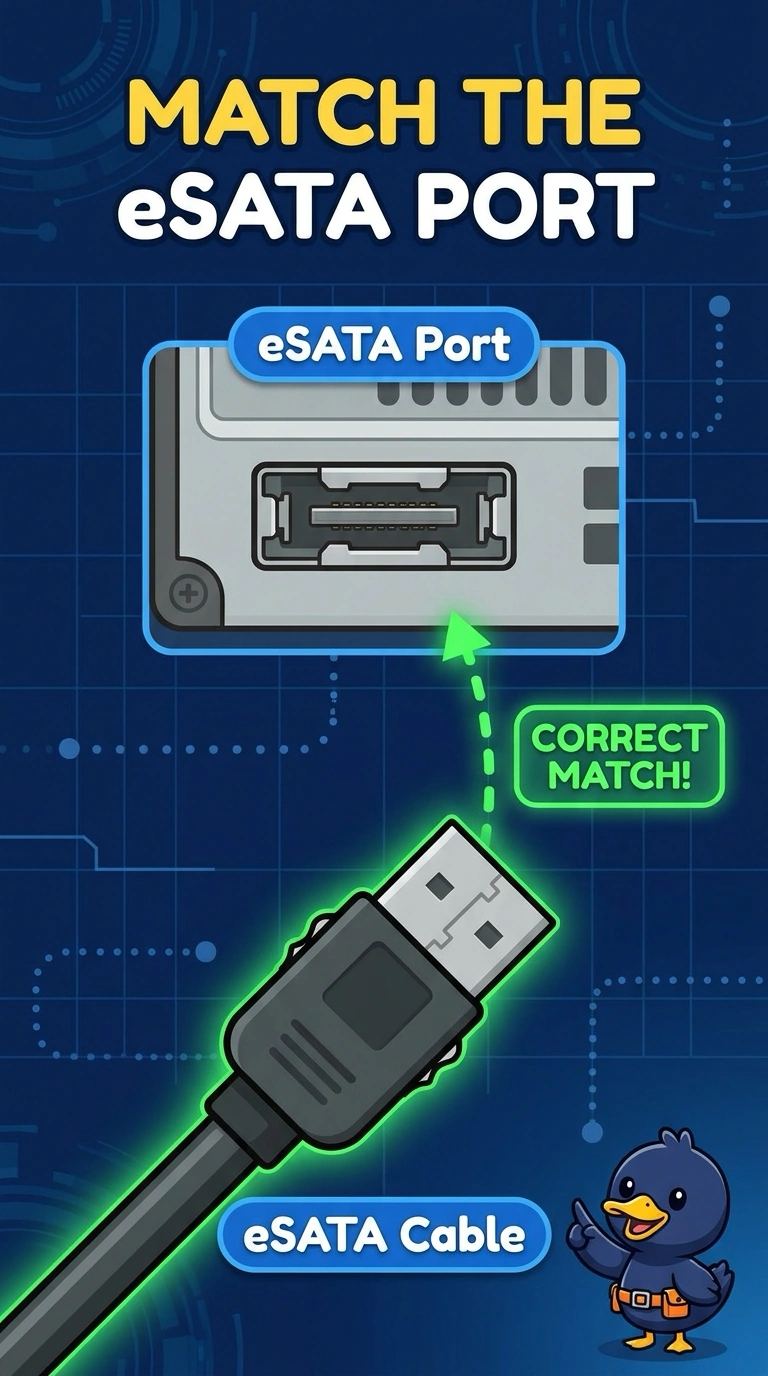
An external drive enclosure connects to a port labeled eSATA. Which cable mates with that port?
Select an answer to reveal the explanation.
Short Explanation
The port is labeled eSATA, so the cable has to be the external SATA lead, not a USB lead that happens to be nearby. You use an eSATA cable. A network plug and a video plug do not match that port.
Full Explanation
eSATA is the external form of the SATA storage connection. An enclosure whose port is labeled eSATA needs an eSATA cable. USB is a different bus. A USB cable does not become eSATA because both can attach a drive. RJ45 is Ethernet. VGA is analog video. Neither mates with an eSATA port. Exam caveat: eSATA carries data. The enclosure still needs power, often from a separate supply or a combined connector. The data cable alone may not spin the drive. Operational check: connect the eSATA cable, power the enclosure, and confirm the firmware lists the drive. If the drive still does not appear, confirm the enclosure has power as well as the data lead. Record the result on the ticket. Confirm the drive letter or device name appears.