
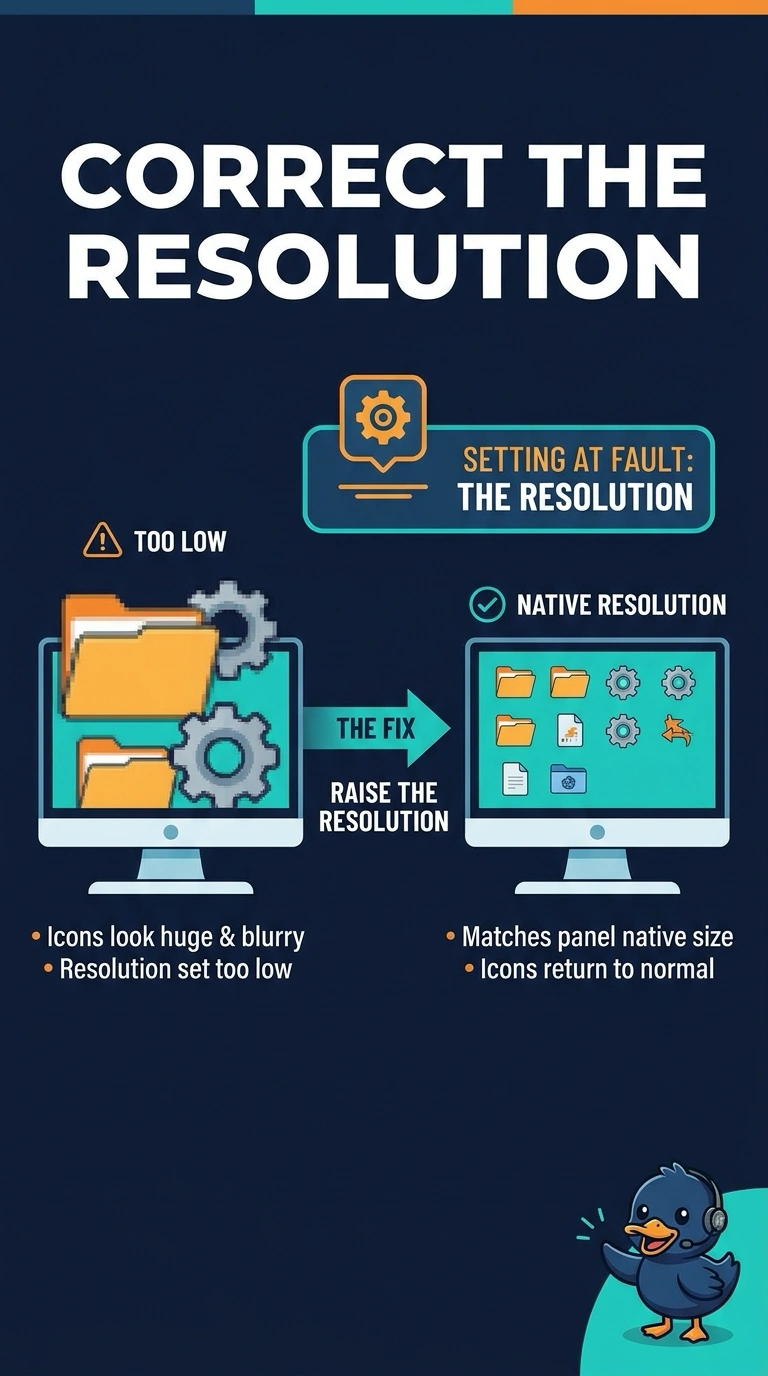
Icons on a monitor look huge and blurry. The resolution is set far below the panel's native size, and raising it makes the icons a normal size. Which setting was wrong?
Select an answer to reveal the explanation.
Short Explanation
The panel was asked to draw a coarse picture, so each icon took too many of those coarse dots. You raise the resolution. How often the panel refreshes, a few dead dots, and a ghosted image do not set the size of the desktop.
Full Explanation
Resolution is the number of pixels the image is drawn with. A setting far below the panel's native size makes icons large and soft, and raising it restores a normal size, so the resolution was the wrong setting. Refresh rate is how often a new frame is drawn. It does not control icon size. Dead pixels are individual dots that stay dark. They do not enlarge every icon, and changing resolution would not fix them. Burn-in is a permanent ghost. A higher resolution does not erase it. Exam caveat: set the native resolution when you can. A non-native size can look soft even when it is not extremely low. Operational check: set the native resolution, confirm the icons shrink to normal, and confirm text is sharp. Write the result on the ticket before you close it.