
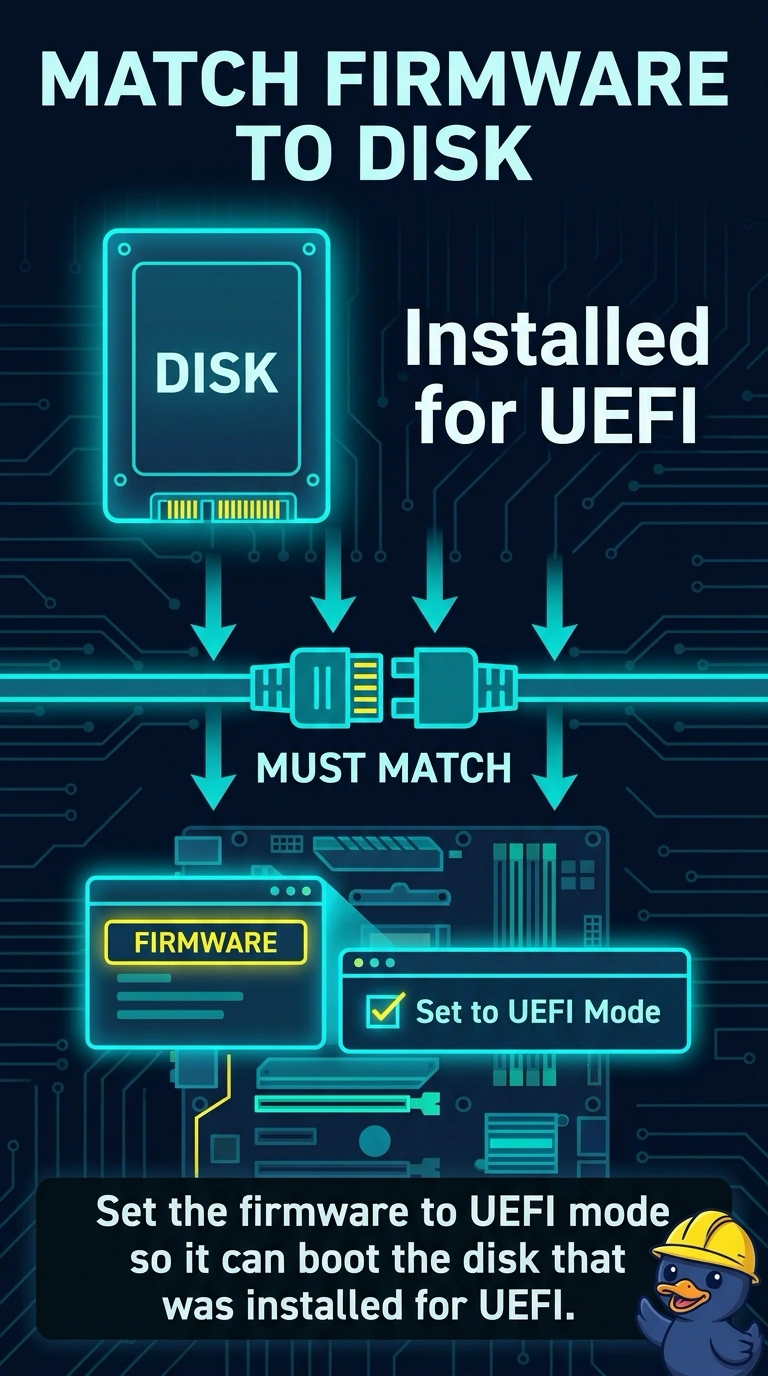
A new disk was installed for UEFI boot, and the firmware is set to legacy mode. The PC does not boot that disk. Which firmware change fits?
Select an answer to reveal the explanation.
Short Explanation
The disk was prepared for the newer firmware path, and the firmware is still on the old path. You switch the firmware to UEFI mode. A signature check, the key chip, and a disk controller do not change that boot mode.
Full Explanation
UEFI mode is the firmware path used to boot a disk that was installed for UEFI. Legacy mode looks for the older boot style, so this PC will not start that disk until the firmware is set to UEFI. Secure Boot is an extra signature check that runs in a UEFI context. Turning it on while staying in legacy mode does not switch the boot path. A TPM stores keys. It does not convert a legacy setting into UEFI boot. A RAID controller manages disks. It is not the firmware's boot-mode setting. Exam caveat: changing the mode can hide the disk you were using before. Confirm the new disk is the one you intend to boot before you leave legacy mode behind. Operational check: set UEFI mode, save, and confirm the firmware lists the new disk as a boot option and starts it. Write the result on the ticket before you close it.