
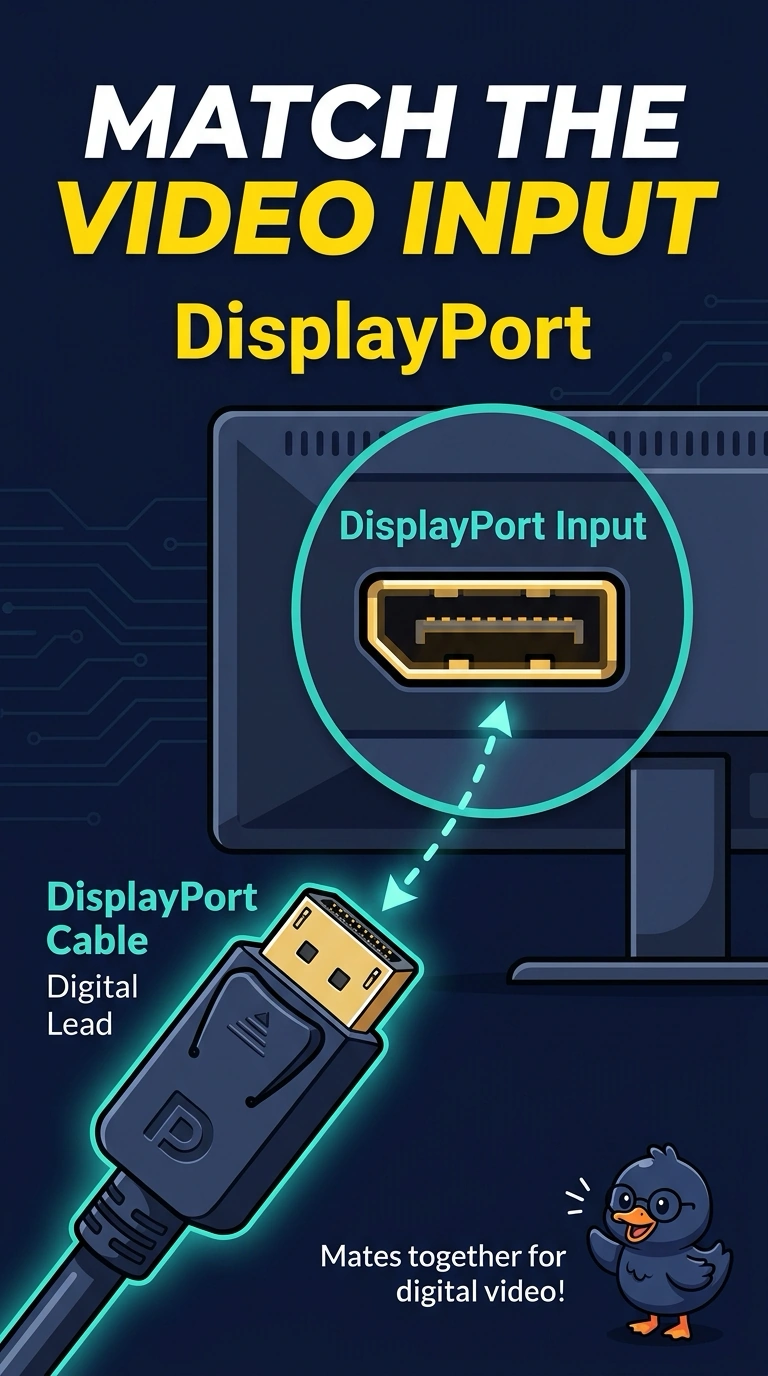
A monitor's video input is DisplayPort. The PC should use the digital cable that mates with that input. Which cable is that?
Select an answer to reveal the explanation.
Short Explanation
The monitor has a specific digital socket, so you need the cable made to fit it. Use a DisplayPort cable; VGA, RJ11, and coaxial F-type cables do not mate with that input.
Full Explanation
DisplayPort is a digital video connector, so a monitor with a DisplayPort input needs a DisplayPort cable. A VGA cable is analog and uses a different connector; it is not the digital DisplayPort lead. An RJ11 cable is a telephone cord and does not fit a DisplayPort input. A coaxial cable with an F-type end is not a monitor’s digital video input. Exam caveat: some ports accept a USB-C cable that carries DisplayPort, while a plain USB-C charging cable may not, so match the cable to the port the monitor actually has. In this question, the input is DisplayPort, so use a DisplayPort cable. If the PC has no DisplayPort output, use an active adapter rather than a passive plug. Practical check: connect the DisplayPort cable, select the DisplayPort input, and confirm the picture is stable. Record the result on the ticket before closing the call.