
A school wants the lab printer to print on both sides of each sheet so it uses less paper. Which feature does that?
Select an answer to reveal the explanation.
Short Explanation
The printer should use the back of the sheet, not only the front. You turn on duplex. Holding a job for a badge, feeding originals into a scanner, and a deeper stack of blank paper do not print on both sides.
Full Explanation
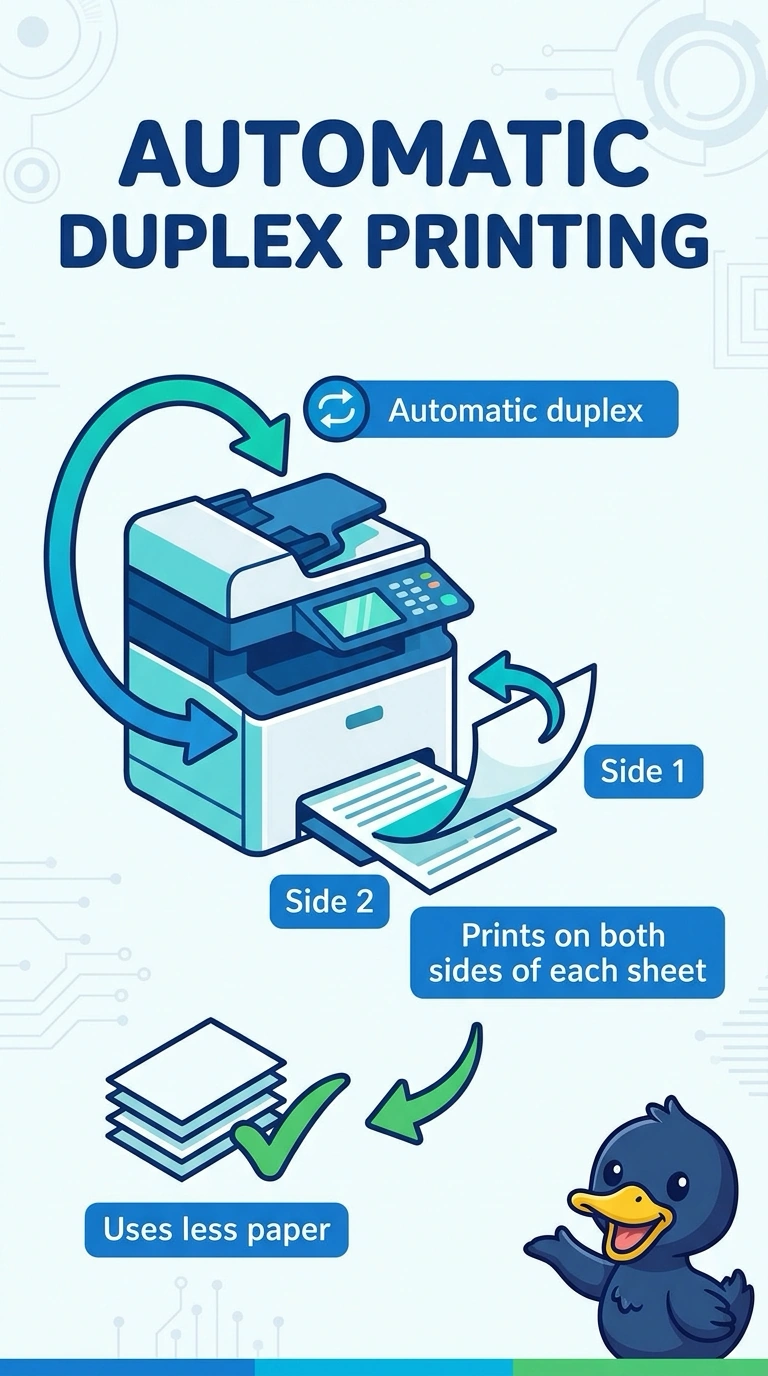
Automatic duplex prints on both sides of the sheet, which is how the lab uses less paper. Secured print holds a job until the user authenticates. It does not choose two-sided output. An automatic document feeder pulls original pages across a scanner. It does not flip the printer's output. A larger tray holds more blank paper. The capacity of the tray does not print on the back of a sheet. Exam caveat: some printers need a duplexer unit installed, and some manual duplex modes ask the user to flip the stack. Confirm the lab printer can do it unattended if that is what the school asked for. Operational check: print a two-page document, confirm the second page is on the back, and confirm a one-sided job still works when someone asks for it. Print a two-page document and confirm the second page is on the back. Confirm a one-sided job is still available when someone asks for it. Show a user how to pick one-sided output when a form requires it.