
A presentation PC must send picture and sound to a television on a single cable. The television's input is HDMI. Which cable fits?
Select an answer to reveal the explanation.
Short Explanation
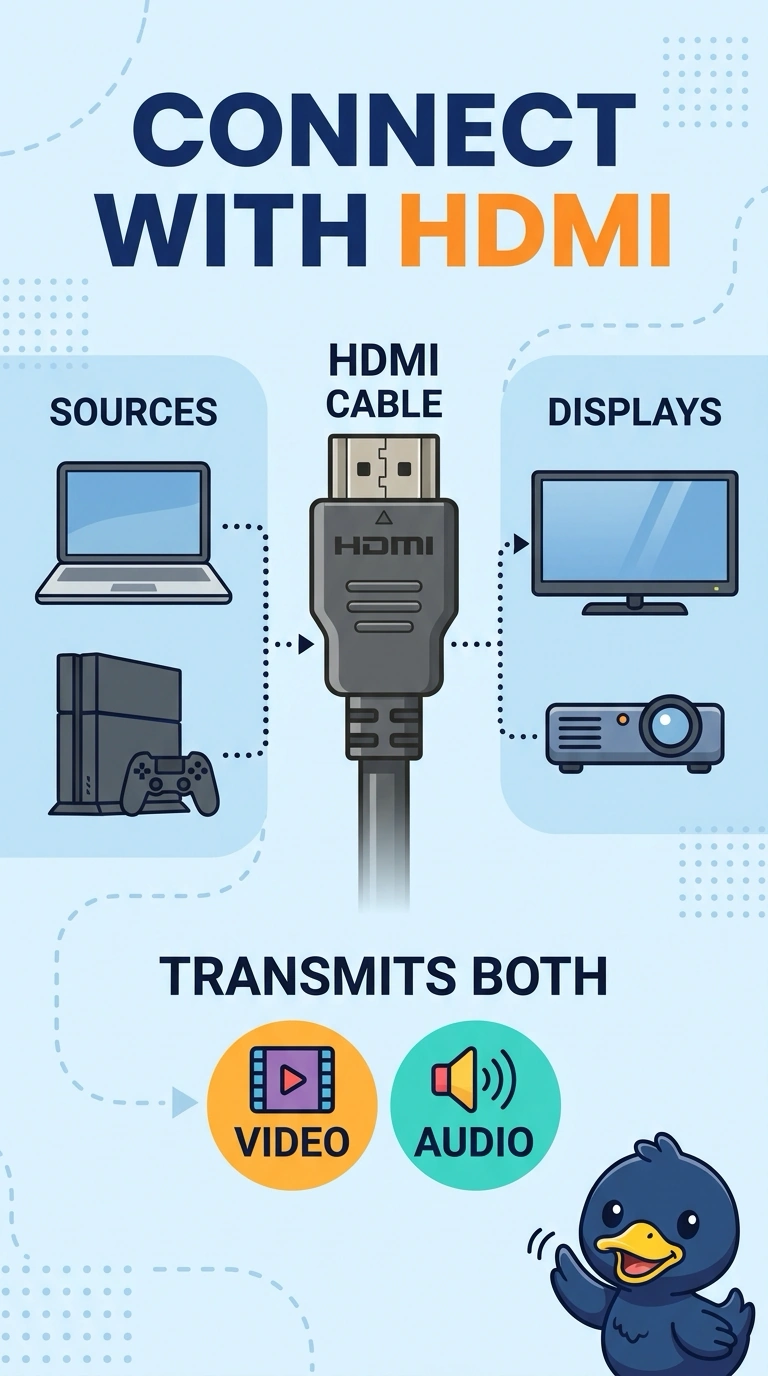
You need one cable that brings both picture and sound to the television’s HDMI input. HDMI fits that need. VGA carries analog picture only, while RJ11 and DB9 are not television audio-and-video leads.
Full Explanation
HDMI is the correct fit because it carries digital video and audio over one cable, and it matches the input the television expects. One HDMI cable meets the requirement to send both picture and sound. VGA carries analog video, not sound, and it does not connect to an HDMI port without a converter; the setup described does not include one. RJ11 is a telephone connector, not a video-and-audio lead for a television. DB9 is a serial connector; it does not mate with an HDMI port or carry the presentation. Exam caveat: the PC must have an HDMI output, or an adapter that truly produces HDMI. A VGA-to-HDMI dongle that only changes the plug shape will not create a digital signal. Practical check: connect the HDMI cable, select the television’s HDMI input, and confirm that both picture and sound arrive. Check sound as well as picture, raise the television volume once to rule out a muted set, and use an active adapter if the PC has no HDMI output.