
A lab PC should stop casual users from changing the firmware boot order. Which control locks those firmware settings?
Select an answer to reveal the explanation.
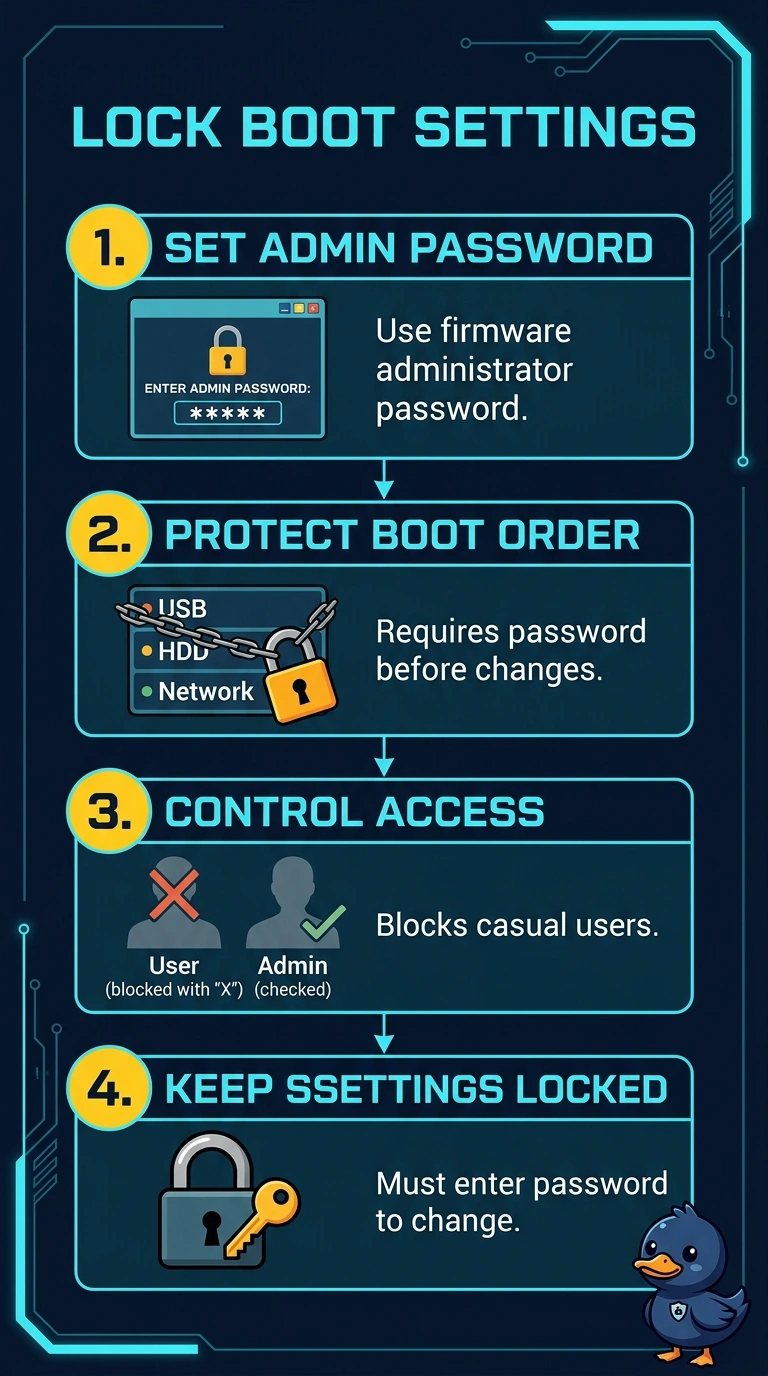
Short Explanation
The setup screen is a back room, and you put a lock on that door so people cannot rearrange the boot order. You set a firmware administrator password. The operating-system login, a signature check, and the key-storage chip do not stand in front of the firmware menus.
Full Explanation
A firmware administrator password, sometimes called a supervisor password, has to be entered before someone can change setup options such as the boot order. That is the lock the lab needs. The operating-system login runs only after the firmware has already handed off. A user who opens the setup screen never reaches that login. Secure Boot checks signatures on boot files. It does not ask for a password before a boot-order change, and it was not the control described here. A TPM stores keys and measurements. It does not prompt as the password that guards the setup menus. Exam caveat: set a password you can recover through the lab's process. A forgotten firmware password can take a vendor reset or a board procedure to clear. Operational check: reboot, open setup, confirm the boot order will not change until the administrator password is entered, and confirm a normal start still works. Store the firmware password with the lab's recovery process before you walk away from the PC. Try a boot-order change without the password and confirm the firmware refuses it.