
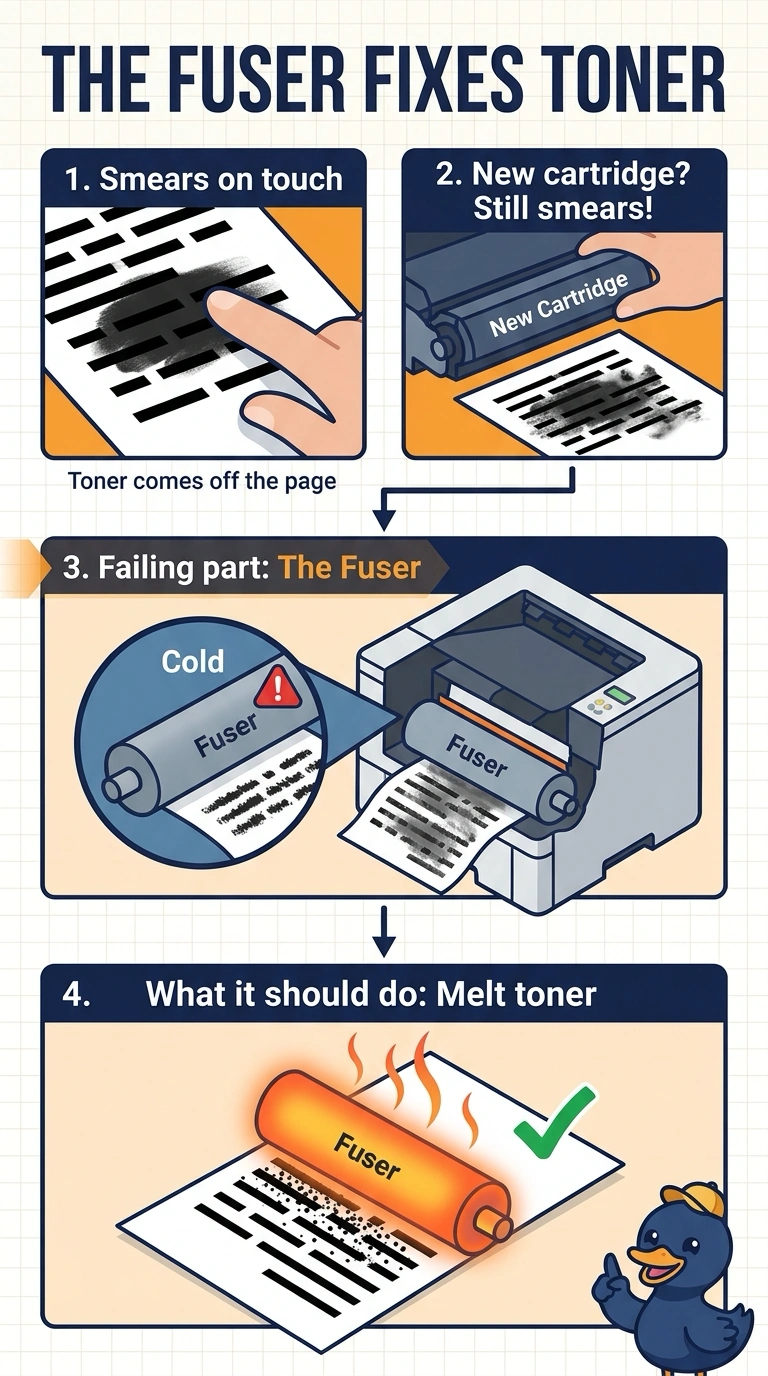
Pages from a laser printer smear when a finger touches the toner. A new toner cartridge did not stop the smear. Which maintenance part is failing?
Select an answer to reveal the explanation.
Short Explanation
You can tell the toner is still loose because it wipes away when you touch the page. The fuser melts and presses toner into the paper; a new cartridge didn’t fix it, and an inkjet printhead, separation pad, or Bluetooth pairing code doesn’t do that job.
Full Explanation
Laser toner is a plastic powder that the fuser melts and presses into the paper. If toner smears off after you install a new cartridge, the fuser may not be reaching temperature or applying enough pressure, so the fuser is the failing maintenance part. An inkjet printhead sprays liquid ink; it does not melt laser toner or serve as a laser printer’s heating assembly. The separation pad keeps extra sheets in the tray; it does not heat the page or toner. A Bluetooth pairing code pairs a device; it does not set the fuser temperature. Exam caveat: the fuser gets hot during operation. Let it cool before removing it, use the maintenance kit called for by the printer’s page count, and do not bend the heat lamp. For a practical check, install the fuser or maintenance kit, print a page, and rub it to confirm the toner stays put. Compare it with a rubbed page from before the repair, and note the page total so the next kit is not installed too early.