
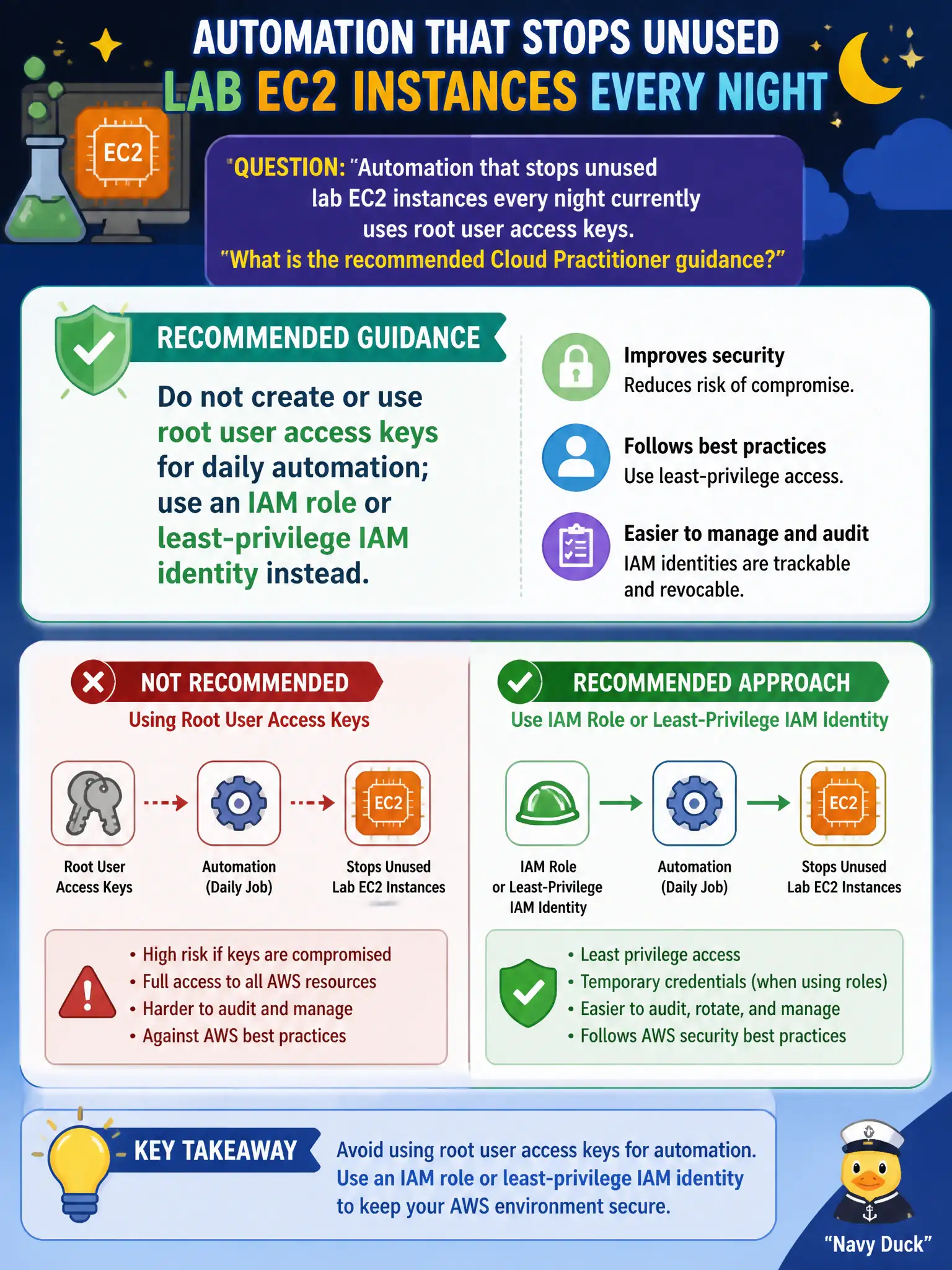
Automation that stops unused lab EC2 instances every night currently uses root user access keys. What is the recommended Cloud Practitioner guidance?
Select an answer to reveal the explanation.
Short Explanation
Root access keys are a skeleton key to the entire account — using them for nightly scripts is asking for trouble. Park the automation under an IAM role or a locked-down IAM identity so a leaked key cannot empty the whole house.
Full Explanation
Do not create or use root user access keys for daily automation that stops unused lab EC2 instances every night; use an IAM role or least-privilege IAM identity instead. Root access keys are a skeleton key to the entire account — using them for nightly scripts asks for account takeover if leaked. Root access keys are not required for any EC2 API call. Sharing root access keys with every script author multiplies exposure. Publishing root access keys to Systems Manager as a public parameter advertises the skeleton key. Distractors fail by mandating root keys, by sharing them widely, or by publishing them. Exam caveat: automation should use roles for EC2/Lambda or tightly scoped IAM users only when roles are impractical, never root. Operational check: delete any root access keys, create a scheduler role or instance role with ec2:StopInstances on lab resources only, move the nightly job to that identity, verify CloudTrail shows the new principal, and alert if root credentials are ever used. In practice, implement the nightly stop job with a scoped role allowed only to stop tagged lab instances, delete root keys, and alarm if root credentials are ever used again. Tag-based conditions further reduce the chance a production instance is stopped by a lab automation identity.