
A library IT team wants permissions that start from AWS-authored baselines and then tailor narrower access when those baselines are too broad, while still aiming for least privilege. How should they think about managed versus custom policies?
Select an answer to reveal the explanation.
Short Explanation
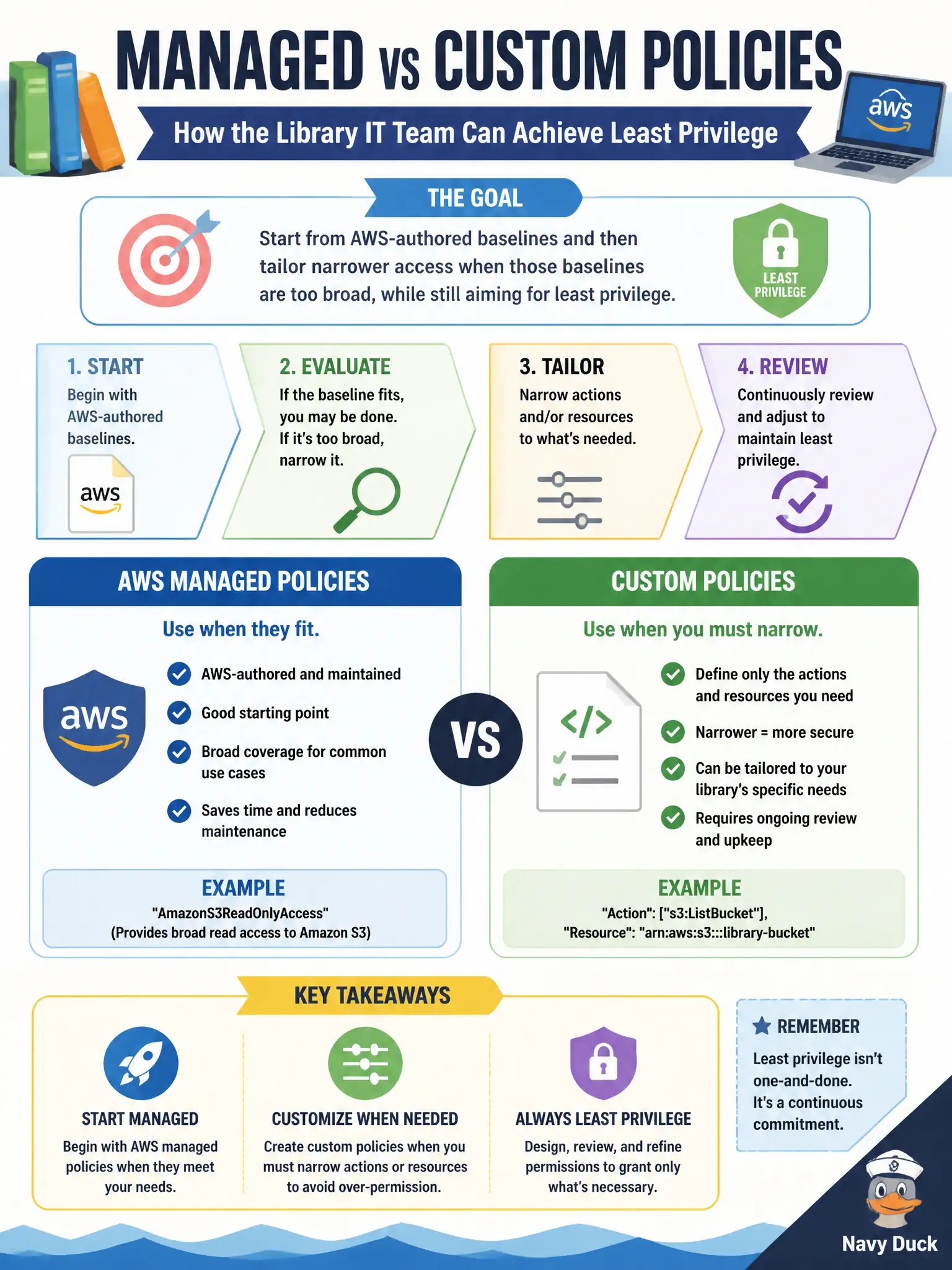
AWS managed policies are ready-made permission packs; custom policies are ones you write when you need a tighter fit. Start with managed when it is close enough, then craft custom JSON when you must lock actions and resources down — least privilege still wins either way.
Full Explanation
Library IT teams should start from AWS managed policies when they fit, create custom policies when they must narrow actions or resources, and keep least privilege in mind either way. AWS managed policies are ready-made permission packs; custom policies are ones you write for a tighter fit. It is false that custom policies are forbidden and only inline root policies are allowed. AWS managed policies do not always grant AdministratorAccess, and they can be attached to groups. Custom policies do not disable CloudTrail when attached. Distractors fail by banning custom policies, by mischaracterizing managed policies as always-admin, or by inventing CloudTrail side effects. Exam caveat: managed policies can be broader than a job needs; always evaluate whether a custom, narrower policy better protects municipal data. Operational check: map job functions to managed policies where close enough, author custom JSON for reporting tools that need one bucket prefix, attach via groups, review with Access Analyzer where helpful, and periodically remove unused actions discovered in CloudTrail. In practice, prefer managed policies for common job baselines, then clone-and-narrow into custom policies when library workflows only need a handful of actions on specific resources.