
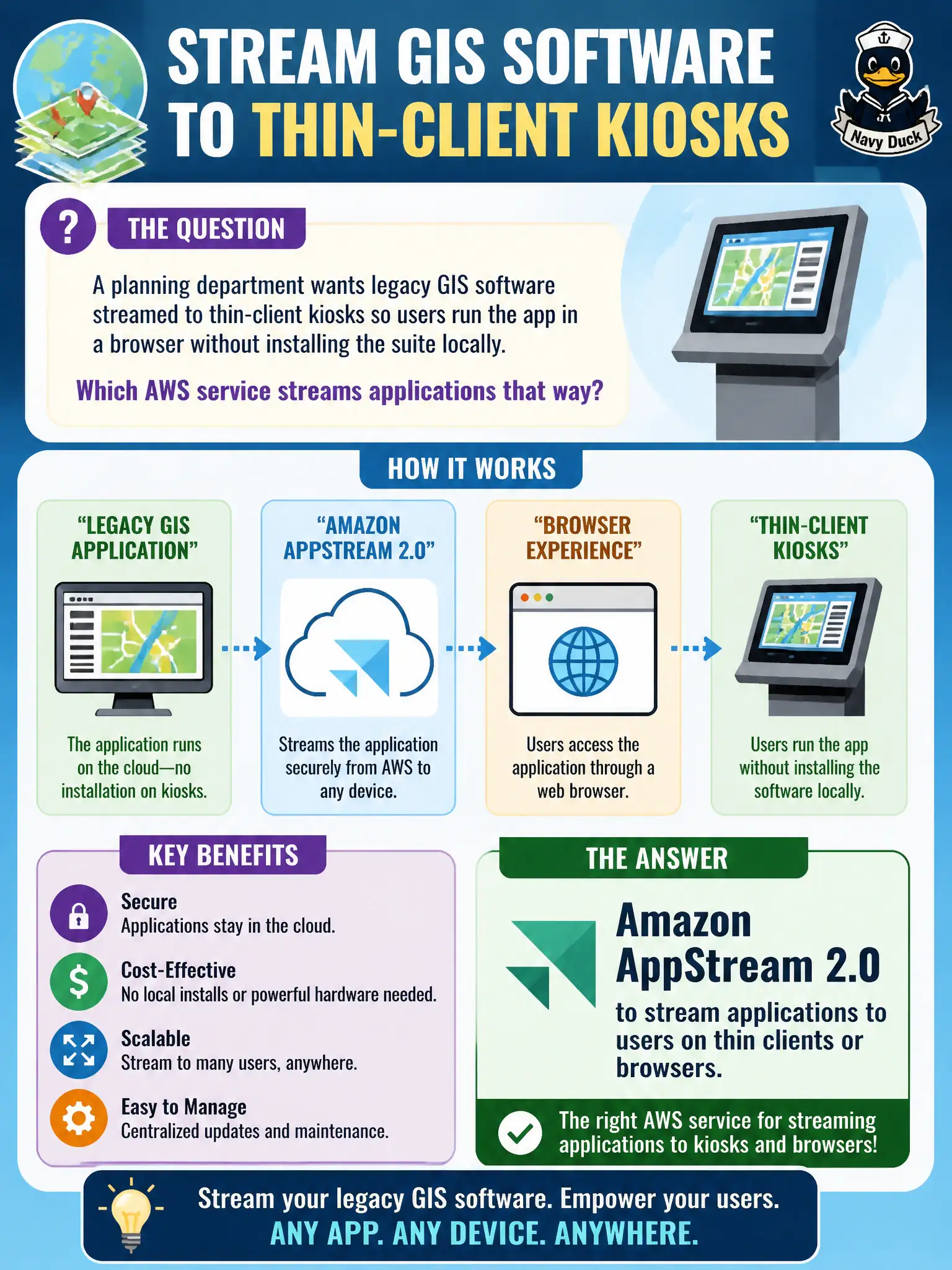
A planning department wants legacy GIS software streamed to thin-client kiosks so users run the app in a browser without installing the suite locally. Which AWS service streams applications that way?
Select an answer to reveal the explanation.
Short Explanation
AppStream is the “software over the wire” trick — the heavy GIS suite runs centrally and the kiosk just sees the screen and inputs. WorkSpaces is more “here is your whole desktop,” Beanstalk deploys apps you built, and Lightsail is a simple VPS; for streaming one application to thin clients, AppStream fits.
Full Explanation
A planning department that wants legacy GIS software streamed to thin-client kiosks—so users run the app in a browser without installing the suite locally—should use Amazon AppStream 2.0. AppStream streams applications from AWS to browsers or thin clients, keeping heavy software centralized while kiosks only handle display and input. That pattern fits public counters and shared kiosks where installing full GIS suites on every device is impractical.
Amazon WorkSpaces is a stronger fit when each user needs a full persistent personal desktop rather than streaming a specific application to thin clients. AWS Elastic Beanstalk deploys developer web applications/APIs you built; it does not stream legacy desktop GIS to kiosks. Amazon Lightsail provides simple virtual private servers for straightforward workloads like blogs; it is not an application-streaming VDI/service for GIS suites. Match streaming-an-app versus owning-a-desktop versus hosting-a-web-API.
Exam caveat: AppStream = stream apps; WorkSpaces = full desktops. CLF often tests that nuance with kiosk/thin-client language pointing to AppStream.
Operational check for planning kiosks: package the GIS application on an AppStream image, place fleets in appropriate subnets with access to GIS data stores, harden kiosk browsers, use short-lived streaming sessions for public counters, monitor capacity during permit-rush hours, and validate licensing compliance for the streamed software.