
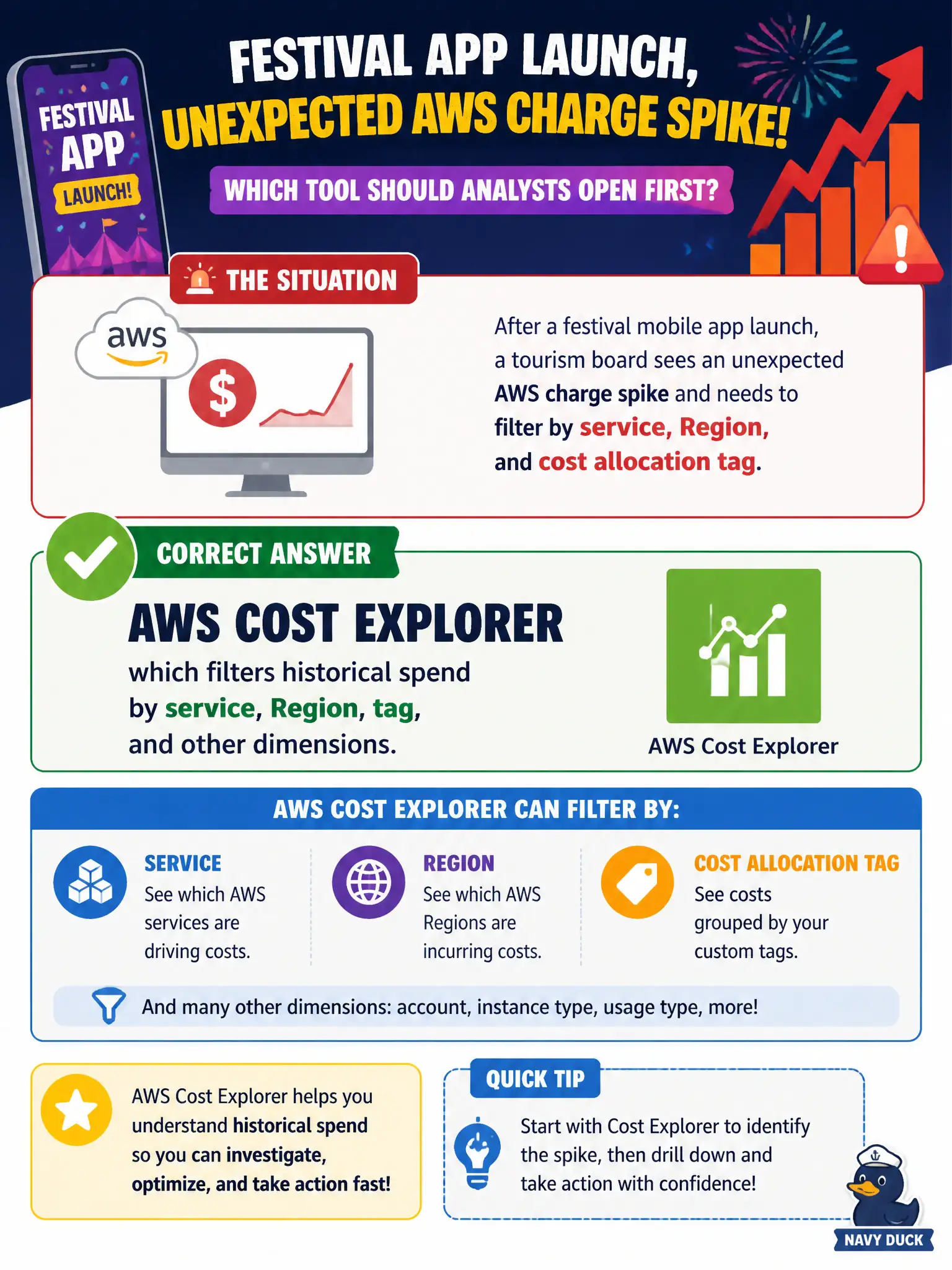
After a festival mobile app launch, a tourism board sees an unexpected AWS charge spike and needs to filter by service, Region, and cost allocation tag. Which tool should analysts open first?
Select an answer to reveal the explanation.
Short Explanation
Saw a surprise spike after the festival app went live? Open Cost Explorer. Filter by service, Region, and tags until the culprit shows up.
Full Explanation
After a festival mobile app launch, when a tourism board sees an unexpected AWS charge spike and needs to filter by service, Region, and cost allocation tag, analysts should open AWS Cost Explorer first. Cost Explorer filters historical spend by those dimensions so teams can isolate whether the spike was CloudFront egress, unexpected EC2, or an untagged runaway resource related to the launch.
Amazon VPC Flow Logs capture network traffic metadata rather than full cost breakdowns. AWS Certificate Manager manages certificates and does not diagnose spend spikes. Amazon WorkSpaces provides desktops rather than cost-analysis filters. Network logs, certificates, and VDI do not replace Cost Explorer for bill spike triage.
Exam caveat: Spike investigation → Cost Explorer; ongoing threshold watch → Budgets; deep custom analytics → CUR. Start with Cost Explorer for interactive filtering.
Operational check for tourism: filter the launch window by service and Region, pivot on tags for the festival app, identify the top cost drivers, remediate (for example caching, rightsizing, shutting scrapers), set a Budget for the app tag going forward, and brief leadership with charts rather than raw invoice PDFs alone.