
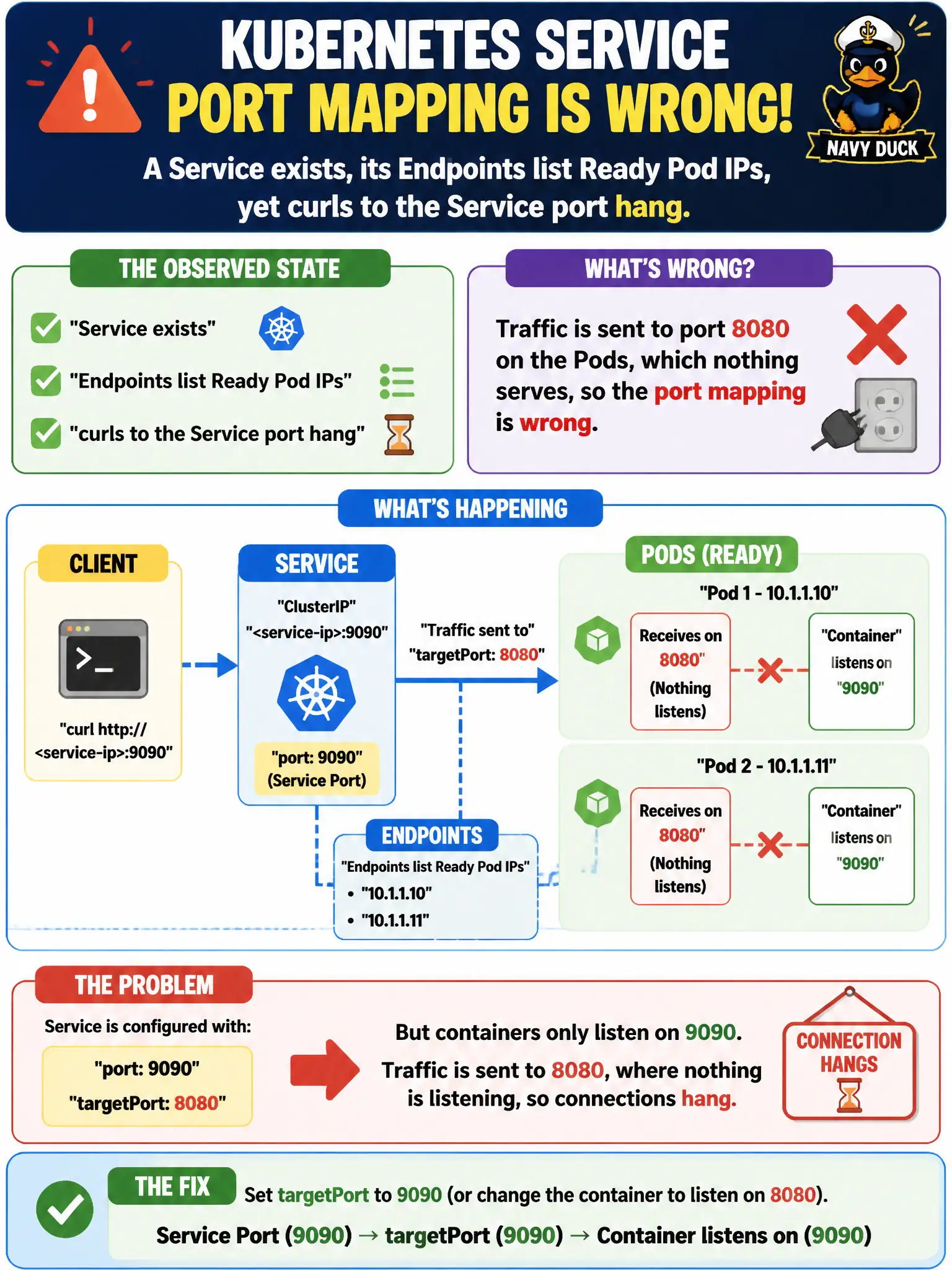
A Service exists, its Endpoints list Ready Pod IPs, yet curls to the Service port hang. Containers listen on 9090 but targetPort is 8080. What is wrong?
Select an answer to reveal the explanation.
Short Explanation
Endpoints only prove “which Pods,” not “which door on the Pod.” If targetPort is 8080 and the process listens on 9090, you’re knocking on an empty room. Fix targetPort (or the app port) so they match.
Full Explanation
When a Service exists, its Endpoints list Ready Pod IPs, yet curls to the Service port hang—and containers listen on 9090 while targetPort is 8080—the traffic is sent to port 8080 on the Pods, which nothing serves, so the port mapping is wrong. Endpoints membership proves which Pod IPs are selected as backends; it does not prove that targetPort matches the process listen port. Fix targetPort to 9090 (or change the app to listen on 8080) so the municipal Service path reaches a live socket.
Ready Pods can be selected by a single Service; a second Service is not required before Endpoints work. Endpoints listing Pod IPs does not prove targetPort is ignored or that the issue must be DNS only—DNS can succeed and TCP still hang on a closed/wrong port. The Service type does not need to be NodePort whenever targetPort differs from containerPort; ClusterIP Services routinely map distinct port and targetPort values.
Exam caveat: hanging curls with populated Endpoints often indicate wrong targetPort, NetworkPolicy drops, or bind-address issues—verify listen ports early. Operational check: kubectl get endpoints; kubectl describe svc and read PORT(S); exec into a Pod and confirm listeners on 9090; patch targetPort to 9090; retest curls to the civic Service. Update service documentation so operators stop assuming containerPort alone drives forwarding.