
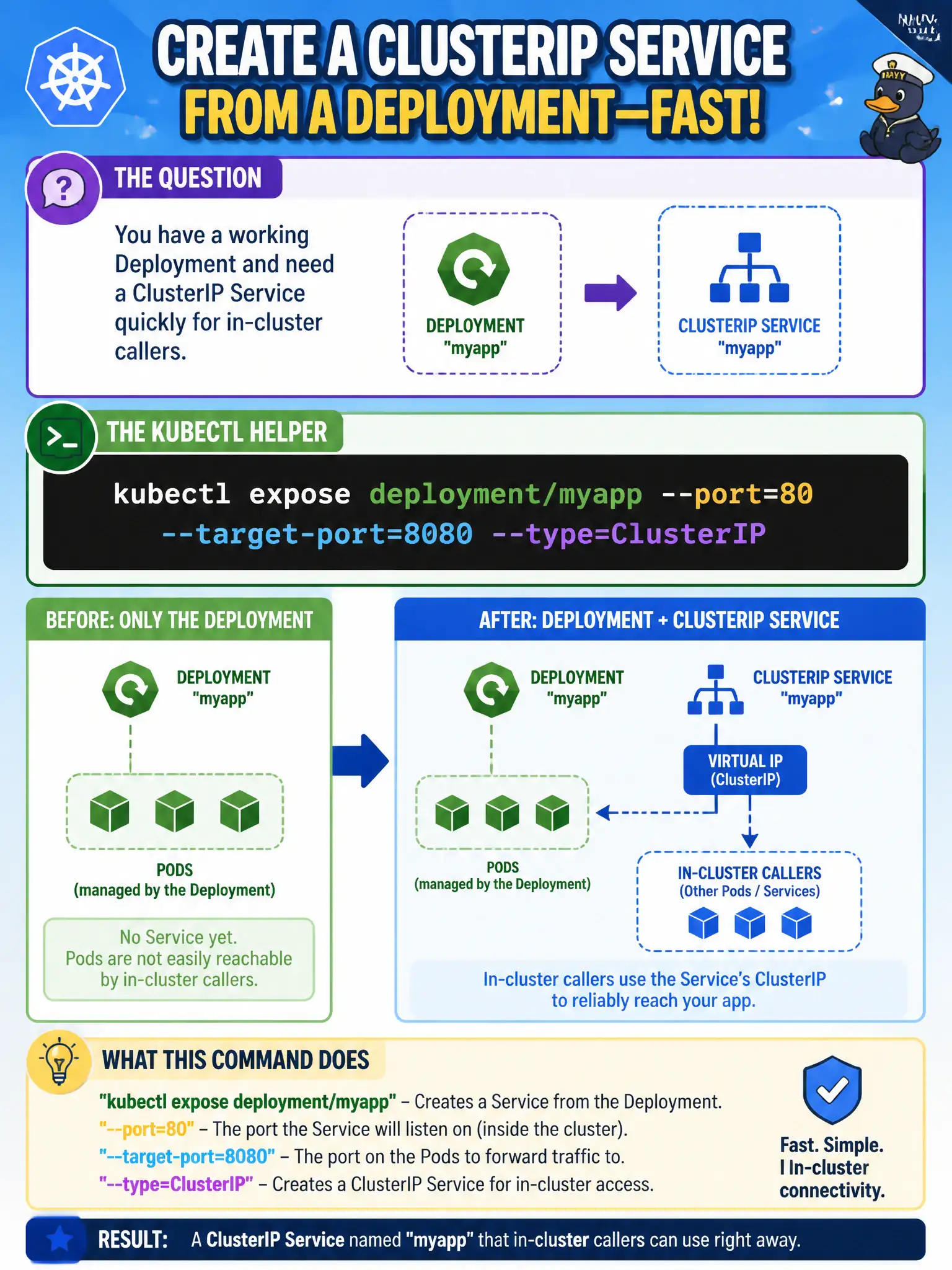
You have a working Deployment and need a ClusterIP Service quickly for in-cluster callers. Which kubectl helper creates a Service from that Deployment?
Select an answer to reveal the explanation.
Short Explanation
kubectl expose is the shortcut that wraps a Service around an existing Deployment—port, target port, type, done. You’re not cordoning nodes or attaching a TTY; you’re just publishing a stable VIP for the app.
Full Explanation
When you have a working Deployment and need a ClusterIP Service quickly for in-cluster callers, kubectl expose deployment/myapp --port=80 --target-port=8080 --type=ClusterIP is the helper that creates that Service from the Deployment. It wraps a Service around the Deployment’s selector and applies the port mapping you specify. For municipal apps, expose is the shortcut that publishes the desk phone number without hand-typing every metadata field first.
kubectl attach deployment/myapp is for attaching to a running container’s I/O streams, not for creating Services. kubectl auth can-i create services checks whether an identity is authorized to create Services—it does not create one. kubectl cordon marks a node unschedulable and does not publish Endpoints for a Deployment.
Exam caveat: expose copies labels/selectors from the workload—always verify the generated Service matches your intended selector and ports before moving on. Operational check: run the expose command with the intended ports, kubectl get svc, curl the ClusterIP or DNS name from a debug Pod, then save the equivalent YAML into the city’s GitOps repository so the Service is not only an imperative one-off. Prefer declarative Service manifests for long-lived civic workloads after the quick expose.