
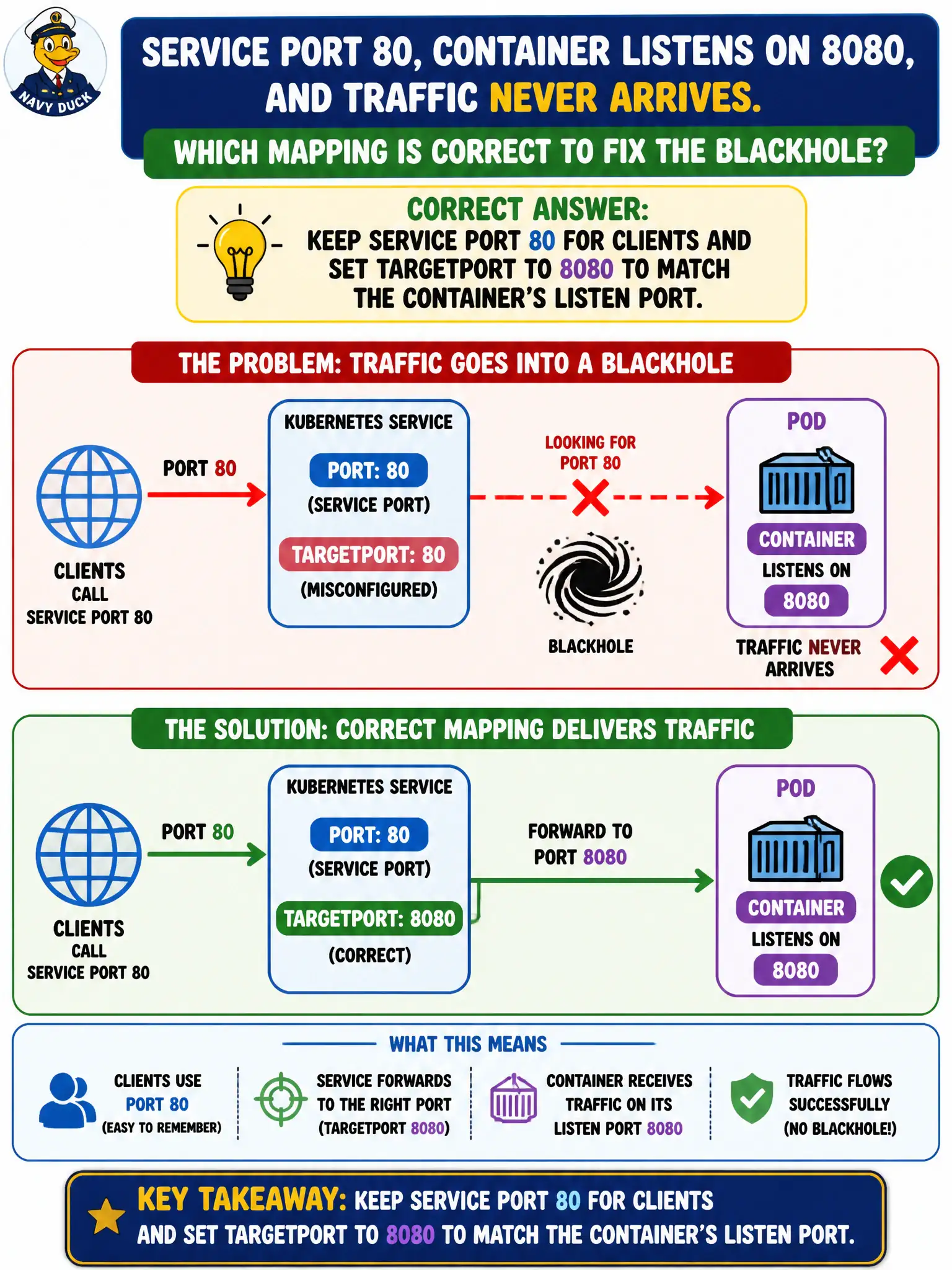
Clients call Service port 80, the container listens on 8080, and traffic never arrives. Which mapping is correct to fix the blackhole?
Select an answer to reveal the explanation.
Short Explanation
Clients knock on the Service’s front door (port 80); the app answers down the hall on 8080. targetPort is the hallway number—point it at 8080. Mixing those up is how you get a perfectly “healthy” blackhole.
Full Explanation
Clients call the Service port; the data plane forwards to targetPort on the selected Pod IPs. When clients use Service port 80 but the container listens on 8080, keep Service port 80 for clients and set targetPort to 8080 to match the container’s listen port. Clients knock on the Service’s front door (port 80); the app answers down the hall on 8080—targetPort is the hallway number. Mixing those values creates a blackhole where Endpoints list Ready Pods but nothing accepts the forwarded port.
Setting Service port to 8080 and targetPort to 80 swaps the mapping incorrectly for this stated client-versus-app layout. Setting containerPort to 80 only does not make targetPort irrelevant whenever a Service exists—targetPort still determines the destination port on Pod IPs. Using hostPort 80 on the Pod and leaving Service targetPort unset forever couples the application to node ports and is not the correct Service mapping fix for in-cluster ClusterIP traffic.
Exam caveat: containerPort is largely documentary for the Pod spec; Service targetPort controls forwarding. Prefer named targetPorts when ports may change. Operational check: kubectl describe svc and compare PORT(S) to the process listen port inside the container; patch targetPort to 8080; curl the Service and confirm success. Capture the 80→8080 mapping in the city application’s service contract so Ingress and NetworkPolicy authors use the correct ports.