
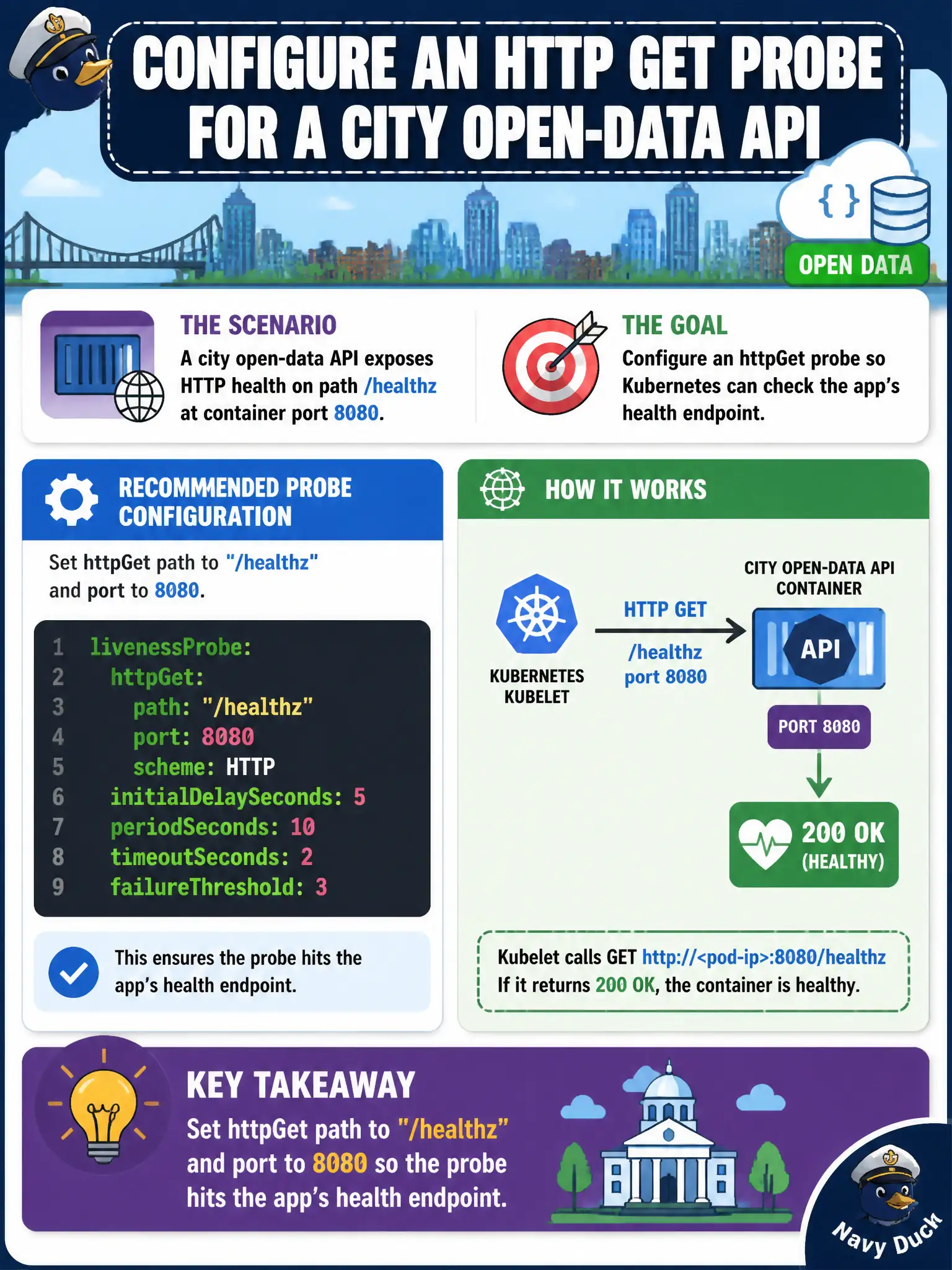
A city open-data API exposes HTTP health on path /healthz at container port 8080. How should an httpGet probe be configured?
Select an answer to reveal the explanation.
Short Explanation
The probe has to knock on the door the app actually opened. Point httpGet at /healthz on port 8080—the same path and port the service uses for health. Wrong path, wrong port, or checking something outside the Pod won’t tell you if this container is ready.
Full Explanation
For a city open-data API that exposes HTTP health on path /healthz at container port 8080, configure an httpGet probe with path /healthz and port 8080 so the probe hits the application’s real health endpoint. Probe configuration must match how the container actually listens—wrong ports or paths produce false failures and flapping civic Services.
Why the other options fail by concept: An exec probe that curls an external SaaS status page couples Pod health to the public Internet and not the Pod. httpGet to / on port 80 fails when the app only listens on 8080. A tcpSocket probe against port 22 treating SSH as health is irrelevant and insecure as a signal for an HTTP API.
Exam caveat: Named ports can substitute for the number if containerPort.name is defined. scheme HTTPS and headers matter for TLS-only apps. Keep timeouts and thresholds realistic for the open-data API’s latency profile. Separate readiness (able to serve) from liveness (needs restart) even if both use /healthz initially.
Operational check: kubectl explain pod.spec.containers.livenessProbe.httpGet, set path and port correctly, apply, and kubectl describe pod to see successful probes. Intentionally break the path and confirm Ready becomes false or restarts occur as configured.