
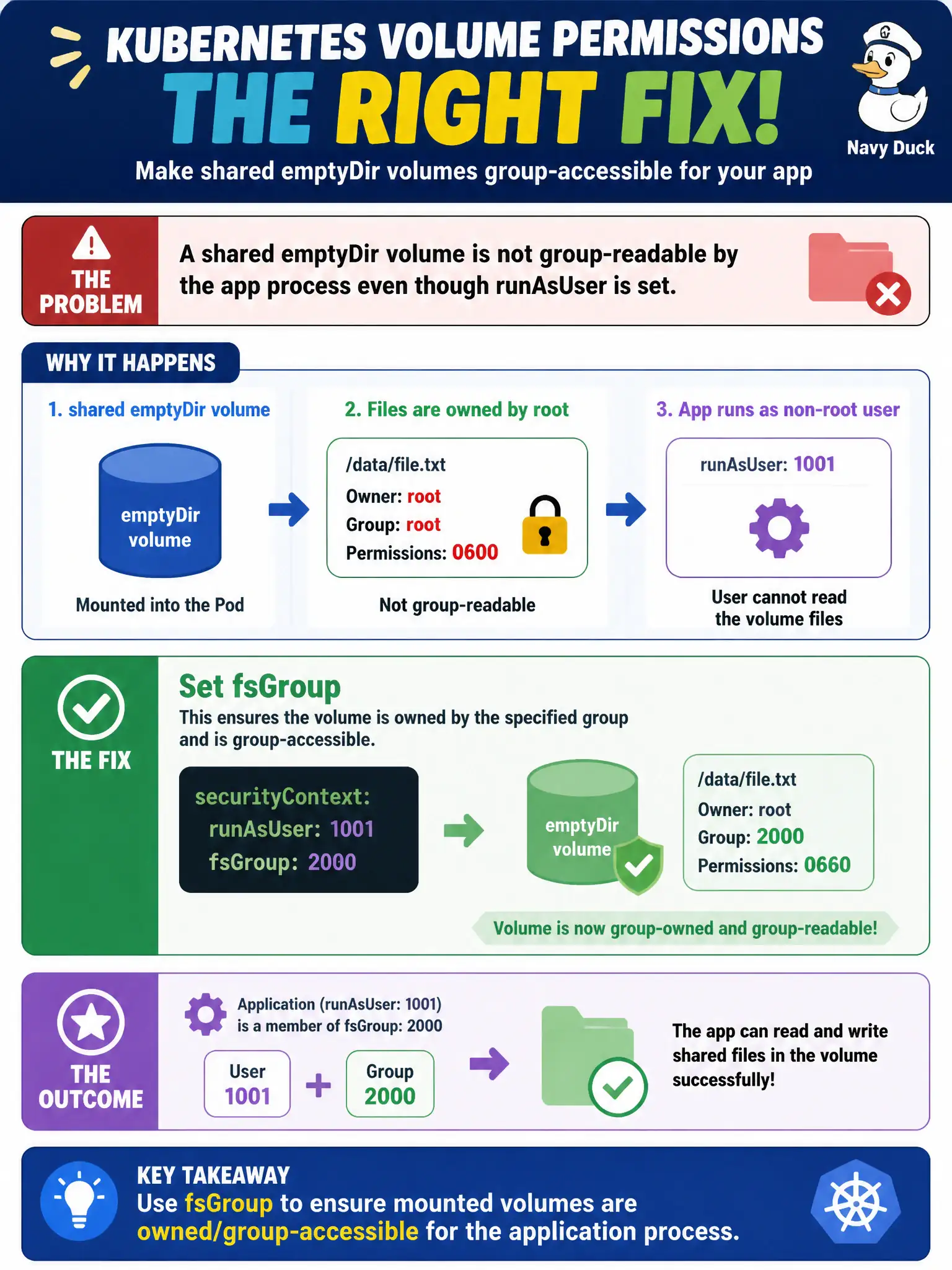
A shared emptyDir volume is not group-readable by the app process even though runAsUser is set. Which Pod securityContext field should fix volume group permissions?
Select an answer to reveal the explanation.
Short Explanation
fsGroup is how Kubernetes says "make these mounted files readable by this group badge." Set it on the Pod securityContext so volumes match the app UID/GID. hostPID, privilege escalation, and Service annotations won't fix mount ownership.
Full Explanation
When a shared emptyDir (or other volume) is not group-readable by the application process despite a configured runAsUser, the usual Pod-level fix is fsGroup in the Pod securityContext. fsGroup tells Kubernetes to adjust ownership/permissions on mounted volumes so processes in that supplemental group can access the files. For municipal apps running as non-root, fsGroup aligns volume group access with the identity the container actually uses, fixing “permission denied” on shared mounts without making the process root.
hostPID: true shares the node PID namespace and does not correctly fix volume group permissions for emptyDir. allowPrivilegeEscalation: true does not rewrite mount ownership and weakens security rather than solving group access. Annotating a Service with fsGroup is invalid for this purpose: volume permission policy lives on the Pod securityContext, not on Service metadata.
Exam caveat: fsGroup is Pod-scoped; combining it with runAsUser/runAsGroup is a common pattern for non-root city apps that mount shared volumes. Some volume types and CSI drivers have nuances, but for emptyDir the fsGroup behavior is the standard CKAD expectation. Operational check: reproduce the permission error, set spec.securityContext.fsGroup to the intended group, recreate the Pod, and confirm the app can read/write the emptyDir path. kubectl describe pod should show the Pod securityContext; city reviewers should see non-root UIDs plus fsGroup rather than privileged workarounds.