
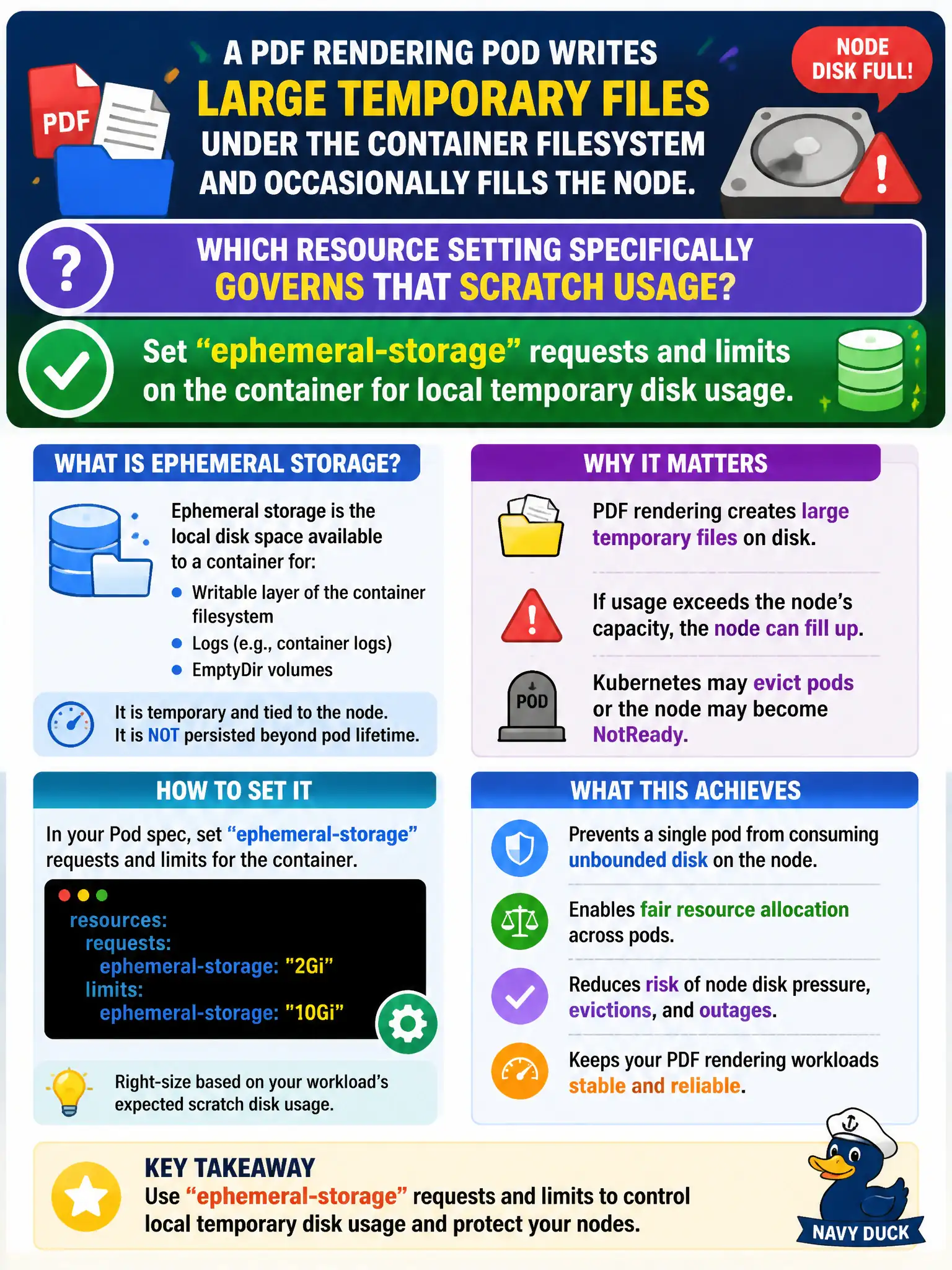
A PDF rendering Pod writes large temporary files under the container filesystem and occasionally fills the node. Which resource setting specifically governs that scratch usage?
Select an answer to reveal the explanation.
Short Explanation
Scratch PDFs pile up like junk on a shared desk—ephemeral-storage is the quota for that desk space. Put requests and limits on ephemeral-storage so the platform can schedule and evict fairly. CPU bumps and readiness probes don't meter local disk fill.
Full Explanation
A PDF rendering Pod that writes large temporary files under the container filesystem and occasionally fills the node should set ephemeral-storage requests and limits on the container to govern local temporary disk usage. Those fields let the scheduler account for scratch needs and allow the kubelet to enforce limits before the workload silently consumes node disk. Municipal PDF workers are classic ephemeral-storage consumers.
Setting only resources.requests.cpu higher so the scheduler prefers emptier nodes does not specifically govern scratch disk usage. Using a hostPath volume pointed at / so scratch writes count as StorageClass capacity is dangerous and misuses hostPath. Relying solely on a ReadinessProbe failure threshold to evict Pods before disk fills is unrelated to disk accounting and does not cap filesystem growth.
Exam caveat: writes to the container overlay and to emptyDir generally count against ephemeral storage; size emptyDir when possible for large scratch. Operational check: set ephemeral-storage request and limit, deploy the renderer, generate large temp files in a test, and confirm enforcement or scheduling fit behaves as intended. In CKAD scenarios involving q207, prefer verifying the live object with kubectl get and describe before changing cluster-wide settings.