
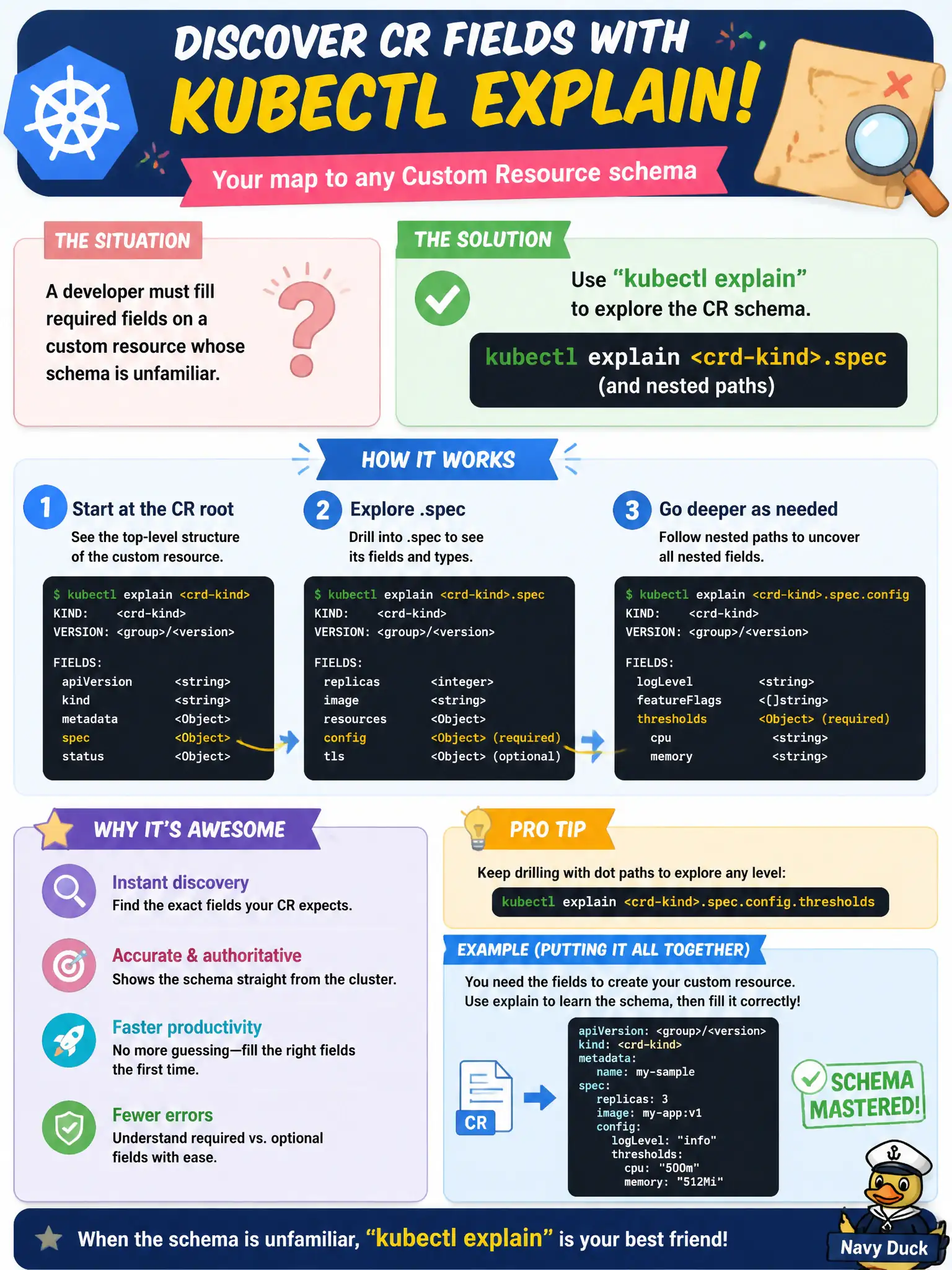
A developer must fill required fields on a custom resource whose schema is unfamiliar. Which kubectl aid helps document those fields?
Select an answer to reveal the explanation.
Short Explanation
kubectl explain is the in-cluster field guide—point it at kind.spec and it walks the properties. Use it for CRDs the same way you do for Pods. No need to cordon nodes to read a schema.
Full Explanation
When required fields on an unfamiliar custom resource are unclear, kubectl explain <crd-kind>.spec (and nested paths like .spec.storage) documents fields from the cluster’s OpenAPI/CRD schema. That in-cluster field guide helps municipal developers fill valid CRs without guessing from random Pod logs or tribal wiki pages. Explain works for CRDs the same way it does for built-in kinds when the CRD publishes schema, which is exactly when you need help before writing manifests.
kubectl attach to a random Pod hoping schema prints on stdout fails—attach connects to a container process I/O stream, not CRD documentation. Cordoning each node to dump OpenAPI into kubelet logs fails operationally, harms scheduling capacity, and does not provide a usable interactive field guide. Tainting the control plane with explain=true fails because taints only affect Pod scheduling eligibility; they do not enable schema comments.
Exam caveat: some CRDs lack comprehensive OpenAPI and explain output may be thin—then consult the Operator’s docs, but try explain first in exam conditions. Operational check: run kubectl explain <Kind>.spec, drill into required nested fields, draft the CR for the civic workload, and kubectl apply --dry-run=server before committing the change.